

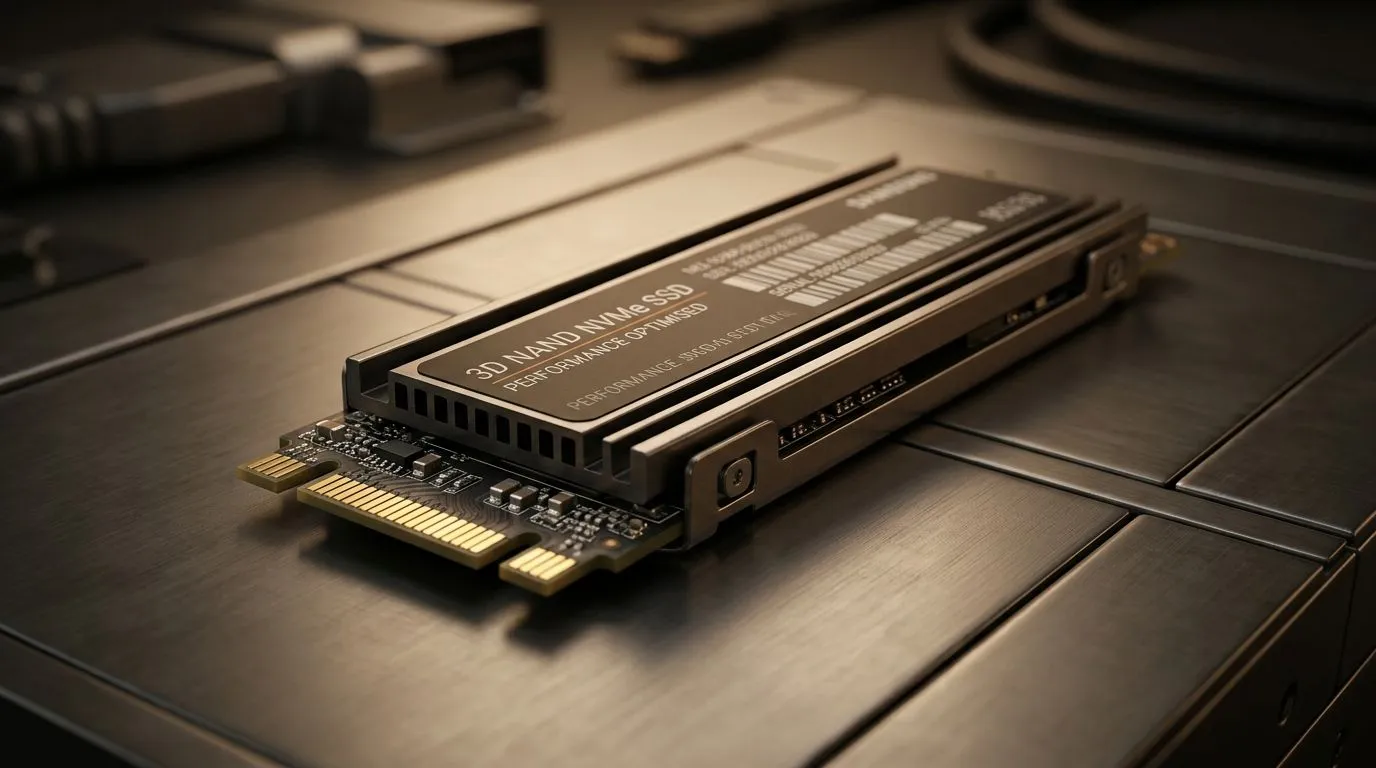
3D NAND SSD Performance Optimization Tips for Speed and Longevity: a faster boot, fewer hiccups, happier game nights ⚡
If your SSD feels great today but slows down tomorrow, you’re not imagining it. South African gamers live on tight budgets, so you want drive performance that lasts... not a “set and forget” surprise. 3D NAND SSDs are popular for a reason: strong endurance and fast reads. But peak speed needs a bit of care. Let’s walk through practical tweaks to get smoother installs, quicker loads, and better longevity without killing your storage space.
3D NAND SSD Performance Optimization Tips for Speed and Longevity: start with setup that actually matters 🔧
Use the right SSD for your PC (and your slot)
Before you optimise anything, check physical fit. If you’re using an M.2 slot, choosing the correct form factor matters for both performance and thermals. You can browse M.2 options here: M.2 2280 SSDs.
If you want a specific brand lineup, Evetech can help narrow it down quickly:
And if you’re still comparing models, this overview is a good starting point: Solid State Drives (SSDs) at Evetech.
Make sure you’re not accidentally limiting speed
PCIe generations and controller support vary. If your drive is Gen 5 capable but your motherboard slot runs at lower speeds, you’ll see different results. This page helps you filter by interface generation: [SSD interface options](https://www.evetech.co.za/PC-Components/buy-solid-state-drives-83?attributes-interface=Gen+5+%28NVM…
3D NAND SSD Performance Optimization Tips for Speed and Longevity: settings that prevent slowdowns 🚀
Leave breathing room (yes, really)
When SSDs get nearly full, write performance can drop. Keep at least 10–20% free if you can. For gamers, that means avoiding “SSD maxed out” before the next patch cycle. It also helps with wear leveling over time... since the drive has more space to work with.
Keep firmware updated
SSD vendors regularly improve performance consistency and reliability through firmware updates. Check your manufacturer’s utility or the brand’s support page, then update only when you’re confident it matches your exact drive model. If you’ve had random stutters after updates, firmware is often worth checking.
Enable trimming correctly (and trust the OS)
For modern SSDs, TRIM helps the drive manage free blocks efficiently. On Windows, ensure you have TRIM enabled (it’s typically on by default). If it’s disabled, you can see long-term write slowdown.
Productivity Pro Tip 🔧
On Windows, go to Settings and then System > Storage to quickly spot which game launchers, shader caches, and temporary files are eating your SSD. Clear temporary downloads, reduce excessive cache size in your game launcher, and keep a 10–20% free buffer so your 3D NAND SSD stays fast during busy patch weekends.
3D NAND SSD Performance Optimization Tips for Speed and Longevity: gaming-specific wins ✨
Put your biggest games on the fastest drive you have
If you have more than one SSD, use the quicker one for your most-played titles. Load screens and asset streaming benefit most. Less waiting during match-making is the kind of upgrade you feel immediately.
Control shader and cache behaviour
Many games generate shader caches and may keep old versions after major updates. If you’re seeing “first match after patch” lag, look for in-game options or launcher settings that manage cache size.
Don’t benchmark while the PC is busy
Drive speed tests can be distorted by background tasks: antivirus scans, game launchers updating, Windows indexing, or downloads. Run benchmarks after a restart, then keep other apps closed for cleaner results.
3D NAND SSD Performance Optimization Tips for Speed and Longevity: quick checklist before you buy or tweak ⚡
- Keep 10–20% of SSD space free.
- Confirm your motherboard slot matches your SSD’s interface.
- Update SSD firmware from the correct vendor tool.
- Ensure TRIM is enabled on Windows.
- Place your main games on your fastest SSD.
- Manage caches so you don’t slowly fill the drive.
If you’re ready to upgrade instead of troubleshooting, it’s often faster to choose the right 3D NAND SSD first, then apply these optimisations. That combo gives you the best “speed today and tomorrow” outcome.
Ready to Find Your Perfect Match? The Mac vs Windows debate is complex, but for maximum power, choice, and value in South Africa, Windows is hard to beat. Explore our massive range of laptop specials and find the perfect machine to conquer your world.











