

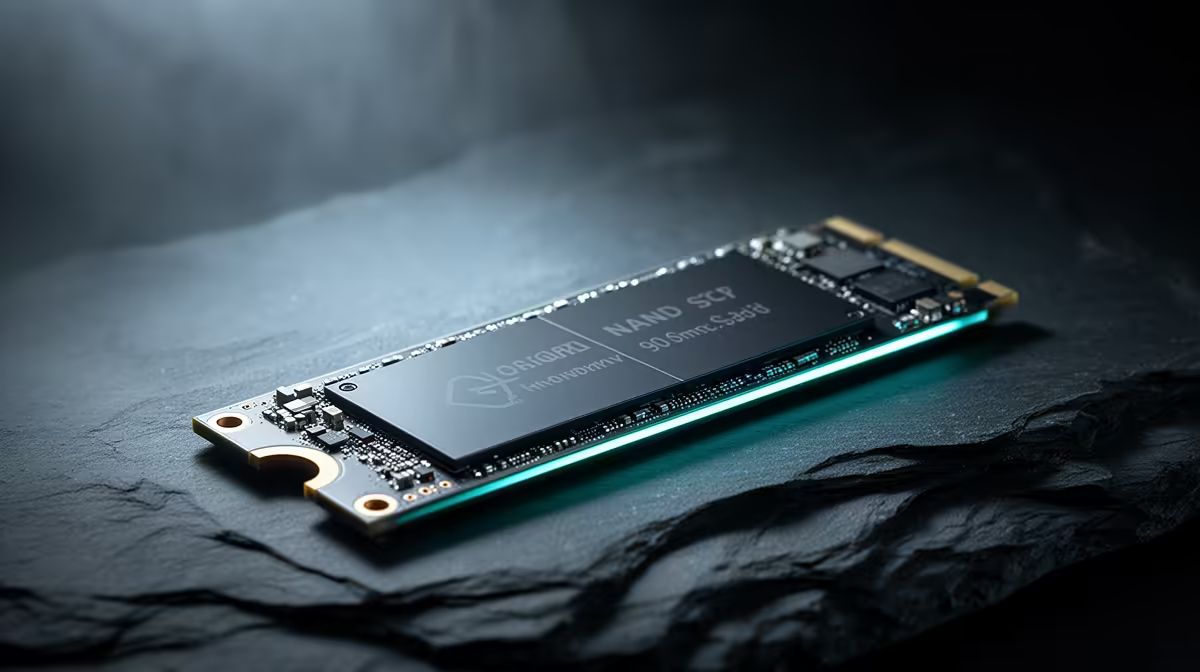
3D NAND SSD Technology Explained: Reliability Gains for South African gamers
If your rig boots into games and then stutters after an update… don’t blame your GPU first. A big part of “random” performance issues can come from storage. In South Africa, where power cuts happen and budgets are real, choosing the right SSD matters. 3D NAND SSD technology is one of the most practical upgrades you can make. And it’s not just about speed… it’s about staying reliable over time. Let’s break down what’s actually going on. 🔧✨
How 3D NAND works (and why it tends to last) 🚀
Traditional NAND stores data in a flat grid. 3D NAND stacks memory cells vertically, so you can fit more capacity in the same space. That vertical stacking generally helps manufacturers produce denser drives with improved endurance characteristics compared to older planar designs, depending on the controller, firmware, and NAND grade.
Here’s the key practical takeaway: reliability isn’t only one “magic chip”. It’s the full SSD system:
- Controller + firmware that manages wear and error correction
- NAND type (3D vs older planar)
- Over-provisioning (extra spare space for background management)
- Thermals and power stability (heat and unsafe shutdowns can hurt)
If you want to compare SSDs properly, focus on the drive type and form factor first. That’s where you’ll get the biggest compatibility wins for your setup.
Reliability Gains: what to look for before you buy ⚡
“Reliability gains” should show up in your decision, not just in a marketing line. Consider these buying checks:
Endurance and workload fit
For gaming PCs, you might not write terabytes daily like a workstation. But installs, shader caches, and Windows updates still write a lot over the year. Look for SSD models that are clearly aimed at client use and have reputable warranty/support.
Form factor and upgrade path (M.2 vs SATA)
Most modern gaming builds in SA use M.2 NVMe. If you’re upgrading a PS5-style external setup, you might look elsewhere, but for a desktop, M.2 is usually the cleanest upgrade.
If you want options across capacities and brands, start with Evetech’s SSD listings:
- Browse their solid-state drives here: Buy solid-state drives (general)
- Or filter by your preferred manufacturer, like ADATA SSDs
- and Kingston SSDs
- If you specifically need the common stick size, check M.2 2280 options: M.2 2280 SSDs
- And if you’re targeting newer performance tiers, narrow by interface generation: Gen 5 (NVM…) SSDs
Real-world reliability habits that actually help ✨
Even the best SSD can suffer if the environment is rough. Here are habits that matter in South African homes:
- Avoid surprise shutdowns when possible (UPS helps).
- Keep airflow decent. SSDs can throttle under heat, which can feel like “random stutter”.
- Leave some free space. Filling an SSD close to capacity reduces performance consistency and can affect wear behaviour.
- Update firmware when appropriate. This is often where stability improvements show up.
Productivity Pro Tip ⚡
On gaming PCs with ultrawide or multiple monitors, use Windows Storage Sense to keep your free space healthy by automatically cleaning temporary files and downloads. More free space reduces the chance of your SSD slowing down during big game updates and shader rebuilds.
What this means for your next upgrade
So, should you choose 3D NAND SSD tech? For most builders in SA, it’s a strong default. Reliability gains come from how modern 3D NAND designs fit with controllers that manage wear more intelligently. The smart move is to pick the right form factor (often M.2 2280), the right interface generation for your motherboard, and a drive from a brand with solid local support.
Ready to upgrade without second-guessing compatibility?
Ready to Find Your Perfect Match? The Mac vs Windows debate is complex, but for maximum power, choice, and value in South Africa, Windows is hard to beat. Explore our massive range of laptop specials and find the perfect machine to conquer your world.











