


GTA 6 Max Settings on RTX 5070: Complete Guide
GTA 6 Max Settings on RTX 5070. Tested & verified settings for best FPS and visual quality on SA hardware budgets.
Read moreDiscover how a 40-inch 5K monitor transforms editing workflows. Experience unmatched clarity and efficiency. 🎥💻 Improve timeline navigation today!
Staring at your editing timeline feels like trying to navigate the N1 in rush hour, right? You’re constantly scrolling, zooming, and stacking clips, losing your creative flow in a sea of tiny thumbnails. What if you could see your entire project, from the first cut to the final render, laid out in one glorious, uninterrupted view? That’s not a dream… it’s the reality of upgrading to a monitor that offers massive 40-inch 5K2K editing timeline space.
Let's get straight to it. "5K2K" isn't just another tech buzzword; it's a specific resolution (5120 x 2160) that gives you the width of a 5K display with the vertical height of a 4K display. For a video editor in South Africa, this is massive. It means you can view a full 4K video preview at its native resolution and still have ample space on the sides for your bins, effects panels, and audio meters.
This isn't just a minor upgrade from a standard 4K screen. That extra horizontal real estate is precisely where the magic happens for your workflow. The expanded 40-inch 5K2K editing timeline space allows you to see more of your project without constantly using the scroll bar, which means faster, more intuitive edits. It’s the difference between seeing a paragraph and seeing the whole page. If you're serious about your craft, exploring the latest 5K and 4K monitors is your next logical step.
Imagine this: your Premiere Pro or DaVinci Resolve timeline stretches across the screen, showing minutes of footage instead of seconds. Your colour grading tools are open in one corner, your audio tracks are clearly visible at the bottom, and your preview window is perfectly crisp in another. No more Alt-Tabbing or resizing windows. This is the workflow efficiency that a superior 40-inch 5K2K editing timeline space delivers.
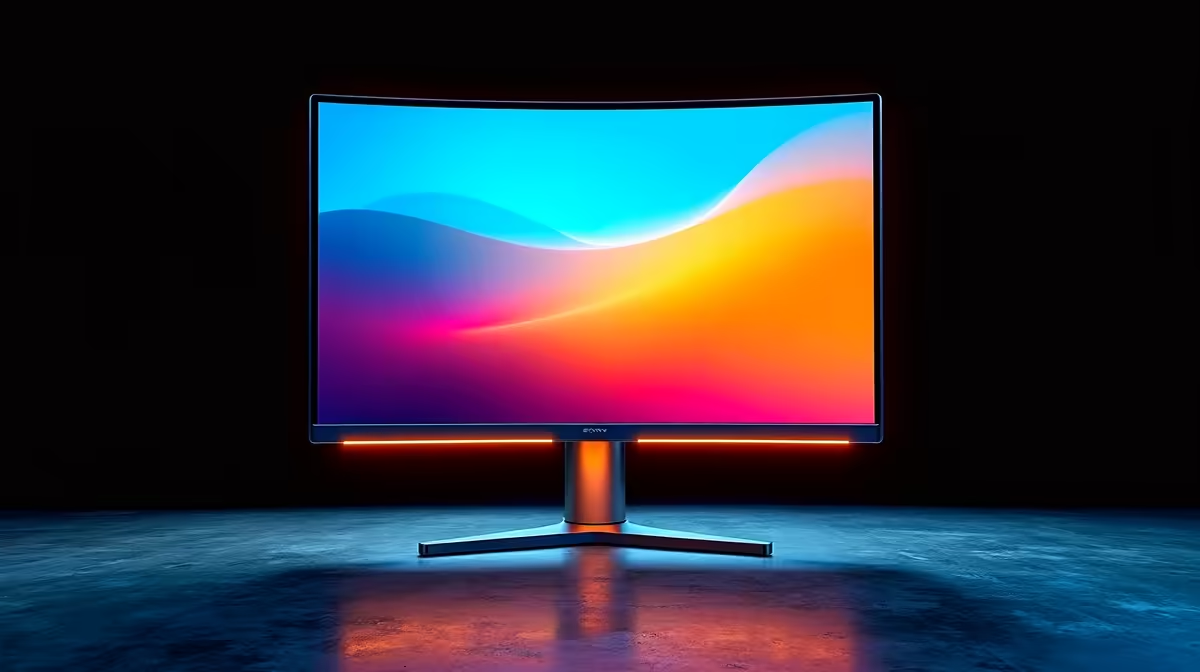
Many of these ultrawide displays also feature a gentle curve, which helps keep the entire screen within your field of view, reducing eye strain during those long editing sessions. These immersive curved monitors are designed for comfort and focus. ✨
Use a window management app like Microsoft PowerToys' FancyZones. You can create custom layouts to snap your editing software, browser, and folders into perfect position on your ultrawide screen with a single click.
A 40-inch ultrawide is a serious piece of kit, so let's talk practicalities. Does it fit on your desk? You'll need a decent amount of space, and a sturdy monitor arm from our range of monitor accessories is highly recommended to reclaim your desk area. 🔧
What about your PC? Driving all those pixels requires a capable graphics card. While you don't need a top-tier gaming GPU, something from the last few generations will ensure a smooth experience. This is where editing monitors differ from all gaming monitors, which prioritise refresh rates over raw pixel-pushing power and colour accuracy.
For some, a dual-monitor setup might still be the answer, perhaps pairing a main editing screen with a smaller, more versatile portable monitor for scripts or client feedback. Ultimately, choosing from the wide world of PC monitors comes down to your unique workflow and budget. 🚀
The investment in a high-resolution ultrawide pays for itself in saved time and reduced frustration. Seeing your entire creative vision at once is a powerful tool. If you've been waiting for the right moment to upgrade your setup, keep an eye on the best PC monitor deals to find premium performance without breaking the bank.
Upgrade Your Creative Workspace Stop scrolling and start creating. Explore our curated selection of high-resolution monitors designed to give you the ultimate editing timeline space. Shop now at Evetech for performance that brings your vision to life.
Yes, its large space boosts editing timeline organization.
5K offers ultra-sharp detail for precise video editing. ✍️
A 40-inch 5K monitor maximizes timeline space for editing.
2K provides sufficient clarity for most editing timelines.
Yes, bigger screens enhance timeline visual organization. 🖥️
Ample space improves timeline navigation and multitasking.
Higher resolution ensures more precise editing control. 🎯
GTA 6 Max Settings on RTX 5070. Tested & verified settings for best FPS and visual quality on SA hardware budgets.
Read more
Cyberpunk 2077 Max Settings on RTX 5080. Tested & verified settings for best FPS and visual quality on SA hardware budgets.
Read more
Starfield Max Settings on RTX 5070 Ti. Tested & verified settings for best FPS and visual quality on SA hardware budgets.
Read more
AMD RX 9050 XT: Rumoured Specs, Price & Release. SA-focused analysis with local pricing data, real-world insights & actionable buying advice.

Can RTX 4080 Super Run AI Workloads for SA Developers Detailed answer with SA data, expert analysis & practical recommendations for local buyers.

Can RTX 4090 Run AI Workloads for SA Developers Detailed answer with SA data, expert analysis & practical recommendations for local buyers.

Top Settings for Intel Arc B580 at Ultrawide 1440p picks evaluated on performance, value & SA availability with current Rand pricing from Evetech.

RTX 4060 CS2 Low Settings at 1080p: FPS Results. Real-world benchmark data, FPS numbers & performance analysis. What SA gamers can actually expect.

Visual Artifacts: Possible GPU Issue Issue #1. Diagnosis steps, proven fixes & when to seek professional help. SA-specific support info included.

Can the RTX 4090 Handle 1440p 144Hz Gaming. Performance testing verdict with real data & practical recommendations for SA buyers.

Top ASUS GPU Under R15000 picks evaluated on performance, value & SA availability with current Rand pricing from Evetech.
GTA 6 Max Settings on RTX 5070. Tested & verified settings for best FPS and visual quality on SA hardware budgets.
Cyberpunk 2077 Max Settings on RTX 5080. Tested & verified settings for best FPS and visual quality on SA hardware budgets.
Starfield Max Settings on RTX 5070 Ti. Tested & verified settings for best FPS and visual quality on SA hardware budgets.

Top RTX 5090 Under R5000 picks evaluated on performance, value & SA availability with current Rand pricing from Evetech.