

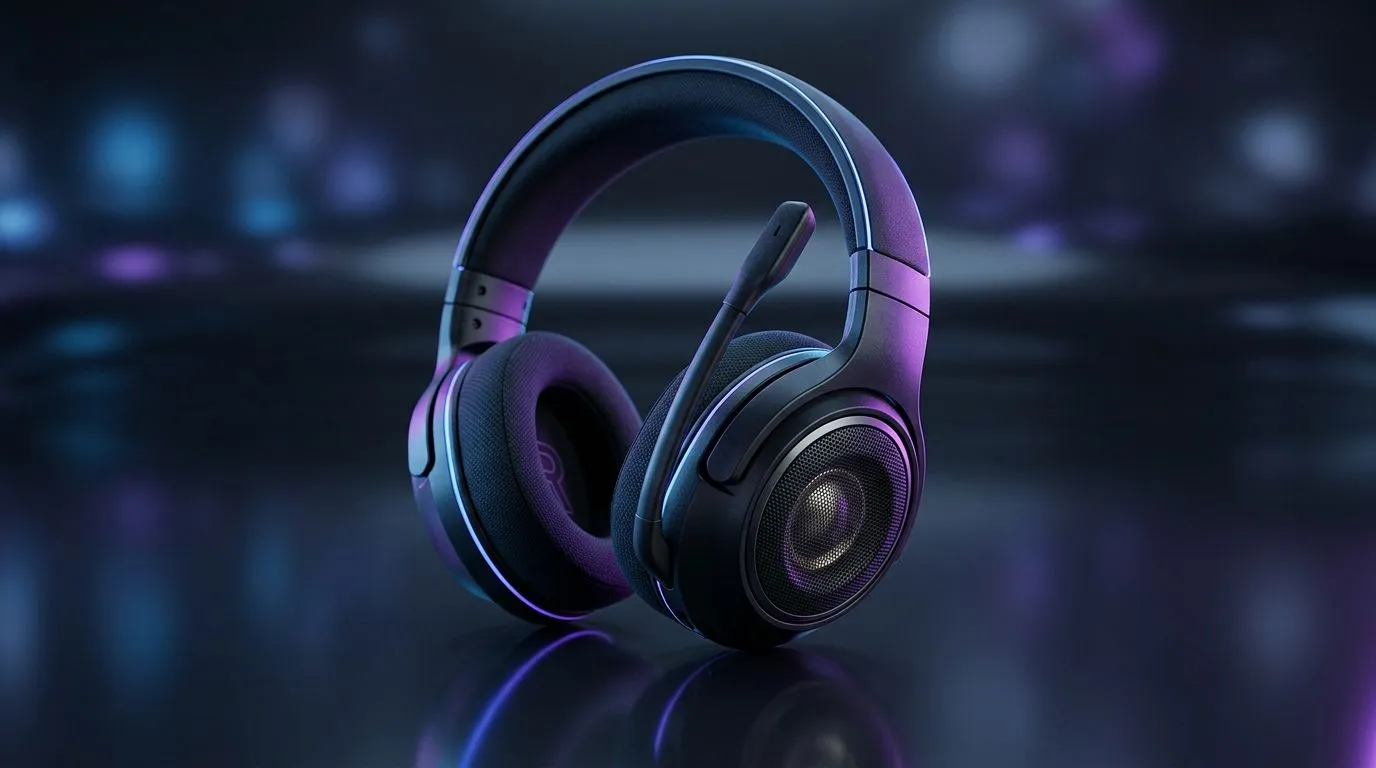
40mm Neodymium Drivers Hook: the detail gamers actually feel 🎧
If you’ve ever wondered why some headsets sound crisp and “tight” while others feel muddy… it often comes down to the driver. In most modern gaming headsets, that driver size is commonly 40mm, and many models use neodymium magnets. That combo helps the audio move with more control, especially when explosions and gunfire stack up fast. For South African buyers planning a setup on a real budget, this matters.
Why 40mm Neodymium Drivers are so common in gaming headsets ⚡
A 40mm Neodymium Driver is essentially a small speaker element designed to move air efficiently. The “40mm” refers to the driver diameter, which influences how much it can displace and how it behaves across frequencies. The “neodymium” part refers to the magnet material. Neodymium magnets are popular because they’re strong for their size, which helps deliver consistent performance without making the headset bulky.
In gaming, your ears need two things at once: clarity (for footsteps and callouts) and impact (for explosions and bass-heavy tracks). Strong magnets and well-tuned drivers help the headset stay responsive across the soundscape, rather than smearing details when things get loud.
The practical payoff during matches 🚀
Think of a competitive round in Apex or CS2. When audio layers pile up, you want “separation”, not just volume. A properly tuned 40mm neodymium setup can make mid-range cues clearer, so you notice where movement is coming from, not just that something is happening.
Setup Pro Tip 🔧
fastest way to confirm driver quality is to tune your headset for your room. On Windows, run a quick listening check: play a track with both quiet vocals and bass hits, then toggle between default and your EQ preset. If footsteps or dialogue get lost at higher bass levels, reduce the low-end by a small step. This keeps game audio readable without sacrificing impact.
40mm Neodymium Drivers: what to look for when buying 🎮
Not every “40mm” listing means the same tuning. When you’re shopping, focus on these buyer signals:
- Frequency response (where available): helps you understand how the headset claims to handle bass to treble.
- Impedance and sensitivity (if listed): these can affect how well your PC or controller drives the sound.
- Microphone quality and comfort: gaming headsets aren’t just audio. A good mic and a stable fit matter for ranked grind sessions.
If you’re looking at Razer’s lineup, Evetech’s product pages are a good place to start because they list the headset details clearly, and you can compare models side-by-side. For example, check the Razer Barracuda X Chroma (Wireless) here: Razer Barracuda X Chroma Wireless Headset (Phantom White). If you prefer wired or want to explore more options, their broader category pages make comparison easier: Razer Headphones & Headsets and Headphone Headsets Range.
Quick buying checklist for South African gamers ✨
Here’s a simple way to avoid regret after you’ve paid in ZAR:
- Match the headset to your rig (PC sound card vs onboard audio).
- Choose wireless if you hate cable friction, otherwise go wired for lower latency expectations.
- Prioritise comfort. If the cups press too hard, you’ll eventually stop wearing them.
- Aim for clarity first. You can always add a little bass with EQ, but you can’t “un-muddy” bad separation.
When 40mm Neodymium Drivers are paired with solid tuning, the headset tends to keep detail under pressure… and that’s what wins fights.
Ready to Find Your Perfect Match? Find the right gaming headset for your setup and budget at Evetech. Whether you’re chasing crisp footsteps, richer bass, or all-day comfort, it’s easier when you can compare models quickly. Explore our massive range of laptop specials and deals to build the full system around your sound. Explore our massive range of laptop specials and find the perfect machine to conquer your world.











