


Humidity Damage to PC Components: Recovery Guide
Humidity Damage to PC Components: Recovery Guide. Everything you need to know with SA pricing, step-by-step instructions & expert recommendations.
Read moreA 47g ultra-light gaming mouse for FPS precision helps reduce drag for faster flicks and steadier tracking. In this guide, you’ll learn what specs improve aim and how to choose your next upgrade 🎯⚡
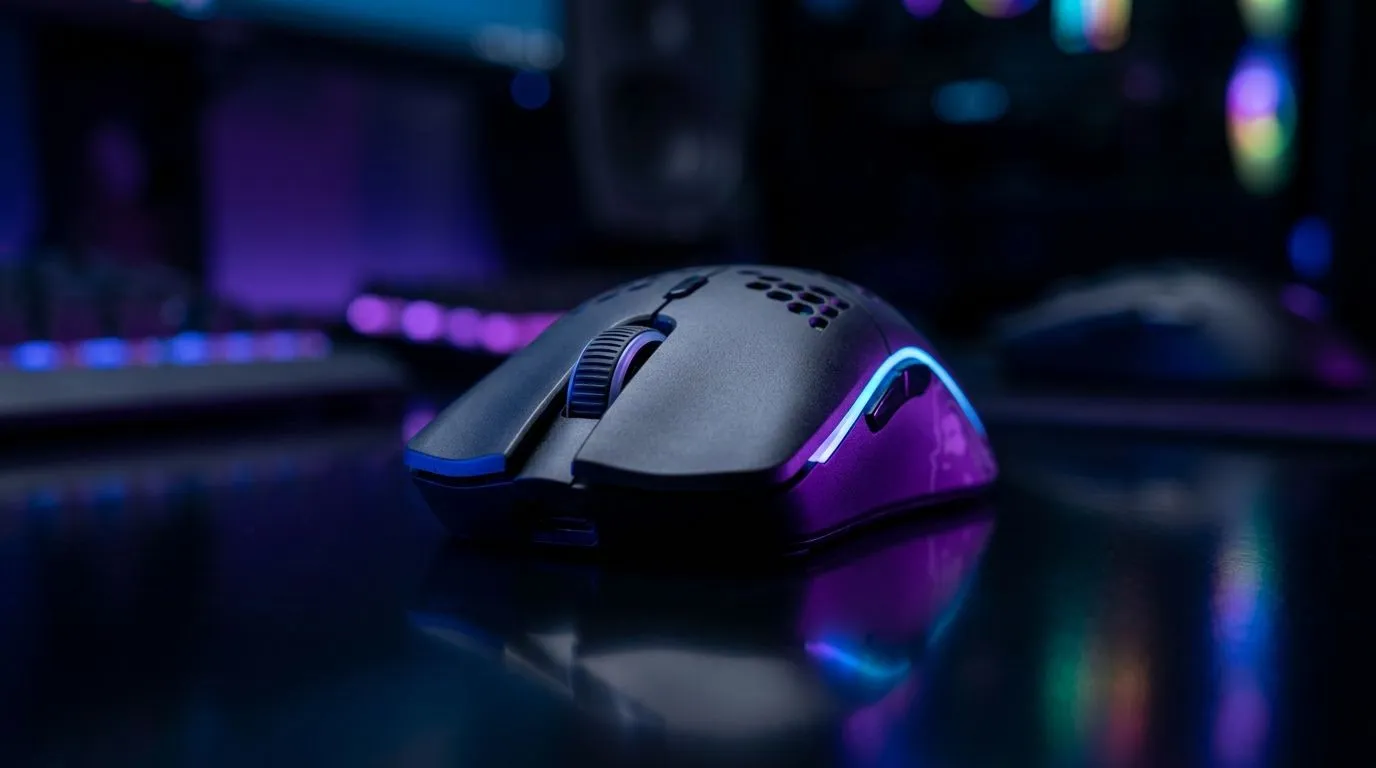
If your sensitivity feels “floaty” or your flicks don’t land where you intended… you’re not alone. South African FPS players constantly juggle load shedding schedules, laggy servers, and that one setting that somehow ruins your day. 🎯
A 47g ultra-light mouse is built for fast micro-adjustments. Less weight means less inertia… so your hand can correct aim quicker during strafes and close-quarters fights. In this Deep Dive, we break down what to look for so your mouse doesn’t just feel light… it performs.
Ultra-light isn’t magic. It’s physics and consistency.
When you flick from target to target, you’re moving your wrist and fingers rapidly. If the mouse body is heavier, your motion needs more force to start and stop. With a lighter build, those start-stop corrections are often smoother, especially when you’re tracking movement at medium ranges.
But weight alone is not enough. For FPS precision and flick shots, look for:
At Evetech, you can compare mouse options by category:
In South Africa, network consistency is already a challenge. So when you add wireless, your priority is stable tracking and low latency behaviour in your specific use-case.
Wired is straightforward: plug in, forget it. Wireless can be just as competitive when the battery life, receiver placement, and connection quality are right.
If you’re shopping deals first (very SA, very understandable), start here:
a simple rule: set DPI so your “full turn” in-game is repeatable. Then adjust in-game sensitivity until a 180-degree turn lands consistently. When you switch to an ultra-light mouse, re-check both DPI and sensitivity, because your muscle memory will change after even a few sessions.
Want your flicks to improve fast? Don’t just install the mouse and hope. Do this first:
Also, match your mouse shape to your grip. Palm, claw, and fingertip grips all distribute pressure differently. If the mouse sits wrong, the light weight will feel “twitchy” instead of precise.
For more options in one place, browse:
If you’re specifically chasing flick-shot accuracy, prioritise controllability over “spec flexing”. A 47g style mouse tends to reward players who like quick corrections and clean resets.
Before you checkout, ask yourself: do you want precision through speed (ultra-light) or comfort through steadiness (slightly heavier)? Either is valid. The best mouse is the one your hand trusts after 3 matches… not after 3 minutes.
Ready to Find Your Perfect Match? The Mac vs Windows debate is complex, but for maximum power, choice, and value in South Africa, Windows is hard to beat. Explore our massive range of laptop specials and find the perfect machine to conquer your world.
Yes—47g ultra-light gaming mouse models can reduce perceived drag, helping you start and stop swings faster for more consistent flick shots.
Precision depends on sensor quality, stable glide feet, and adjustable settings like lift-off distance and DPI. Weight helps, but consistency wins.
It can be. Many low-sens players benefit from faster initial motion and easier micro-corrections, especially when paired with accurate tracking.
Look for a high-performance optical sensor, consistent tracking across surfaces, and solid prediction behavior with accurate CPI/DPI steps.
Good skates reduce friction and improve repeatability. Faster glide can boost flick speed, while surface-matched pads help control.
Often, yes. Start with your current settings, then fine-tune DPI and sensitivity to keep muscle memory while benefiting from reduced weight.
Not if the mouse fits your grip and your settings are stable. A light mouse can improve control when balanced and used with proper surface friction.
Humidity Damage to PC Components: Recovery Guide. Everything you need to know with SA pricing, step-by-step instructions & expert recommendations.
Read more
Gamer Spending Trends April : Complete Setups. Clear setup instructions with SA-specific considerations, troubleshooting tips & recommended components.
Read more
Setting Up DDR5 32GB Kit. Tested & verified settings for best FPS and visual quality on SA hardware budgets.
Read more
Tech Setup Guide for SPU Res Students. Clear setup instructions with SA-specific considerations, troubleshooting tips & recommended components.
Read more
Monster Hunter Wilds Ultrawide Support: 21:9 and. Clear setup instructions with SA-specific considerations, troubleshooting tips & recommended components.
Read more
Apple iPad Durability Guide: Cases, Screen. Practical breakdown of costs, regulations & whether it makes financial sense for SA buyers.
Read more
AMD RX 9050 XT: Rumoured Specs, Price & Release. SA-focused analysis with local pricing data, real-world insights & actionable buying advice.

Can RTX 4080 Super Run AI Workloads for SA Developers Detailed answer with SA data, expert analysis & practical recommendations for local buyers.

Can RTX 4090 Run AI Workloads for SA Developers Detailed answer with SA data, expert analysis & practical recommendations for local buyers.

Top Settings for Intel Arc B580 at Ultrawide 1440p picks evaluated on performance, value & SA availability with current Rand pricing from Evetech.

RTX 4060 CS2 Low Settings at 1080p: FPS Results. Real-world benchmark data, FPS numbers & performance analysis. What SA gamers can actually expect.

Visual Artifacts: Possible GPU Issue Issue #1. Diagnosis steps, proven fixes & when to seek professional help. SA-specific support info included.

Can the RTX 4090 Handle 1440p 144Hz Gaming. Performance testing verdict with real data & practical recommendations for SA buyers.

Top ASUS GPU Under R15000 picks evaluated on performance, value & SA availability with current Rand pricing from Evetech.

GTA 6 Max Settings on RTX 5070. Tested & verified settings for best FPS and visual quality on SA hardware budgets.

Cyberpunk 2077 Max Settings on RTX 5080. Tested & verified settings for best FPS and visual quality on SA hardware budgets.

Starfield Max Settings on RTX 5070 Ti. Tested & verified settings for best FPS and visual quality on SA hardware budgets.

Top RTX 5090 Under R5000 picks evaluated on performance, value & SA availability with current Rand pricing from Evetech.