You’ve done it. You’ve finally ascended, dropping some serious ZAR on a shiny new 4K monitor and a graphics card that could probably power a small town. You fire up your favourite game, expecting buttery-smooth visuals… but something’s off. The frames aren’t hitting the numbers you saw in the benchmarks. Before you panic, let’s talk about the silent performance killer that might be hiding in your rig: a 4K stress test CPU bottleneck.
Understanding the 4K CPU Bottleneck Myth
Conventional wisdom says CPU bottlenecks don't happen at 4K. The theory is sound: at such a high resolution, your GPU is sweating bullets pushing all those pixels, leaving your CPU with plenty of breathing room. For most games, this holds true.
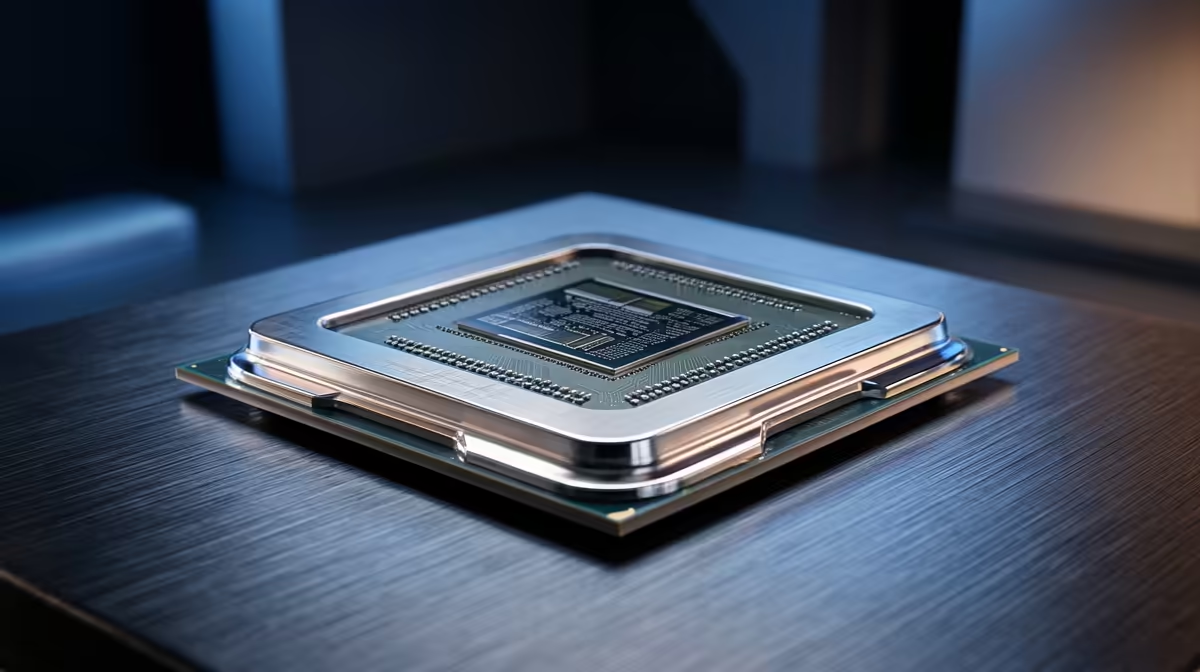
But what happens when you push your system to its limits? In CPU-heavy games like Cyberpunk 2077 with crowds on ultra, or in competitive titles where every frame-per-second counts, the story changes. A 4K stress test CPU bottleneck is revealed when your processor can't prepare frames fast enough for your powerhouse GPU to render, even with the demands of 4K resolution. 🚀
How to Spot a CPU Bottleneck in Your 4K Rig
Think your CPU might be holding your new GPU hostage? It’s surprisingly easy to check. You don’t need a fancy degree… just the right tools and a few minutes.
The most reliable method is to use monitoring software like MSI Afterburner while you’re in-game. Here’s what to look for:
- GPU Usage: Is your graphics card sitting comfortably below 95-99% utilisation? If it’s not working at its full potential, something is holding it back.
- CPU Usage: At the same time, check if one or more of your CPU cores are pinned at 100%. This is the classic sign of a CPU bottleneck.
If you see low GPU usage paired with maxed-out CPU cores, you've found your culprit. Your system is unbalanced, and it’s costing you performance. Ensuring you have one of the right CPU processors is the first step to fixing this imbalance.
Check Your Single-Core Speed
Many games still rely heavily on the speed of a single CPU core, not just how many cores you have. When diagnosing a bottleneck, pay close attention to individual core usage. A CPU with high single-thread performance can often deliver a smoother 4K experience in games that aren't perfectly optimised for multi-threading.
When Your CPU Matters Most for 4K Gaming
So, when does this performance drag really become a problem? A CPU bottleneck at 4K is most noticeable in specific scenarios that push your processor harder than usual.
High Refresh-Rate Gaming
If you’re pairing your 4K screen with a 120Hz or 144Hz refresh rate, your CPU's job becomes much harder. It has to prep a massive number of frames every second to feed the GPU. An older or mid-range processor can easily stumble here, causing stuttering that ruins the high-refresh experience. For this kind of workload, a powerful Intel CPU with high clock speeds is often a fantastic choice. ✨
CPU-Intensive Games & Simulators
Games with complex AI, physics calculations, or huge worlds—think strategy titles, flight simulators, or open-world RPGs—hammer your CPU. In these titles, your processor is doing a lot more than just sending data to the GPU. It’s managing thousands of background calculations that can bring a lesser chip to its knees, regardless of resolution.
Fixing the Bottleneck: Is it Time for an Upgrade? 🔧
You’ve confirmed it: your CPU is the weak link. What now?
Before you open your wallet, try the simple stuff. Close unnecessary background applications like browsers or streaming apps while gaming. Make sure your motherboard BIOS and all your drivers are up to date. Sometimes, a simple software tweak is all you need.
If the problem persists, a hardware upgrade is the most effective solution. Moving to a modern processor will provide the necessary instructions-per-clock (IPC) and core count to keep pace with your GPU. Both the latest AMD CPUs and their Intel counterparts offer incredible leaps in gaming performance that can fully resolve a 4K bottleneck and unlock the true power of your rig.
Ready to Unleash Your GPU's True Power?
Don’t let an old processor sabotage your 4K dream rig. Explore our massive range of CPUs designed to crush bottlenecks and deliver the performance you paid for. Shop now at Evetech for a system that leaves lag in the dust.