

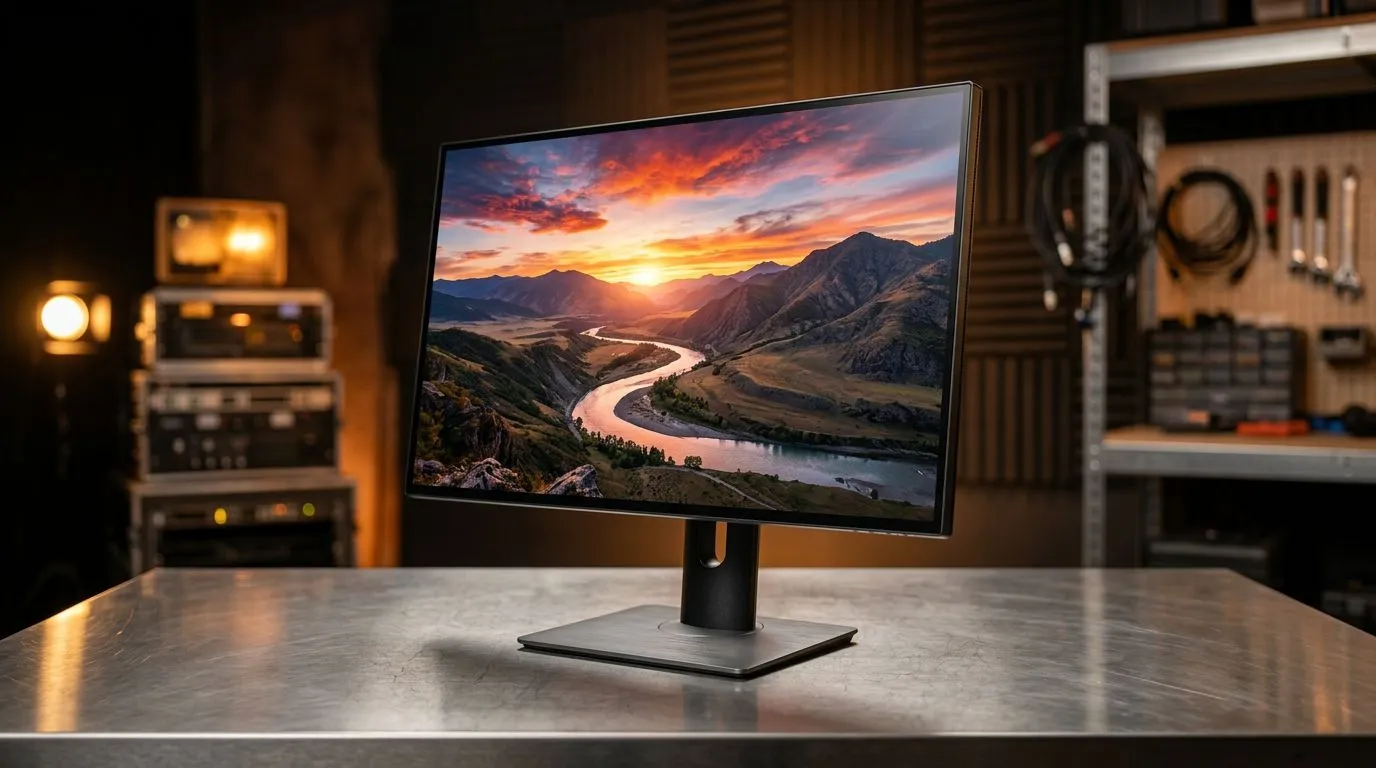
4K UHD Monitors for Content Creators: Resolution and Colour Accuracy for South African creators
If you edit 4K clips, you already know the pain… colours look great on your phone, then fall apart in your final export. For South African content creators, a monitor choice is not just “pixels”… it’s colour accuracy, reliable resolution, and a workflow that doesn’t waste your time.
In this guide, we’ll unpack what to look for in 4K UHD Monitors for Content Creators: Resolution and Colour Accuracy, plus how to avoid the most common setup mistakes. 🔧
4K UHD Monitors for Content Creators: Resolution and Colour Accuracy starts with the right panel
4K (3840 × 2160) gives you more workspace for timelines, colour grading tools, and multi-window editing. But “4K” alone doesn’t guarantee accurate colours.
Resolution: what 4K actually improves
- More detail in sharp footage previews
- More room for editing UI without constant zooming
- Cleaner text rendering in apps, especially when you scale correctly in your OS
If you’re shopping broadly for monitors, you can compare current deals and pick based on your editing needs on Evetech’s monitor collections: PC monitor deals for creators and builders and browse their full monitor range here: PC monitors category
Colour accuracy: why it’s the real deciding factor
For editing and colour-critical work, you want a monitor that can show consistent colours across brightness levels. In practice, that comes down to:
- A wider colour gamut (so colours don’t look “washed”)
- Better panel tuning (so skin tones don’t shift)
- Support for calibration (so your grading matches your output)
Because colour is subjective until it’s calibrated, treat “marketing specs” as a starting point, not the finish line.
4K UHD Monitors for Content Creators: Resolution and Colour Accuracy depends on calibration and viewing conditions
A technically perfect monitor can still produce wrong results if your room lighting is inconsistent or your settings are off.
Set it up for real work (not just “it looks nice”)
Before you judge colour:
- Match your room brightness (avoid direct sunlight on the screen)
- Let the monitor warm up for 20 to 30 minutes
- Use a calibration workflow or a validated preset
If you’re unsure where to begin, pick a monitor category that fits your editing style first. Many creators prefer an immersive view for timelines and reference material. Here are a few shopping paths:
- All gaming monitors (good for higher refresh options, too)
- Buy curved monitors (immersion for wider viewing, but still ensure good panel tuning)
Size and distance: a practical SA-living check
In typical South African setups, desks are often compact. If you sit close, a huge screen can distort your comfort and scanning speed. A 27–32 inch range is commonly practical for 4K. If you sit further back, bigger can make sense. Measure your viewing distance first, then shop.
4K UHD Monitors for Content Creators: Resolution and Colour Accuracy tips for faster editing workflows
Even with a great monitor, your workflow can slow down if windows don’t sit where you need them. That’s where small changes add up… quickly.
Productivity Pro Tip ⚡
On Windows, use the PowerToys FancyZones utility to create custom snap layouts for your windows. It's a lifesaver for managing multiple apps on an ultrawide monitor, letting you organise your timeline, preview window, and asset folders perfectly for video editing.
Choose a second monitor strategy
Many creators work better with a dual setup: one for timeline playback, another for reference, scopes, or chat. If portability matters because you work across locations in South Africa, you might also consider: Buy portable monitors
If you’re stepping beyond 4K
Some creators want even more detail or high-end workflows. If you’re considering 5K/4K combinations for extra clarity, check: Buy 5K/4K monitors
4K UHD Monitors for Content Creators: Resolution and Colour Accuracy includes the extras (yes, really)
Once you’ve picked your screen, don’t ignore the “supporting cast” that affects usability:
- Monitor arms for better height control
- Correct cables to avoid weird scaling or bandwidth issues
- USB docking if you’re building a cleaner workstation
Start with accessories here: Buy monitor accessories
Micro-checklist before you commit
When comparing monitors, look for:
- A calibration path (software support or calibration-friendly modes)
- Clear input support for your devices (PC, consoles, capture)
- Stable scaling at 4K (so text and UI don’t blur)
If a monitor deal looks good, but the colour story is unclear, you’re taking a risk. Better to spend a bit more on accuracy than redo edits later.
Ready to Find Your Perfect Match? The Mac vs Windows debate is complex, but for maximum power, choice, and value in South Africa, Windows is hard to beat. Explore our massive range of laptop specials and find the perfect machine to conquer your world.











