


MacBook Pro 16-Inch M5 Max: Complete Specs, Features and SA Pricing Guide
MacBook Pro 16-Inch M5 Max: Complete Specs,. Everything you need to know with SA pricing, step-by-step instructions & expert recommendations.
Read moreIs a 5MP webcam worth the upgrade over a 1080p camera for streaming? 📸 We break down image quality, sensor size, and bandwidth needs to help you decide if you really need those extra pixels for your next video call. 🚀
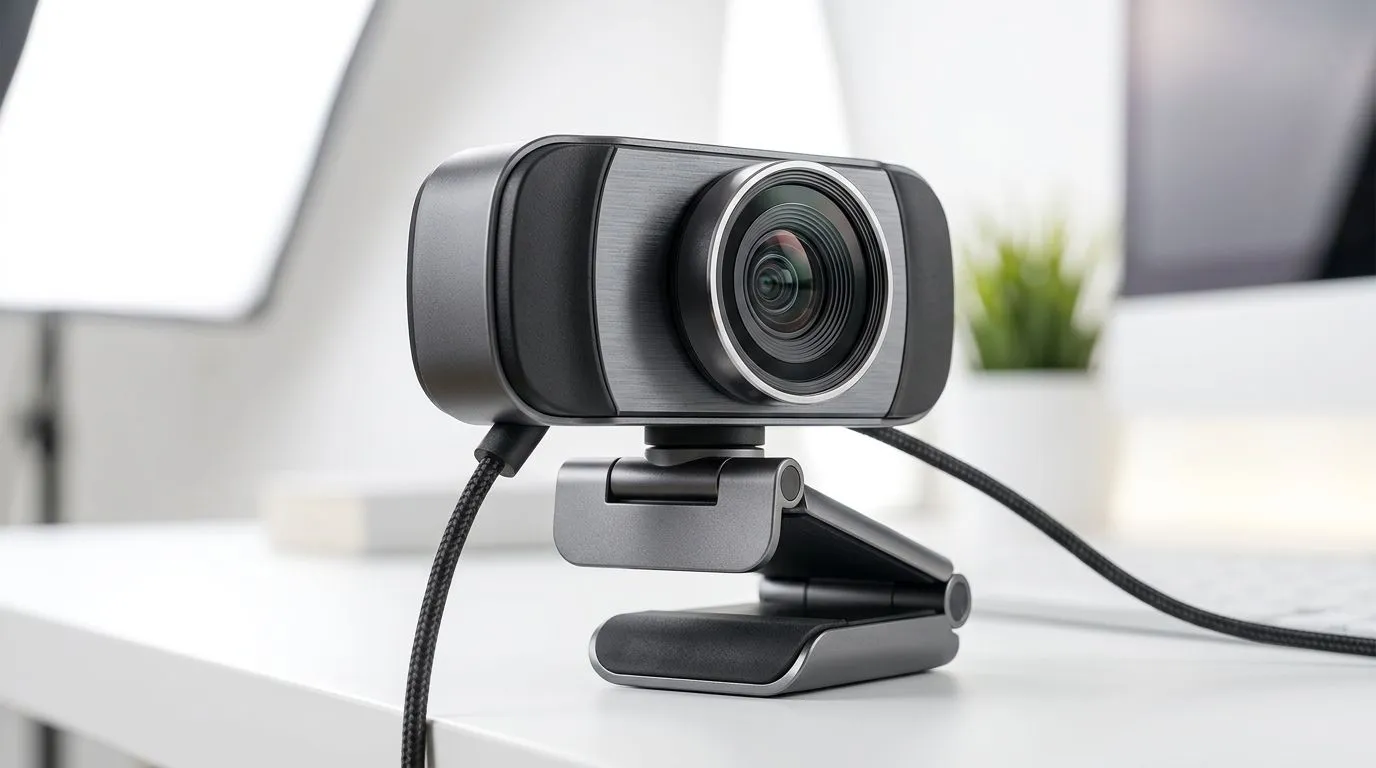
You’re gaming in the evenings, raiding with the crew, and suddenly you need a clean webcam for calls… not a grainy mess. The question hits hard: is a 5MP webcam worth it over 1080p when you’re streaming or joining team chats?
In South Africa, you also care about value. Does “more megapixels” actually mean “better picture” at the other end? Or is the real story about lighting, sensor quality, and frame rate? Let’s break it down properly.
At a glance, “5MP” sounds like it should beat “1080p”. But megapixels and “1080p” are not the same thing.
So, if a camera is labelled 5MP, it may capture frames with a higher pixel count than 1080p. However, “capture” does not automatically mean “delivers” at 1080p quality during calls. What you experience depends on:
Evetech’s webcam listings help you compare practical options in one place, rather than guessing from marketing alone. Start your hunt here: Browse webcams on Evetech
For streaming and calls in SA (where load-shedding and variable internet are part of life), stability matters as much as detail.
Here’s the honest trade-off many people feel:
1080p webcams are often tuned for consistent 1080p output. Meanwhile, “5MP” models may advertise the sensor capability, but you might still end up viewing them at 720p or lower depending on app settings and bandwidth.
Want to keep the budget tight? Consider what you can get under a specific cap:
Then if you’re serious about clearer calls (and you’ve got the desk space), broaden to:
Instead of chasing “5MP vs 1080p”, check these purchase signals first:
If the listing shows the webcam supports 1080p output, that’s usually what you want for calls. Megapixels alone can be misleading if the camera does not maintain that resolution at your chosen frame rate.
If you game in a dim room, most webcams will add noise or smear details. That’s where a “better sensor” helps, but even budget upgrades can look dramatically clearer with improved lighting.
Try this setup:
For fast head movement and gaming reactions, smoother video helps. Many users will prefer higher fps at a stable resolution over a resolution bump that forces lower fps.
Windows, lower your webcam’s “processing load” by using a simpler camera preset in your video app (for example, choose 1080p only when your CPU and upload can handle it). Then test your call quality for 2 minutes: if the stream stutters or looks blocky, drop resolution to 720p or reduce fps. Stable calls feel clearer than jittery “high MP” video.
Yes, it can be worth it if the 5MP model is still delivering clean output at 1080p (or close to it) and you’ve improved your lighting. Otherwise, you’ll likely see diminishing returns.
If your current pain is “I look blurry” or “my video is noisy”, you may get more benefit by:
If your current pain is “laggy calls” or “compression blocks”, prioritise stable 1080p over pushing a sensor mode that the platform may downscale anyway.
Either way, don’t buy blind. Use Evetech’s webcam pages to compare options and prices in one place, then choose the webcam that matches how you actually call and stream.
Ready to Find Your Perfect Match? The Mac vs Windows debate is complex, but for maximum power, choice, and value in South Africa, Windows is hard to beat. Explore our massive range of laptop specials and find the perfect machine to conquer your world.
A 5MP webcam provides higher resolution, which is great for cropping or zooming, but 1080p often offers better frame rates and low-light performance for standard calls.
Not necessarily. Most streaming platforms cap output at 1080p. A 5MP sensor is only beneficial if you plan to digitally zoom or crop your frame during a broadcast.
Yes, higher resolution sensors generate more data. If your internet upload speed is unstable, a 5MP webcam may cause lag compared to a optimized 1080p camera.
No. Lens quality, sensor size, and image processing are more important than megapixel count for achieving a professional look in various lighting conditions.
Yes, most apps like Zoom or Teams will downscale the output to fit their bandwidth requirements, though you may benefit from better digital clarity.
For most professional video calls, a high-quality 1080p webcam with good autofocus and light correction is superior to a budget-tier 5MP sensor.
MacBook Pro 16-Inch M5 Max: Complete Specs,. Everything you need to know with SA pricing, step-by-step instructions & expert recommendations.
Read more
Travelling With a MacBook: Travellers. Everything you need to know with SA pricing, step-by-step instructions & expert recommendations.
Read more
Back-to-School Parent Guide: Laptops. Everything you need to know with SA pricing, step-by-step instructions & expert recommendations.
Read more
MacBook Air 13-Inch M5: Complete Specs, Features. Everything you need to know with SA pricing, step-by-step instructions & expert recommendations.
Read more
MacBook Neo Unboxing and First Setup Guide for. Clear setup instructions with SA-specific considerations, troubleshooting tips & recommended components.
Read more
MacBook Pro 16-Inch M5 Pro: Complete Specs,. Everything you need to know with SA pricing, step-by-step instructions & expert recommendations.
Read more
CS2 Low FPS: Monitor Bottleneck. Real-world benchmark data, FPS numbers & performance analysis. What SA gamers can actually expect.

Is AOC a Good Monitor Brand for Gaming in South Africa Detailed answer with SA data, expert analysis & practical recommendations for local buyers.

What Gaming Monitor Can You Get for R20,000. Full parts list, Rand pricing & expected performance. Build confidently with SA-available components.

What Gamers Actually Bought: November Report. Real purchase data from SA retailers revealing what local buyers are actually choosing and why.

Can the RX 7700 XT Handle 1440p 144Hz Gaming. Performance testing verdict with real data & practical recommendations for SA buyers.

Top Laptop with Core i7 + RX 7700S: Picks picks evaluated on performance, value & SA availability with current Rand pricing from Evetech.

RX 7700 XT Black Myth Wukong 2 FPS: Performance. Real-world benchmark data, FPS numbers & performance analysis. What SA gamers can actually expect.

RTX 6080 Gran Turismo 7 PC Performance: FPS Test. Real-world benchmark data, FPS numbers & performance analysis. What SA gamers can actually expect.
MacBook Pro 16-Inch M5 Max: Complete Specs,. Everything you need to know with SA pricing, step-by-step instructions & expert recommendations.
Travelling With a MacBook: Travellers. Everything you need to know with SA pricing, step-by-step instructions & expert recommendations.
Back-to-School Parent Guide: Laptops. Everything you need to know with SA pricing, step-by-step instructions & expert recommendations.
MacBook Air 13-Inch M5: Complete Specs, Features. Everything you need to know with SA pricing, step-by-step instructions & expert recommendations.