

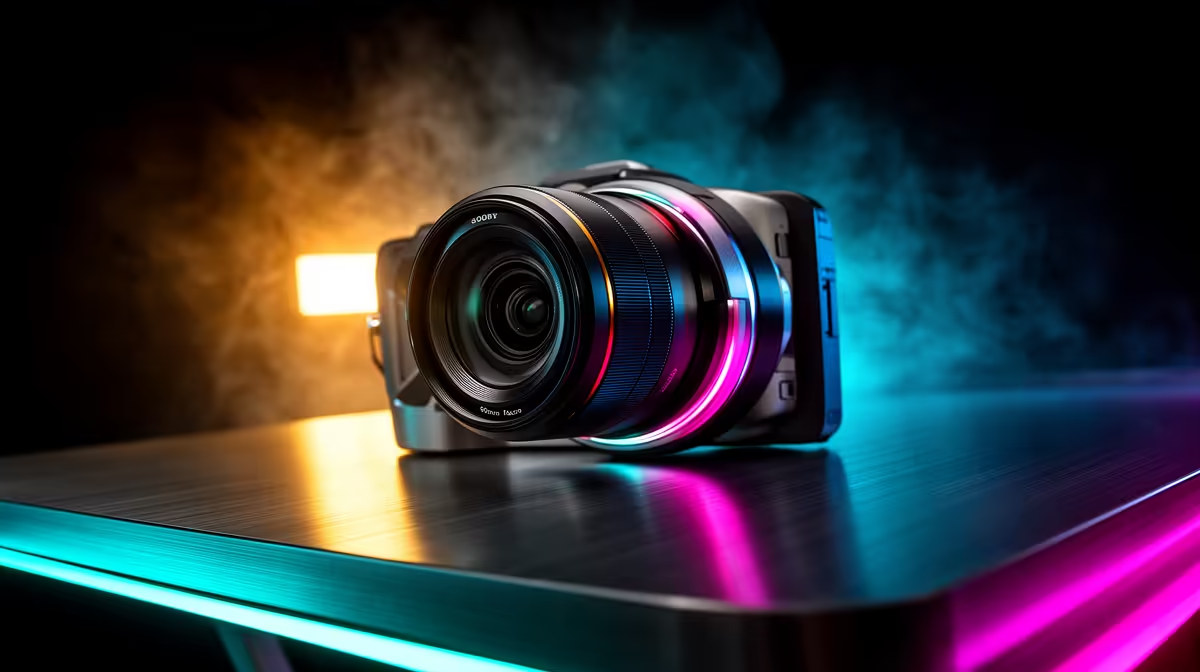
Is your stream feeling a bit… laggy? You’re dropping frames in Apex Legends, but your gameplay is buttery smooth. The culprit might not be your rig, but your webcam. A standard 30FPS camera just can't keep up with fast-paced action, creating a jarring disconnect for your viewers. It's time to match your facecam to your gameplay. Upgrading to one of the latest 60FPS cams for smoother streaming is the single biggest leap in production quality you can make.
Why 60FPS Cameras Make a Massive Difference
When your game is running at 144FPS but your camera is stuck at 30FPS, viewers see two different worlds. Your gameplay is fluid, but your reactions and expressions are choppy. A 60FPS webcam doubles the frames, creating a lifelike, fluid motion that syncs perfectly with your in-game performance. This isn't just a tech spec; it's about viewer immersion. A smoother stream feels more professional and keeps your audience engaged for longer. 🚀
Think of it like this: 30FPS is a standard video call, but 60FPS is broadcast quality. For anyone serious about growing their channel on Twitch or YouTube, a high frame rate camera is non-negotiable. It shows you're invested in providing the best possible experience. The difference is immediately noticeable, making your content look more polished and professional without you having to change anything else.
Choosing the Right 60FPS Cam for Smooth Streaming
Not all webcams are created equal. When you're ready to upgrade, look beyond just the frame rate. Resolution is key—a 1080p 60FPS camera is the sweet spot for most streamers, offering a crisp image without demanding too much bandwidth. Also, consider the sensor's low-light performance. A good camera will keep you looking sharp even during those late-night sessions with just your monitor's glow. Browsing through essential streaming gear can give you a great overview of your options.
It's also worth checking for features like autofocus, field of view, and mounting options. Some cameras offer advanced software for colour correction and background removal, which can save you a ton of hassle. You don't have to break the bank either; there are fantastic streaming upgrades under R6000 that will instantly elevate your stream's quality.
Check Your USB Port! ⚡
To get a true 1080p@60FPS signal, plug your new webcam directly into a USB 3.0 port (usually the blue ones) on your motherboard. Using a slower USB 2.0 port or a crowded USB hub can bottleneck the data, forcing the camera to compress the video or drop frames.
Optimise Your Entire Streaming Ecosystem
A great camera is just one piece of the puzzle. To truly make your 60FPS cam shine, you need good lighting. You can't expect a smooth, noise-free image in a dimly lit room. Proper lighting allows the camera's sensor to use a lower ISO, resulting in a cleaner picture. Investing in a key light or even some dynamic Cololight panels can make a budget webcam look like a premium one. ✨
Don't forget about audio and aesthetics. A crystal-clear microphone and a clean background complete the professional look. Tying your setup together with high-quality peripherals not only improves your stream but also your own gaming experience. Consider looking into premium Corsair accessories, which are renowned for their reliability and performance in the streaming world.
Ready for a Buttery-Smooth Stream? Stop letting a choppy webcam hold your channel back. Explore our curated collection of high-performance streaming essentials at Evetech and give your viewers the quality they deserve.











