

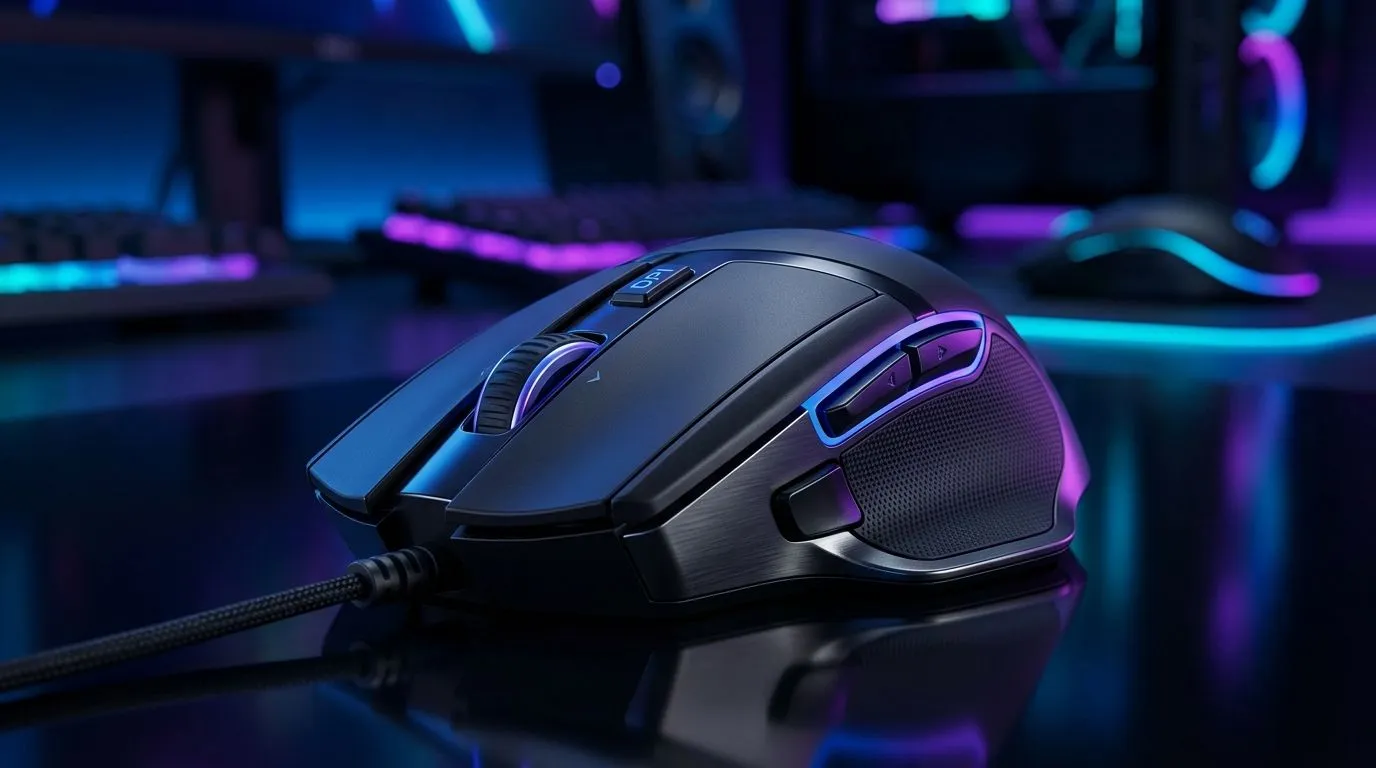
8000 DPI Sensor for FPS Gaming: Is It Enough? (Short Answer… It Depends) 🎯
You’ve seen it on the box: “8000 DPI sensor!” In South Africa’s competitive FPS scene, it’s tempting to assume higher numbers instantly mean better aim. But DPI alone rarely decides wins… consistency does. Think of DPI like the sensitivity dial. Your mouse sensor matters, yes. Yet your settings, lift-off distance, polling rate, and even your mousepad all shape how your crosshair feels in-game.
Let’s break down what “8000 DPI” really means for FPS gaming, and how to choose what’s enough for your style.
8000 DPI Sensor for FPS Gaming: Is It Enough? Understanding DPI vs Actual Performance 🔧
DPI (dots per inch) describes cursor movement on your screen. Higher DPI can be useful if you play very low in-game sensitivity but still want quick flicks on demand.
However, the more important part is whether the sensor tracks accurately at the movements you make:
- Consistent tracking at your normal mouse speed
- Low glide and stable feel (often influenced by sensor quality and feet)
- Smooth aiming without micro-stutter
Also, “8000 DPI” doesn’t automatically mean “better.” Many good gaming sensors can switch between DPI steps, so the highest value might only be your ceiling, not your daily driver. If your aim settings are off, you’ll still over-correct, no matter the DPI number.
The settings that usually matter more than the DPI number ⚡
Start with a realistic baseline:
- Use a consistent in-game sensitivity and DPI combo you can replicate across matches.
- Test on the same mousepad surface you play on.
- Adjust gradually, not in leaps.
If you’re buying today, look at the overall mouse category and whether it’s built for FPS tracking and comfort. Evetech’s range includes options across wired and wireless ecosystems, so you’re not forced into one compromise.
8000 DPI Sensor for FPS Gaming: Is It Enough? What to buy (wired or wireless) 🚀
Wired mice often win on “no excuses” latency and constant power. Wireless has improved massively, but it still depends on the specific model and your routine (charging habits matter). Choose what fits how you game.
Explore wired options here:
- Wired mouse accessories: mouse accessories
- Wired mouse range: wired gaming mouse picks
Prefer wireless?
And if you’re trying to land a good deal without overthinking it:
8000 DPI Sensor for FPS Gaming: Is It Enough? Quick setup checklist you can do today ✨
Here’s what I’d do before blaming the sensor:
- Match your DPI and in-game sensitivity so one swipe moves roughly the same distance each session.
- Disable mouse acceleration in Windows (or ensure it’s off in your setup).
- Use a consistent stopping position during target practice. Your brain learns muscle memory through repetition.
Productivity Pro Tip ✨
Instead of jumping sensitivities every match, spend 20 minutes running the same aim routine daily. Small changes compound fast. If you’re switching monitors or controllers often, write down your DPI and in-game sensitivity so you can replicate results.
Also, when you’re ready to compare more specific models and feel:
- Check Evetech’s gaming mouse lineup: gaming mouse category
CALLTOACTION
Ready to Find Your Perfect Match? You don’t need the highest DPI on the shelf to dominate, but you do need the right feel, sensor behaviour, and comfort. Head over to Evetech and choose a mouse that fits your FPS habits. Explore our massive range of laptop specials and pair it with a mouse you’ll trust in every match.











