Quick Answer
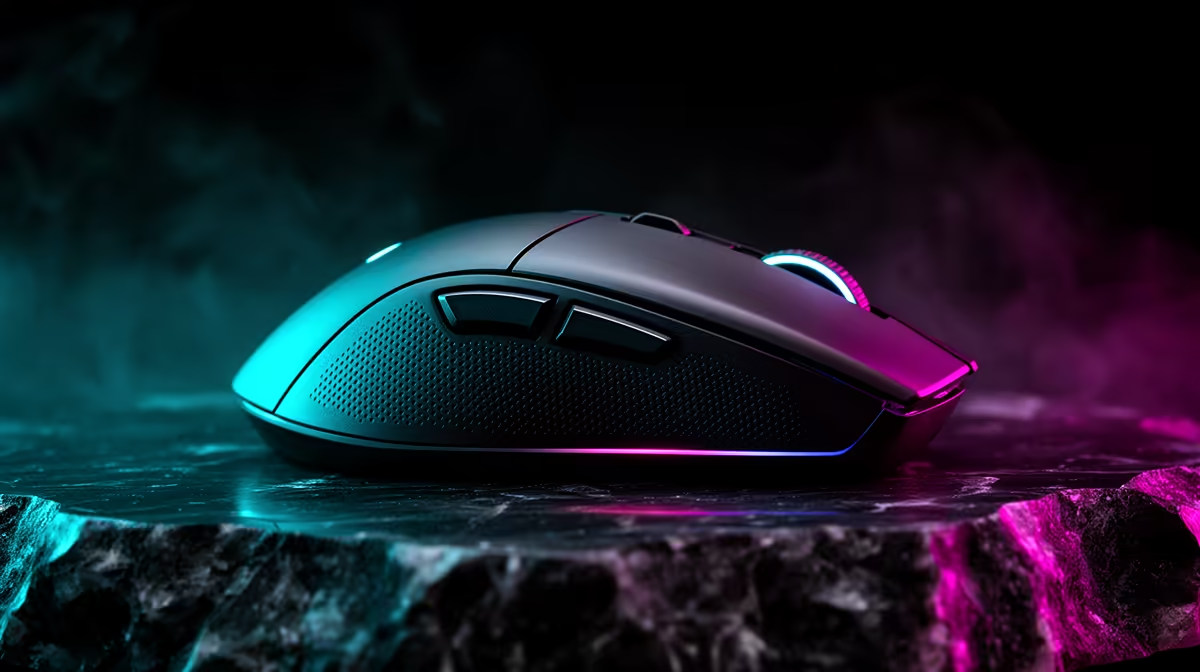
For streaming on Twitch and YouTube, 8000Hz polling is a poor trade because it adds CPU load that competes with your encoding, while 1000Hz frees resources for a smooth broadcast. The latency gain is under a millisecond and unnoticeable to viewers. A reliable 1000Hz gaming mouse at Evetech starts near R600, ideal for streamers protecting CPU headroom.
Polling Rate and Stream Performance
When you stream, your CPU is already busy encoding video alongside running the game, so adding eight-times-higher mouse polling is exactly the wrong move. 8000Hz polling consumes CPU cycles that you want reserved for a stable encode and steady frame rate. The latency benefit over 1000Hz is fractional and invisible to your audience, while a CPU-starved stream that drops frames is very visible. For broadcasting, 1000Hz is the smart setting that keeps your system focused on a clean, smooth stream.
Optimising a Streaming Build
Streaming rewards CPU headroom and encoding capability, so prioritise a strong multi-core CPU like a Ryzen 7 9800X3D, or a GPU with a good encoder to offload the work. Keep your mouse at 1000Hz to avoid stealing cycles from the encode, and ensure your upload connection is stable for SA viewers. A dual-PC setup is overkill for most, but offloading encoding to the GPU keeps your gameplay smooth. Choose a comfortable mouse for long broadcasts, and reserve every spare CPU cycle for the stream itself.
What SA Streamers Should Run
If you stream regularly, set your mouse to 1000Hz, a comfortable model from around R600 is ideal, and do not let 8000Hz polling compete with your encoder for CPU. Invest instead in a strong CPU, GPU encoding, and a stable upload connection, the things that keep your broadcast smooth for viewers. Polling rate is a distraction; encoding stability is what your audience actually notices.
FAQ
Does 8000Hz polling hurt streaming performance?
It can. Streaming already loads your CPU with encoding, and 8000Hz polling adds eight-times-higher mouse processing that competes for those cycles. 1000Hz frees resources for a smoother, more stable broadcast.
What hardware matters most for streaming?
A strong multi-core CPU and good GPU encoding, plus a stable upload connection. These keep your encode smooth and your frame rate stable, which viewers notice far more than any mouse polling setting.
Will viewers notice my polling rate?
No. The latency difference between 1000Hz and 8000Hz is under a millisecond and invisible in a stream. Viewers notice dropped frames and encode stutters, which protecting CPU headroom at 1000Hz helps prevent.
Pro Tip
Set your mouse to 1000Hz while streaming so your CPU stays focused on a stable encode, and offload encoding to your GPU to keep gameplay smooth.