


GPU Setup Guide for SA Gamers
GPU Setup Guide Gamers. Clear setup instructions with SA-specific considerations, troubleshooting tips & recommended components.
Read more86 inch TV buyers' guide: evaluate room size, viewing distance, mounting, resolution, and budget to decide if an 86 inch TV suits your living room or home theater. Quick measures, pro tips, and layout examples to simplify your choice 📺📏
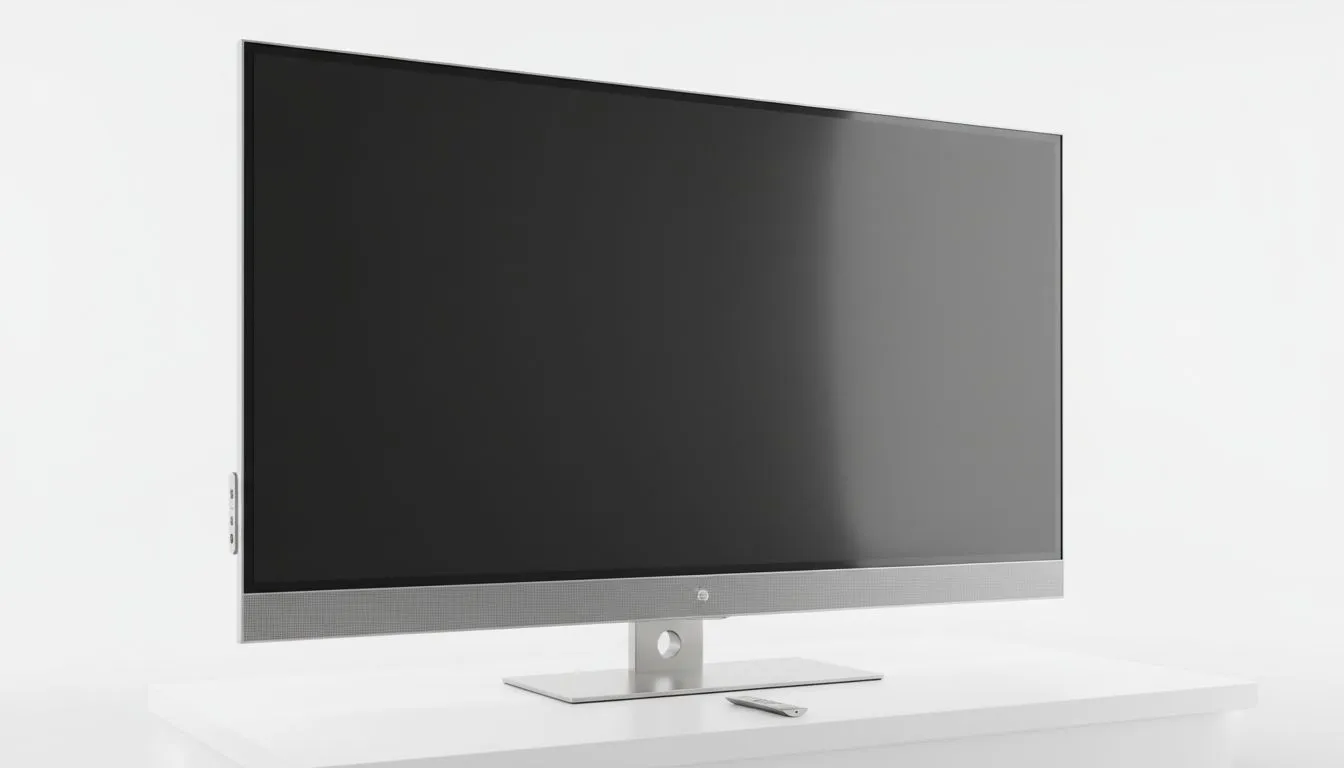
Thinking about an 86 inch TV for your lounge or dedicated gaming den? Before you buy, picture your couch, your console, and your sightlines. An 86 inch TV fills a room in a way a 55 inch can't, and that feeling matters if you're watching sport, streaming K-dramas, or racing online. This guide helps you decide if an 86 inch TV is right for your space — practical tips, panel tech, and local buying cues.✨
Start with the simplest test: sit in your usual spot and measure the wall and viewing distance. If the screen overwhelms the room or forces you to sit too close, an 86 inch TV may feel too much. Consider whether you'll prefer a flat or curved display. Evetech lists both flat-screen options to compare placements and reflections if your room has lots of windows: check flat models here. https://www.evetech.co.za/PC-Components/pc-monitors-89?attributes-curved%2Fflatscreen=Flat
If you’re curious about curved alternatives for immersive viewing, Evetech has curved panels too — they can reduce eye strain at close distances. https://www.evetech.co.za/PC-Components/pc-monitors-89?attributes-curved%2Fflatscreen=Curved
For gaming, panel type and adaptive sync matter. IPS panels offer wide viewing angles and accurate colours; great for shared viewing in a South African household. See IPS monitor options on Evetech for reference when comparing larger-screen TVs to monitor-style panels. https://www.evetech.co.za/PC-Components/pc-monitors-89?attributes-paneltype=IPS
Adaptive sync reduces tearing — useful if you’ll use a PC with your TV. Learn about Adaptive Sync choices on Evetech, including the broader category for compatibility notes. https://www.evetech.co.za/PC-Components/pc-monitors-89?attributes-adaptivesync=Adaptive+Sync
If you own an AMD GPU, FreeSync compatibility can smooth frame delivery; Evetech’s FreeSync listings help confirm which screens support it. https://www.evetech.co.za/PC-Components/pc-monitors-89?attributes-adaptivesync=FreeSync+%28AMD%29
NVIDIA users should look for G-Sync support if driving the TV with a GeForce GPU — Evetech has a G-Sync filter to help you match tech to hardware. https://www.evetech.co.za/PC-Components/pc-monitors-89?attributes-adaptivesync=G-Sync+%28NVIDIA%29
Large TVs demand planning: wall mounting, cable runs, and audio. An 86 inch TV is not just a screen; it’s the hub of the room. If you’re comparing monitors and displays for desktop or console use, browse the broader Evetech monitor range to get sizing and budget context. https://www.evetech.co.za/PC-Components/pc-monitors-89
Tip: measure doorway and stair widths before delivery. If mounting, double-check VESA and stud placement. Also think about remote line-of-sight and ambient light control.
Place a temporary cardboard cut-out the size of the 86 inch TV on the wall. Sit in your usual spot for 30 minutes and watch a variety of content. If you feel neck strain or want to move back constantly, the screen might be too large.
Ask yourself: Do you want cinema‑style immersion for sport and movies, or a balanced screen that’s also practical for daytime TV and family use? An 86 inch TV delivers scale and presence, but it also changes how furniture and acoustics perform. Balance your desire for visual impact against room size, viewing distance, and your budget in ZAR. For specific models, panel types and adaptive sync compatibility, Evetech’s product pages above are a good place to start when comparing options locally. 🚀
Ready to Find Your Perfect Match? The Mac vs Windows debate is complex, but for maximum power, choice, and value in South Africa, Windows is hard to beat. Explore our massive range of laptop specials and find the perfect machine to conquer your world.
An 86 inch TV can fit a living room if your seating is roughly 2.5–4 meters away. Measure viewing distance and room width to avoid overwhelming the space.
For 4K content, aim for about 1.5–2.5 times the screen height — roughly 1.8–3.0 meters for an 86 inch TV to balance detail and comfort.
Allow at least 2.0–2.5m of wall width and 30–50cm clearance above and below for ventilation and cables when mounting an 86 inch TV.
4K is the sweet spot for 86 inch TVs — sharp detail at normal viewing distances and broader content support; 8K helps only if you sit very close or use high-res content.
An 86 inch TV can be great for gaming if it has low input lag and a decent refresh rate. Check specs rather than size when assessing gaming performance.
Measure wall width, ceiling height, and seating distance. Compare to 86 inch TV dimensions and use the recommended viewing distance to confirm fit.
Yes, an 86 inch TV offers bright HDR and convenience; compare to an 86 inch projector screen vs TV for cost, ambient light, and maintenance trade offs.
GPU Setup Guide Gamers. Clear setup instructions with SA-specific considerations, troubleshooting tips & recommended components.
Read more
When Will the RTX 6090 Launch in South Africa Detailed answer with SA data, expert analysis & practical recommendations for local buyers.

Top Valorant Settings for RTX 5070: FPS Optimisation picks evaluated on performance, value & SA availability with current Rand pricing from Evetech.

RDNA 3.5 Graphics in Ryzen AI 400? Can You Game. Plain-English explanation of what it means, why it matters & how it affects your buying decisions in SA.

GPU Price Index : December Report. Current stock data & price tracking for SA buyers. See what is available and where prices are heading.

Core i5-14600K + B760 + RTX 5060 Build Under. Full parts list, Rand pricing & expected performance. Build confidently with SA-available components.

RX 7600 Apex Legends at 4K: FPS Benchmark. Real-world benchmark data, FPS numbers & performance analysis. What SA gamers can actually expect.

RX 7900 XTX GTA 6 at 4K: FPS Benchmark & Optimal. Real-world benchmark data, FPS numbers & performance analysis. What SA gamers can actually expect.

Head-to-head comparison of RTX 5070 vs RX 9070 XT: Gaming Performance for SA gamers. Performance benchmarks, Rand pricing & which delivers better value.
GPU Setup Guide Gamers. Clear setup instructions with SA-specific considerations, troubleshooting tips & recommended components.

Top RTX 5090 Under R12000 picks evaluated on performance, value & SA availability with current Rand pricing from Evetech.

Call of Duty Warzone 2 Settings on RX 7600. Real-world benchmark data, FPS numbers & performance analysis. What SA gamers can actually expect.

GTA 6 Settings on RTX 5070 Ti: Performance. Real-world benchmark data, FPS numbers & performance analysis. What SA gamers can actually expect.