

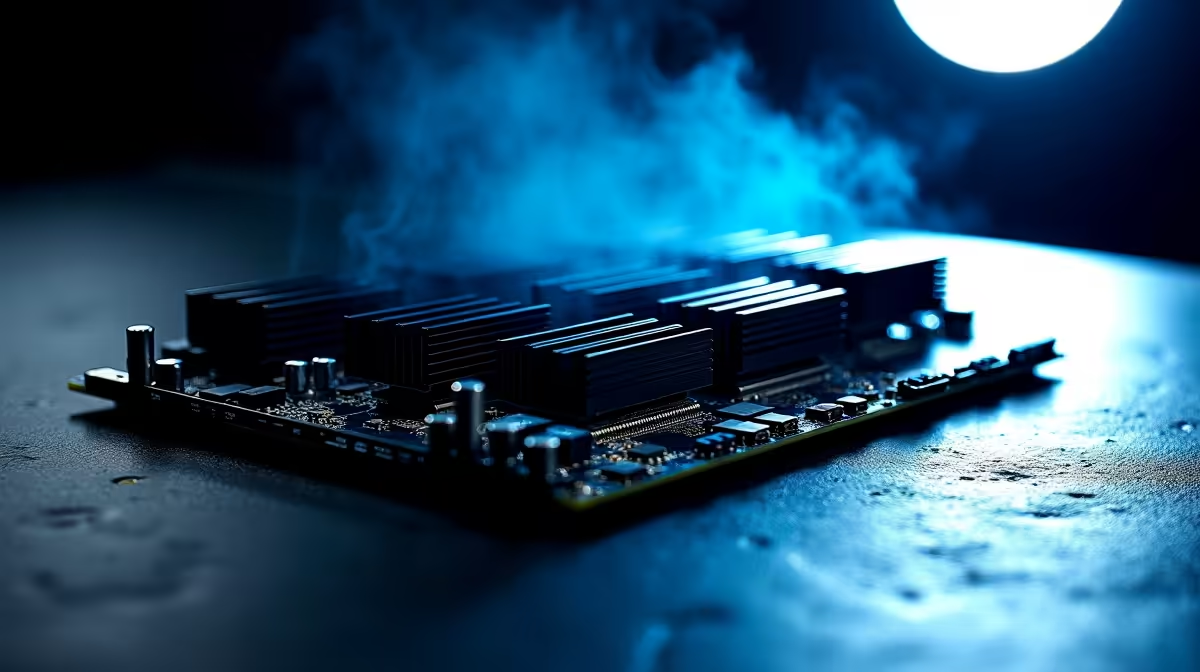
Modern games are massive. Deleting old favourites because you lack storage is a nightmare... especially with South African internet speeds. You might be tempted to fill every NVMe slot on your high-end motherboard to hoard your library. But packing in massive storage creates serious heat problems. Let us explore a practical guide to using five M.2 slots without sacrificing cooling or airflow.
The Thermal Cost of Extreme Storage
High-speed NVMe drives run incredibly hot. When you stack Gen 4 or Gen 5 drives right next to a modern graphics card, temperatures spike fast. Gen 5 drives can pull over 11 watts of power under heavy load. That energy converts directly into radiant heat. If those drives hit 70 degrees Celsius, they will thermal throttle. This kills your read and write speeds instantly... turning your expensive hardware into a sluggish mess.
Many enthusiasts upgrading their rigs or buying premium pre-built gaming PCs overlook this hidden heat trap. Your motherboard might support massive storage capacities... but your chassis needs to breathe. Every extra drive adds another heat source to your system.
Balancing Massive Storage with Optimal Cooling ⚡
You cannot just slot in five drives and hope for the best. To maintain optimal cooling, you must use dedicated heatsinks. Most premium motherboards include thick metal shields. These act as passive coolers for your storage drives. They absorb heat and let case fans blow it away.
If your board lacks these shields, you must buy aftermarket M.2 heatsinks. Spending a few hundred ZAR on proper cooling plates is absolutely essential. The tight space between components makes airflow tricky. Interestingly, even modern gaming laptops use clever copper heat pipes to solve similar thermal issues. Desktop users need to be just as smart when managing internal chassis temperatures. A hot drive will degrade much faster over time.
Thermal Pad Pro Tip 🔧
Always peel the plastic film off your thermal pads before securing your M.2 heatsink. Leaving the plastic on acts as an insulator instead of a conductor... turning your expensive NVMe drive into a tiny oven.
Configuring Case Fans for Maximum Airflow 🚀
When using five M.2 slots without sacrificing cooling or airflow, fan placement is everything. You need positive air pressure inside your case. This means bringing more cool air in than you push out. It stops dust buildup and keeps components frosty.
Position your front intake fans so the lowest fan blows directly across the bottom half of your motherboard. This forces fresh air over the lower M.2 slots. If your chassis allows it, a bottom intake fan pointing straight up is brilliant. It pushes cool air directly onto the storage drives.
Do not let thermal throttling ruin your hard-earned gaming setup ✨. Keep an eye out for chassis and fan upgrade specials to keep your system running ice cold. Proper cable management also stops messy wires from blocking the breeze. Tie those cables back... your drives will thank you.
Ready to Build Your Ultimate Storage Monster? Managing heat is the secret to unlocking extreme performance. Whether you need a spacious new chassis, high-static pressure fans, or a motherboard built for massive storage, we have you covered. Explore our massive range of PC components and specials to build a rig that stays frosty under pressure.











