

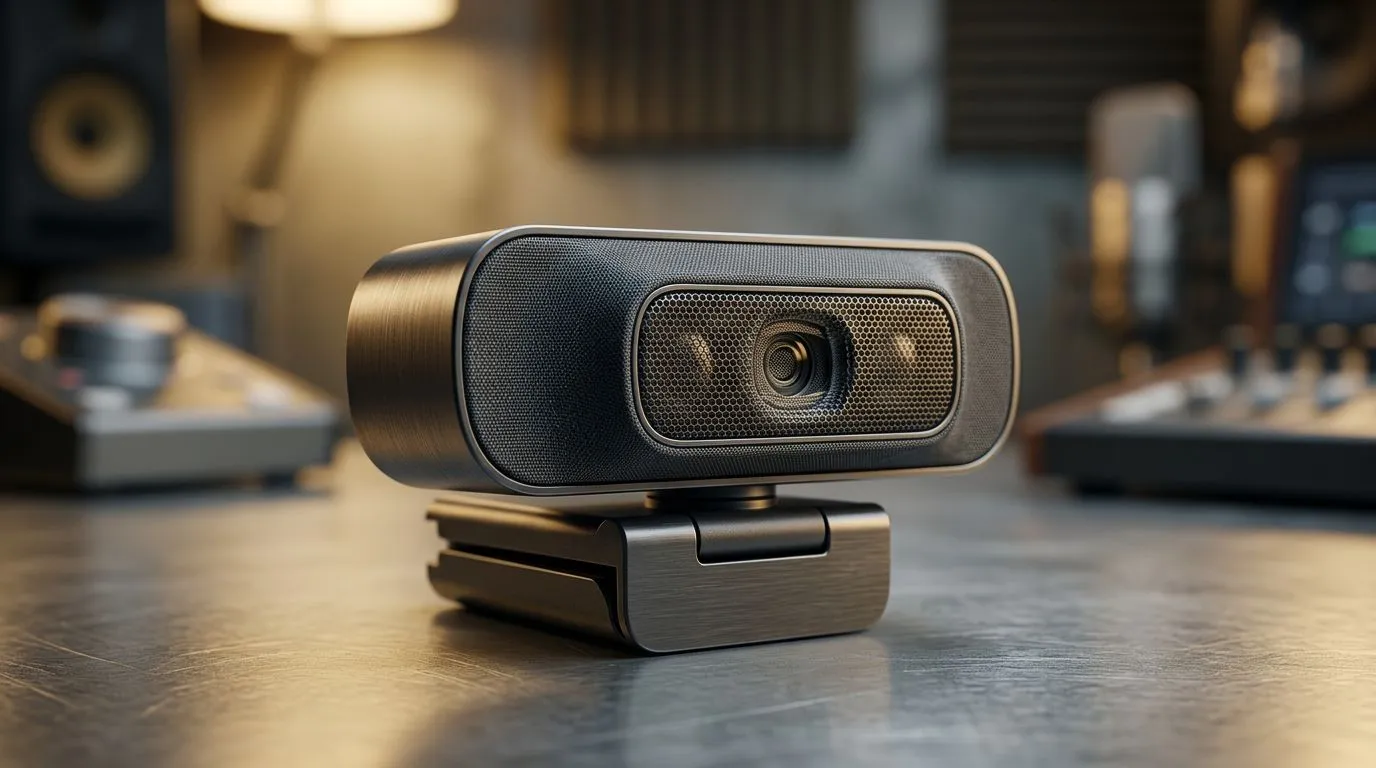
Active noise reduction for webcam microphones
South African streamers and hybrid workers know this: background noise kills presence. Whether you're casting from Cape Town or conferencing from Joburg, choosing an Active Noise Reduction Webcam Microphone can mean the difference between sounding crisp and sounding distant. This short read shows why it matters, how it works, and where to look when you’re ready to upgrade. 🔧✨
Why Active Noise Reduction webcam microphone tech matters
Active noise reduction in webcam microphones reduces ambient sounds before they hit the stream or call. That matters for gaming callouts, moderator cues, and client meetings. When your voice is cleaner, viewers stay engaged and teammates react faster. For practical options and model browsing, check Evetech’s full webcam range here: browse webcams at Evetech.
How active noise reduction works in webcam microphones
Active noise reduction isn’t magic. It uses small onboard processing to identify consistent background audio — fans, aircon hums, street noise — and subtracts that signal from your microphone input. The result is clearer speech with fewer artefacts. It complements, not replaces, good mic technique and positioning. For mid-range models that balance processing and optics, explore Evetech’s R2,000-and-under options to compare features: webcams under R2,000. 🚀
Choosing the right Active Noise Reduction webcam microphone for your budget
Budget matters. If you’re building a compact streaming setup on a tighter wallet, many sub-R1,000 webcams now include basic noise suppression and decent mics. Look here for entry-level choices: webcams under R1,000. If you want premium audio processing, optics, and occasional hardware-level ANR, there are flagship webcams in the R3,000 range that justify the spend: premium webcams up to R3,000.
Mic Placement Pro Tip ⚡
Place the webcam at eye level and keep it 40–80 cm from your mouth. Use a simple foam windscreen and set your app’s input gain so normal speech sits around -12 dB to -6 dB. This gives ANR room to work without hunting for quiet.
Practical tips to get the best voice clarity
- Use a dedicated input device when possible. Built-in laptop mics rarely compete with focused webcam mic modules.
- Turn off noisy appliances during sessions. Even the best ANR struggles with sudden, loud sounds.
- In software, toggle reduction settings and listen. Too much suppression can make your voice sound processed. Keep it natural.
- Test on the platform you use. Teams, Discord, and Twitch have different codecs and thresholds; do a quick record aloud and adjust.
Quick micro-story: local streamer win
A Cape Town streamer switched to a webcam with active noise reduction and repositioned the cam by 20 cm. Chat noticed clearer callouts and viewer retention rose. The point? Small, affordable upgrades can make you sound more professional — and more present.
Ready to Find Your Perfect Match? The Mac vs Windows debate is complex, but for maximum power, choice, and value in South Africa, Windows is hard to beat. Explore our massive range of laptop specials and find the perfect machine to conquer your world.











