

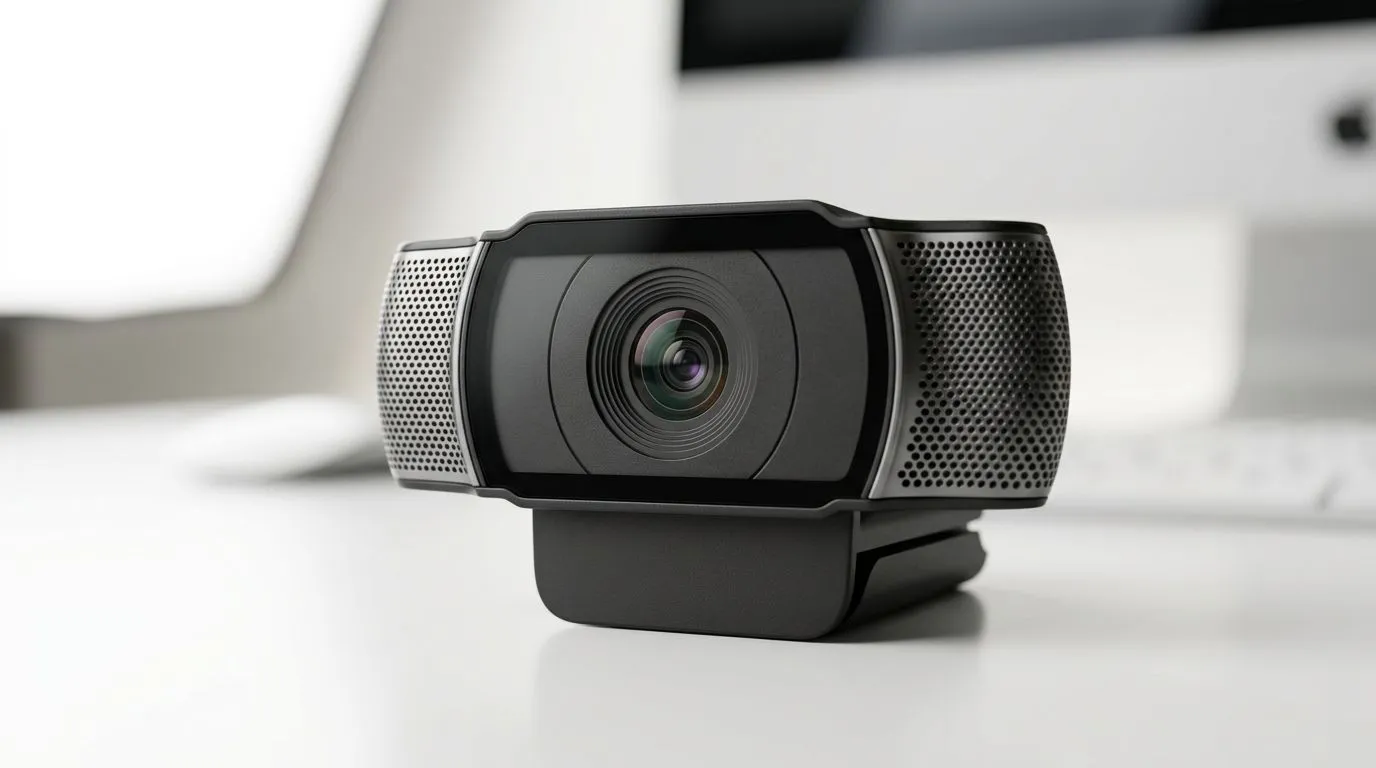
Active Noise Reduction on Webcam Microphones: How It Works & When Needed
If your squad can’t hear you over traffic, load shedding ambience, or your fan running at full blast… you’re not alone. South African streamers, remote students, and even casual gamers all face the same problem: webcam audio gets messy fast.
So what does Active Noise Reduction on Webcam Microphones: How It Works & When Needed actually do, and when should you pay for it? Let’s break it down in plain language, then help you pick a webcam that won’t turn your mic into background noise. 🎧✨
Active Noise Reduction on Webcam Microphones: The simple science behind the feature
Active Noise Reduction (often called ANR) uses audio processing to reduce unwanted sound. Think of it like “noise control” in your audio feed. Instead of recording everything and hoping your listeners tolerate it, the webcam microphone tries to suppress steady or predictable background noise.
How it processes noise (without sounding like a robot) 🔧
Most webcam ANR systems:
- Detect patterns of background noise (like airflow from a fan, room hum, or keyboard constant tapping).
- Attenuate those components while keeping your speech louder and clearer.
- Apply adaptive filtering, so the effect changes as the environment changes.
Important reality check… ANR usually works best on consistent noise. Sudden sounds (like clapping, TV audio blaring, or random shouting) are harder to suppress cleanly.
Passive vs active: what “noise reduction” can mean
Some webcams advertise “noise reduction” but rely mainly on passive techniques:
- Beamforming (if the mic is arranged to “focus” on your voice).
- Basic gain control and EQ.
- Software cleanup after the fact.
That can still help, but active systems tend to feel more noticeable for continuous room noise.
Active Noise Reduction on Webcam Microphones: When you actually need it (and when you don’t)
Here’s the gamer-friendly guide. If any of these sound like your setup, ANR is worth considering.
You’re gaming or streaming in a noisy room 🎮
- Fan noise from your PC case
- Open windows (street noise)
- A household with normal everyday activity
ANR can make your voice stand out more reliably. That means fewer “mute check” messages in Discord.
You’re using a webcam at a desk far from your mouth
If your webcam sits at the top of a monitor, but you speak from across the room… no microphone can magically fix distance. ANR helps, but the biggest improvement still comes from being closer and speaking a little louder.
You’re in a quiet room with good mic technique
If your room is already calm and your voice is consistent, you might not need heavy ANR. In that case, prioritise:
- clear voice capture
- stable focus/framing
- correct exposure for South African lighting (morning sun, indoor lamps, etc.)
Active Noise Reduction on Webcam Microphones: Buying tips for South Africa (budget to ZAR)
Let’s keep this practical. Instead of chasing “max specs”, look for a webcam that fits your budget and your environment.
Start with your noise type (continuous vs sudden)
- Continuous noise (fan, AC, hallway hum) → ANR helps most.
- Sudden loud sounds → you may need better positioning or a different mic solution.
Don’t ignore placement… it matters more than you think ✨
Try this simple test:
- Sit in your normal spot.
- Speak at your normal volume.
- Play a constant noise source (fan or music at low volume). If your friends still struggle to hear you, ANR may help… but repositioning the webcam often helps more.
Productivity Pro Tip ⚡
On Windows, use the PowerToys Sound settings to quickly test and switch input devices while adjusting your webcam mic level. Set a consistent input volume so ANR doesn’t “pump” (over-amplifying noise when you pause). This keeps your Discord and streaming audio stable, especially during long ranked sessions. "
Use Evetech’s webcam filters to match your environment
If you want ANR options in different price ranges, browse webcams with a budget in mind. This saves time and avoids buying something that’s “almost right” for your room.
- View webcams under R1000 here: webcams under R1000
- If you can go higher, check options under R2000: webcams under R2000
- Need a bit more headroom for features like better processing? Browse under R3000: webcams under R3000
- Or just browse the full webcam selection and compare straight away: buy webcams
Active Noise Reduction on Webcam Microphones: Quick setup checklist for clearer calls
Even the best ANR won’t help if your setup works against it. Use this checklist for smoother calls and cleaner streams.
- Place the webcam closer to you (reduce distance first).
- Face the mic (don’t speak across the room).
- Lower constant background noise if possible (turn off PC fan curves temporarily, or use a quieter profile).
- Test in the exact app you’ll use (Discord, Zoom, Teams). Settings differ.
- Do a 30-second “loud-quiet” test: speak normally, pause, then speak again. You’re checking whether the noise suppression causes noticeable pumping.
If you follow that, ANR tends to feel like a real improvement instead of a marketing checkbox.
Active Noise Reduction on Webcam Microphones: Final takeaway for gamers and buyers
ANR on webcam microphones is most useful for reducing steady background noise, helping your voice stay intelligible during calls and streams. It’s not a miracle for distant mics or sudden loud sounds… but in the real South African chaos of fans, open windows, and busy households, it can be the difference between “we can hear you” and “bro, mute your stream”.
Take your noise type into account, test placement, then shop within your budget using Evetech’s webcam range.
Ready to Find Your Perfect Match? The Mac vs Windows debate is complex, but for maximum power, choice, and value in South Africa, Windows is hard to beat. Explore our massive range of laptop specials and find the perfect machine to conquer your world.










