

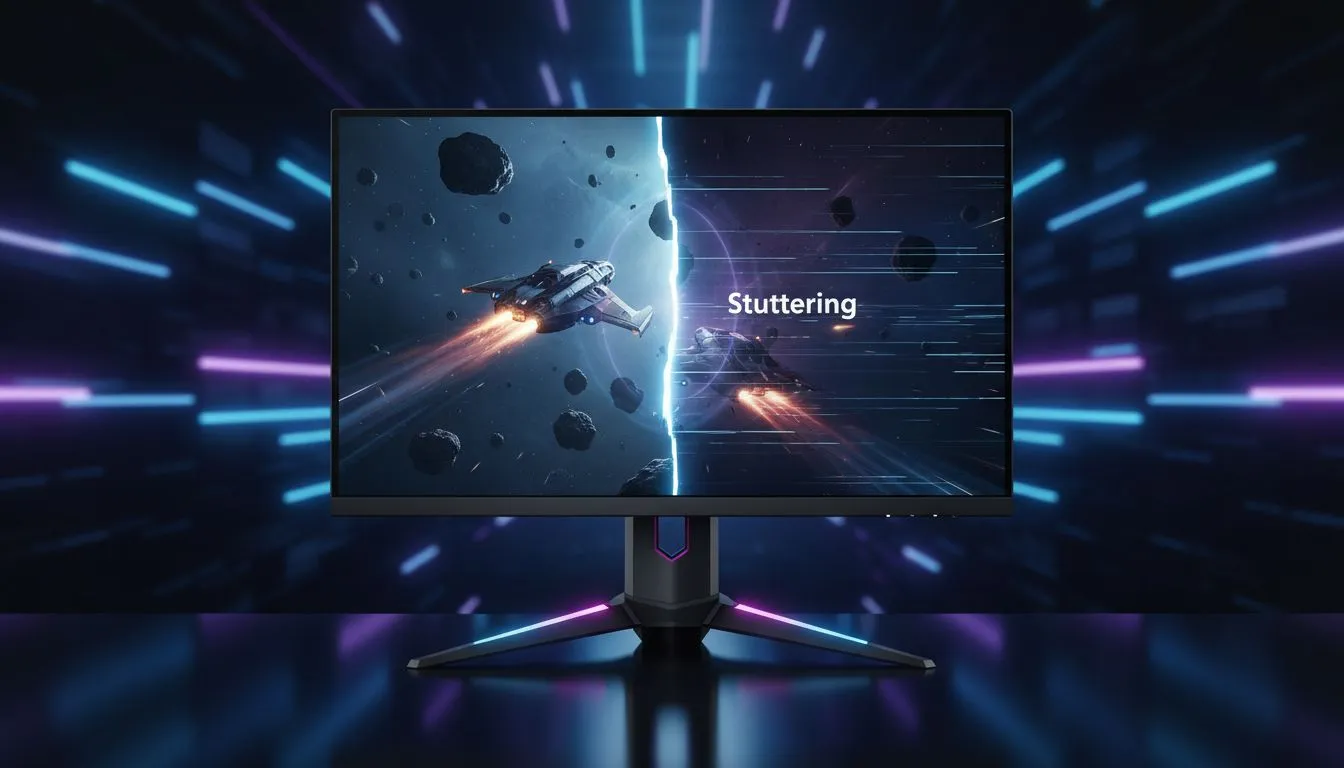
Understanding Adaptive Sync to Eliminate Screen Tearing and Stuttering ⚡
South African gamers know the frustration of screen tearing and stuttering during intense gameplay. These visual glitches interrupt immersion and can cost you precious split seconds. Adaptive Sync technology offers an elegant solution—matching your monitor’s refresh rate to your GPU’s frame output to deliver buttery smooth motion. If you want to level up your gaming experience, understanding how Adaptive Sync works is a must.
What Is Adaptive Sync and Why It Matters in Gaming
Adaptive Sync dynamically synchronises your graphics card and monitor refresh rate. Unlike standard monitors with fixed refresh rates, Adaptive Sync prevents tearing—the horizontal slice where two frames don’t line up—and stuttering caused by mismatched frame timing. This technology is essential for FPS, racing, and real-time strategy titles where fluid visuals boost reaction times.
How Adaptive Sync Works with Different GPUs
Adaptive Sync is a broad technology umbrella that includes NVIDIA’s G-Sync and AMD’s FreeSync. Both aim to reduce image tear and stutter but use different approaches. FreeSync tends to be more affordable and widely supported, making it common in South African gaming rigs. For more details on these monitor technologies, check out Evetech’s gaming monitors collection.
Choosing the Right Adaptive Sync Monitor in South Africa 🇿🇦
When shopping for monitors with Adaptive Sync, consider your GPU brand and your preferred gaming genres. South African gamers should also factor in budget and local availability. You can find a variety of models with Adaptive Sync on Evetech, ranging from budget to premium options. Explore the latest best PC monitor deals to snag great prices in ZAR.
Curved or Flat? What Works Best with Adaptive Sync
Curved monitors offer immersive viewing angles that complement smooth frame syncing. Adaptive Sync paired with a curved display reduces distortion and enhances focus during long gaming sessions. Browse Evetech’s handpicked curved monitors to find the curve radius that suits your desk setup and play style.
Maximise Adaptive Sync Performance
Always update your GPU drivers before enabling Adaptive Sync. This ensures compatibility and stutter-free gaming.
Advanced Monitor Features That Support Adaptive Sync
High refresh rates and low input lag are critical when Adaptive Sync is active. Look for monitors with 144Hz or higher refresh rates that complement FreeSync or G-Sync. South Africans who travel or attend LAN events can consider portable setups — Evetech’s selection of portable monitors includes lightweight options equipped for Adaptive Sync tech.
Accessories and Settings to Optimise Your Adaptive Sync Setup 🔧
Even the best monitor benefits from the right accessories. Quality display cables (DisplayPort or HDMI 2.1 versions) keep bandwidth high to support Adaptive Sync. Visit Evetech’s monitor accessories range to find certified cables and mounts. Also, fine-tune in-game video settings to keep frame rates within your monitor’s sync range.
The Future of Smooth Gameplay: 4K and 5K Monitors with Adaptive Sync
As GPUs grow more powerful, higher-resolution displays with Adaptive Sync are becoming common. South African gamers investing in Ultra HD will appreciate models from Evetech’s 5K and 4K monitors that support adaptive refresh rates. These provide breathtaking visuals without the tearing or lag that once plagued high-res displays.
Upgrade Your Visuals Today Ready for seamless, fluid gameplay? Elevate your rig and say goodbye to tearing—Shop now at Evetech for performance that leaves lag in the dust.











