

Why Your Back Aches After a Long Session
Ever finished a five-hour session in Elden Ring only to find your lower back feels like it has been through a meat grinder? You are not alone. Most South African gamers overlook the most critical part of their setup until the aches become permanent. An adjustable lumbar support gaming chair is more than just a luxury... it is a necessity for anyone spending hours at a desk. 🔧
The human spine is not designed to sit flat against a piece of foam for ten hours a day. When browsing the massive variety of gaming chairs in South Africa, you will notice a huge range of designs. The best ones focus on the "L" shape of your lower spine. Without proper support, your muscles work overtime to keep you upright, leading to fatigue and that dreaded "gamer slouch" that ruins your posture over time.
Integrated vs. External Support Systems
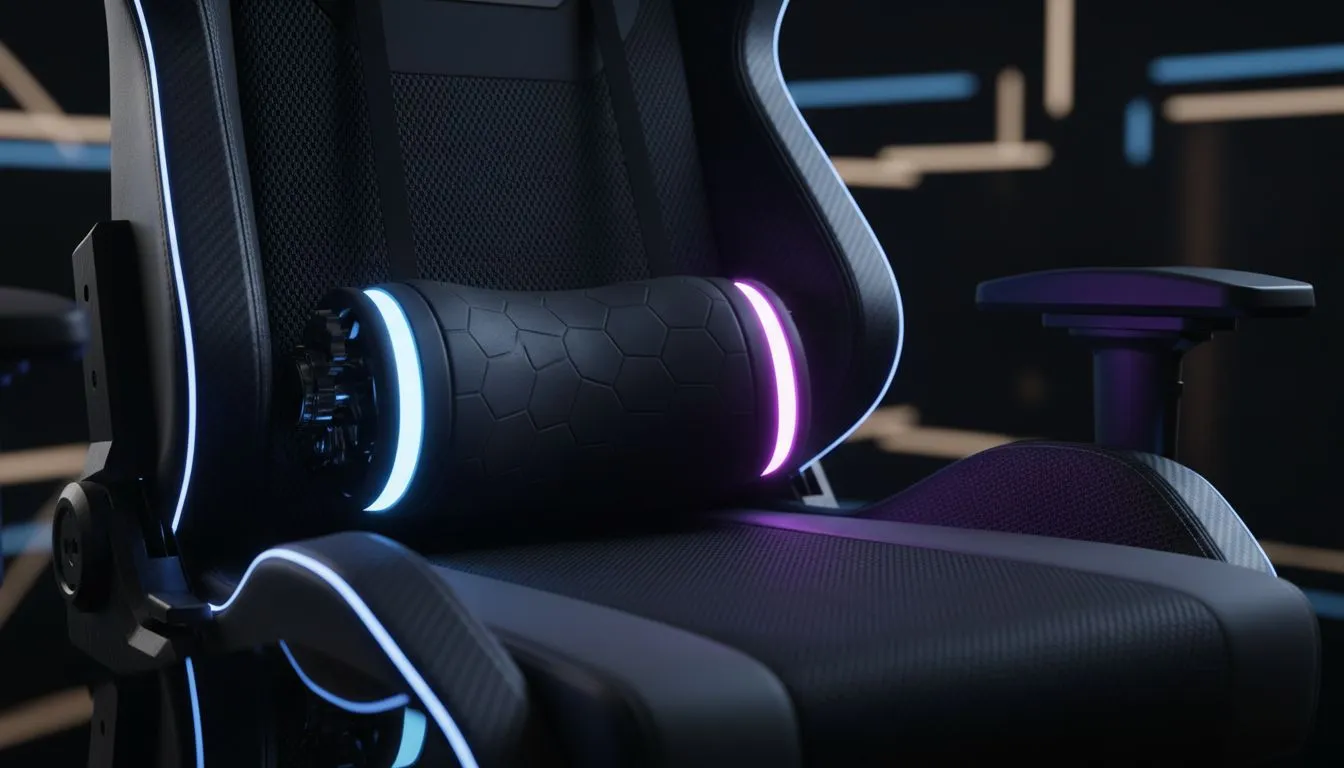
Not all lumbar support is created equal. Some chairs use a simple strap-on pillow, while others build the mechanism directly into the frame. If you are looking to invest in your long-term health, high-end ergonomic models often feature integrated systems that move with your body. These allow you to change the depth and height of the support to match your specific height... ensuring the pressure is always exactly where you need it. ✨
Ergonomic Pro Tip ⚡
When setting up your chair, ensure the lumbar curve fits snugly into the small of your back. Your knees should be at a 90-degree angle with your feet flat on the floor. This posture reduces pressure on your sciatic nerve and keeps blood flowing during those long ranked grinds.
Choosing the Right Brand for Your Build
Every gamer has a different body type, and local availability matters when you want a chair that lasts. Brands like the Vertagear range focus on industrial-grade materials that do not sag over time. They use high-density foam that retains its shape even after years of use in our warm South African climate.
For those who prefer a more sophisticated look for their home office, the Noblechairs selection offers premium aesthetics combined with world-class support. These chairs often feature a dial on the side, allowing you to fine-tune the lumbar resistance without even getting up. 🚀
Quality Support on a Budget
You do not always need to spend five figures to protect your spine. Even if you are on a budget, the Gamdias options provide excellent entry-level support without breaking the bank. These models usually rely on external cushions, which are great because you can manually adjust their position as you shift from an intense competitive stance to a more relaxed movie-watching mode.
Remember to look for breathable materials. Mesh or perforated leatherette helps manage the heat during those 30-degree summer days in Joburg or Durban. A chair that keeps you cool is just as important as one that keeps you upright. ⚡
Ready to Find Your Perfect Match? Your back deserves a break, and your setup deserves an upgrade. From entry-level comfort to premium ergonomic mastery, Evetech has the widest selection in the country. Explore our massive range of gaming chairs and find the perfect throne to conquer your world.











