

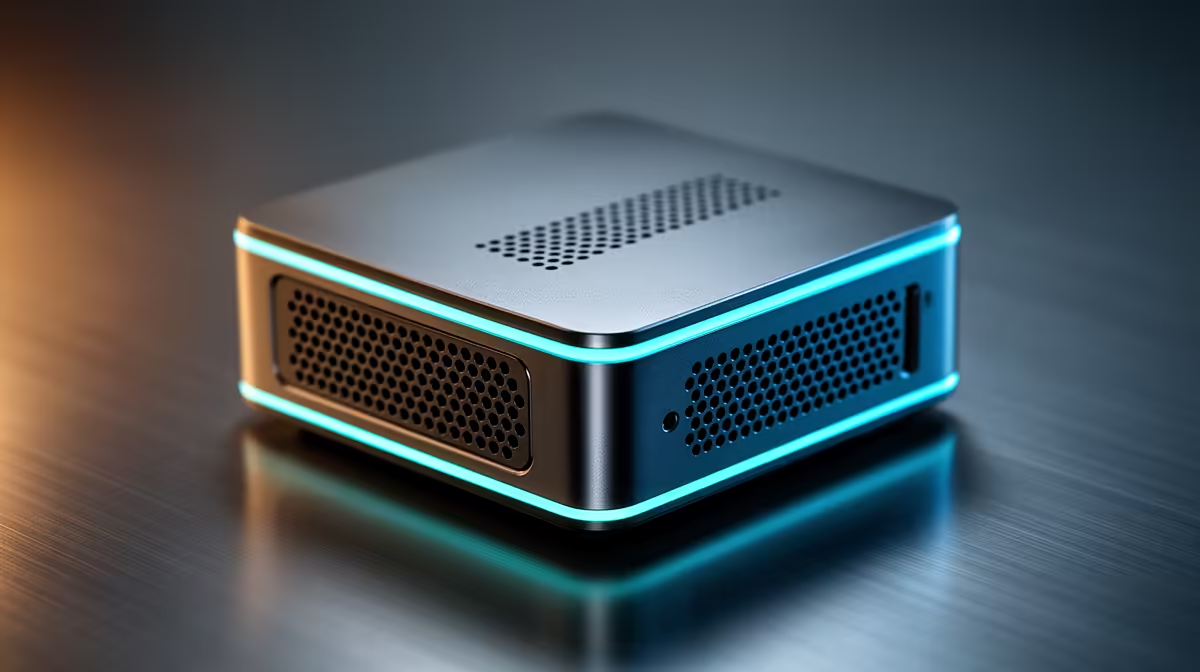
Tired of your creative workstation looking like a tangled mess of cables and a tower that doubles as a foot-warmer? What if you could get all the power you need for video editing, graphic design, and content creation in a box that fits in your hand? It's not science fiction. Affordable Mini PCs are here, and they're quietly revolutionising workspaces across South Africa, offering a potent blend of performance and minimalist design without breaking the bank. 🚀
Why Mini PCs are a Creator's Secret Weapon
Let's be honest, desk space is prime real estate. A traditional PC tower can dominate your setup, leaving little room for sketch pads, second monitors, or even a decent cup of coffee. This is where the magic of a compact PC shines. An affordable Mini PC can be mounted discreetly behind your monitor or sit unobtrusively on your desk, creating a clean, professional environment that helps you focus.
Beyond the aesthetics, these small form-factor machines are incredibly power-efficient. In an era of unpredictable load-shedding, running your entire creative suite from a machine with a lower power draw means your UPS will last significantly longer. You get peace of mind and surprising performance, making them a smart choice for any local creator. Explore Evetech's range of mini PCs to see just how compact power can be.
What Specs Matter for Creative Workloads?
Not all Mini PCs are created equal, especially when it comes to demanding creative tasks. To ensure you get a machine that delivers real power, you need to look past the small size and focus on the core components.
The Holy Trinity: CPU, RAM, and Storage
- Processor (CPU): This is the brain of your operation. For tasks like video rendering in Adobe Premiere or 3D modelling in Blender, you'll want a modern processor with multiple cores and threads. AMD Ryzen 5 and 7 series chips are often the top contenders in affordable Mini PCs that deliver power for creators.
- Memory (RAM): Creative applications are memory-hungry. 8GB is the absolute minimum, but 16GB is the real starting point for a smooth workflow. If you're working with 4K video or complex multi-layer Photoshop files, aiming for 32GB will prevent frustrating slowdowns.
- Storage (SSD): A fast NVMe Solid-State Drive is non-negotiable. It dramatically reduces project load times and makes the entire system feel snappy. Look for at least a 512GB NVMe SSD to store your OS, applications, and active projects.
Finding the right combination of specs is key to building a powerful yet affordable rig. You can easily compare options when you browse these Mini PCs and filter by your specific needs.
Quick Performance Boost 🔧
Once your new Mini PC is set up, dive into Windows Power Options and select the "High Performance" plan. This ensures your CPU isn't being throttled to save energy, giving you maximum power for rendering and exports. It's a simple click for a noticeable difference.
Spotlight on a Powerhouse Brand: Minisforum
When it comes to getting the most bang for your buck, one brand consistently stands out in the Mini PC space: Minisforum. They have mastered the art of packing high-performance components, particularly powerful AMD Ryzen processors, into incredibly compact and well-cooled chassis. ✨
Models in their Venus and Neptune series, for example, often feature CPUs that can go toe-to-toe with desktop processors from just a couple of years ago. This makes them fantastic, affordable Mini PCs for creators who need serious multi-core performance without the massive footprint or price tag. For anyone editing videos, compiling code, or juggling heavy design files, checking out the top-tier Minisforum models is a brilliant place to start your search.
Ready to Upgrade Your Creative Space? Stop letting a bulky tower dictate your workflow. Discover a world of compact power and efficiency with our curated selection of Mini PCs. Shop now at Evetech and find the perfect small-form-factor PC for your creative ambitions.











