


GTA 6 Max Settings on RTX 5070: Complete Guide
GTA 6 Max Settings on RTX 5070. Tested & verified settings for best FPS and visual quality on SA hardware budgets.
Read moreEvery spec on motherboards explained in plain English. What matters for gaming and creator work in 2026, what's marketing fluff, and how each number translates to real-world performance.
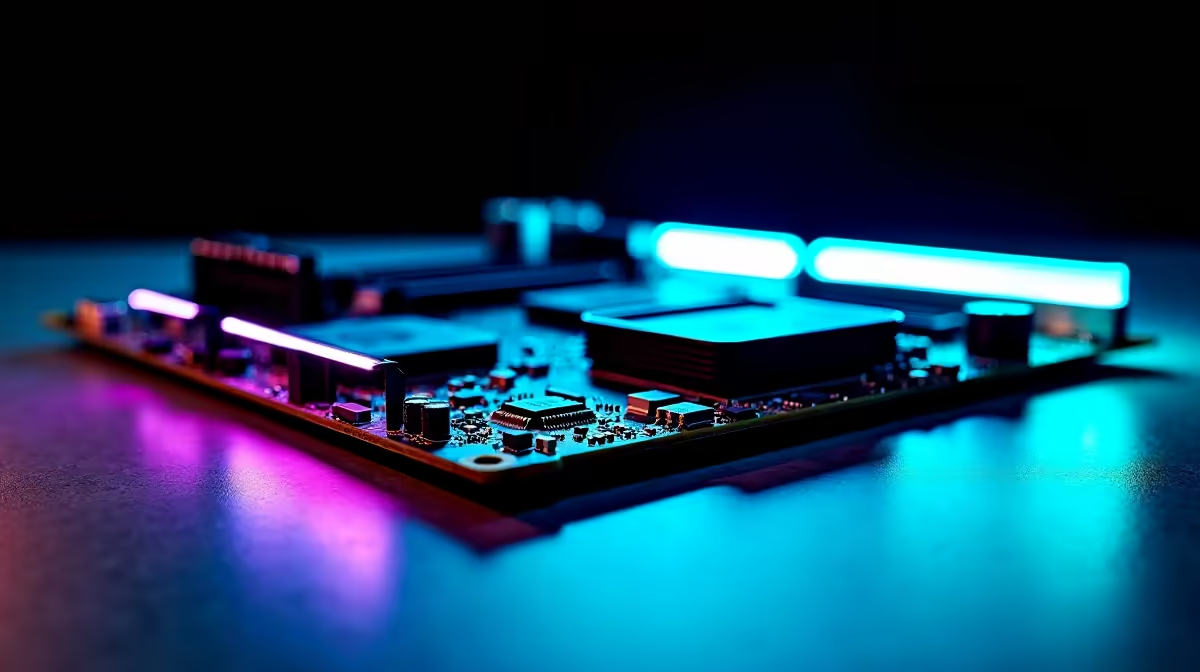
Remember the days of sweating over BIOS settings, terrified you might fry your expensive new CPU? Those days are gone. If you want maximum frame rates without a degree in computer engineering... automated tuning is your answer. Let us get AI overclocking on gaming motherboards explained in plain English, so you can easily squeeze every drop of performance out of your rig.
What exactly is AI overclocking? Think of it as a tiny, incredibly fast mechanic living inside your PC. In the past, you had to manually tweak voltages and clock speeds through trial and error. Now, the silicon does the heavy lifting for you.
Modern processors and advanced gaming motherboards constantly monitor your system temperatures and power draw. They use built-in algorithms to automatically push your CPU to its safe limits... giving you extra speed for free. The best part is that the system actually learns over time. As ambient temperatures change... like during a scorching South African summer... the AI adjusts the voltages to prevent your system from crashing.
Whether you prefer Intel or AMD, the technology works similarly. Brands like ASUS have truly perfected this automated tuning. Building a high-end Intel rig? One of the latest ASUS Intel motherboards gives you access to proprietary AI tuning. It profiles your specific CPU and cooling solution to find the optimal frequency instantly.
Ryzen fans are certainly not left behind. For Team Red builders, ASUS AMD motherboards offer tools like Precision Boost Overdrive. This acts as a brilliant automated overclocking utility. It dynamically scales your processor speed based on exactly how many cores a game is using.
AI overclocking scales directly with your temperatures. If you want the algorithm to push your CPU higher, invest in a robust AIO liquid cooler. The cooler your chip runs, the more extra performance the AI will safely unlock.
Your motherboard and CPU cannot do this alone. Automated overclocking creates a ripple effect across your entire system. To keep up with those blistering new processor speeds, your system needs fast data delivery.
Upgrading to high-speed gaming memory kits ensures your CPU is never waiting around for data. Faster RAM means fewer frame drops and a much smoother experience in demanding titles. Remember to enable XMP or EXPO in your BIOS so your RAM runs at its advertised speeds. The AI relies on this memory bandwidth to calculate physics and load massive open worlds without stuttering.
South African gamers know that PC parts are a serious investment. You want every single component to pull its weight. Buying hardware with smart tuning capabilities means you get more value for your hard-earned Rands. Instead of leaving performance on the table, your PC optimises itself in real-time.
You do not need to spend days running stress tests anymore. The AI handles the crashes, the reboots, and the fine-tuning while you sit back and launch your favourite game. It is the ultimate plug-and-play performance boost. If you prefer a system that is already built and tuned to perfection, browsing our best gaming PC deals is the easiest way to guarantee top-tier performance right out of the box.
Ready to Unlock Maximum Performance? AI overclocking takes the fear out of pushing your hardware to the limit. If you want to build a powerhouse rig or upgrade your current setup in South Africa, we have everything you need. Explore our massive range of motherboard specials and find the perfect foundation to conquer your favourite games.
The motherboards, tools and accessories referenced in this article are stocked at Evetech.co.za with local SA warranty, ZAR pricing and nationwide delivery.
The article breaks down the real-world impact on gaming FPS, creator workflows and everyday responsiveness — not just raw spec numbers.
Only a handful of specs meaningfully change your experience. The guide ranks them by real impact so you spend on what counts.
We cover upgrade headroom, platform longevity and the specific features worth paying extra for if you plan to keep this build for several years.
The article includes a clear generational uplift summary so you can judge whether upgrading from your current hardware is worthwhile.
GTA 6 Max Settings on RTX 5070. Tested & verified settings for best FPS and visual quality on SA hardware budgets.
Read more
Cyberpunk 2077 Max Settings on RTX 5080. Tested & verified settings for best FPS and visual quality on SA hardware budgets.
Read more
Starfield Max Settings on RTX 5070 Ti. Tested & verified settings for best FPS and visual quality on SA hardware budgets.
Read more
AMD RX 9050 XT: Rumoured Specs, Price & Release. SA-focused analysis with local pricing data, real-world insights & actionable buying advice.

Can RTX 4080 Super Run AI Workloads for SA Developers Detailed answer with SA data, expert analysis & practical recommendations for local buyers.

Can RTX 4090 Run AI Workloads for SA Developers Detailed answer with SA data, expert analysis & practical recommendations for local buyers.

Top Settings for Intel Arc B580 at Ultrawide 1440p picks evaluated on performance, value & SA availability with current Rand pricing from Evetech.

RTX 4060 CS2 Low Settings at 1080p: FPS Results. Real-world benchmark data, FPS numbers & performance analysis. What SA gamers can actually expect.

Visual Artifacts: Possible GPU Issue Issue #1. Diagnosis steps, proven fixes & when to seek professional help. SA-specific support info included.

Can the RTX 4090 Handle 1440p 144Hz Gaming. Performance testing verdict with real data & practical recommendations for SA buyers.

Top ASUS GPU Under R15000 picks evaluated on performance, value & SA availability with current Rand pricing from Evetech.
GTA 6 Max Settings on RTX 5070. Tested & verified settings for best FPS and visual quality on SA hardware budgets.
Cyberpunk 2077 Max Settings on RTX 5080. Tested & verified settings for best FPS and visual quality on SA hardware budgets.
Starfield Max Settings on RTX 5070 Ti. Tested & verified settings for best FPS and visual quality on SA hardware budgets.

Top RTX 5090 Under R5000 picks evaluated on performance, value & SA availability with current Rand pricing from Evetech.