

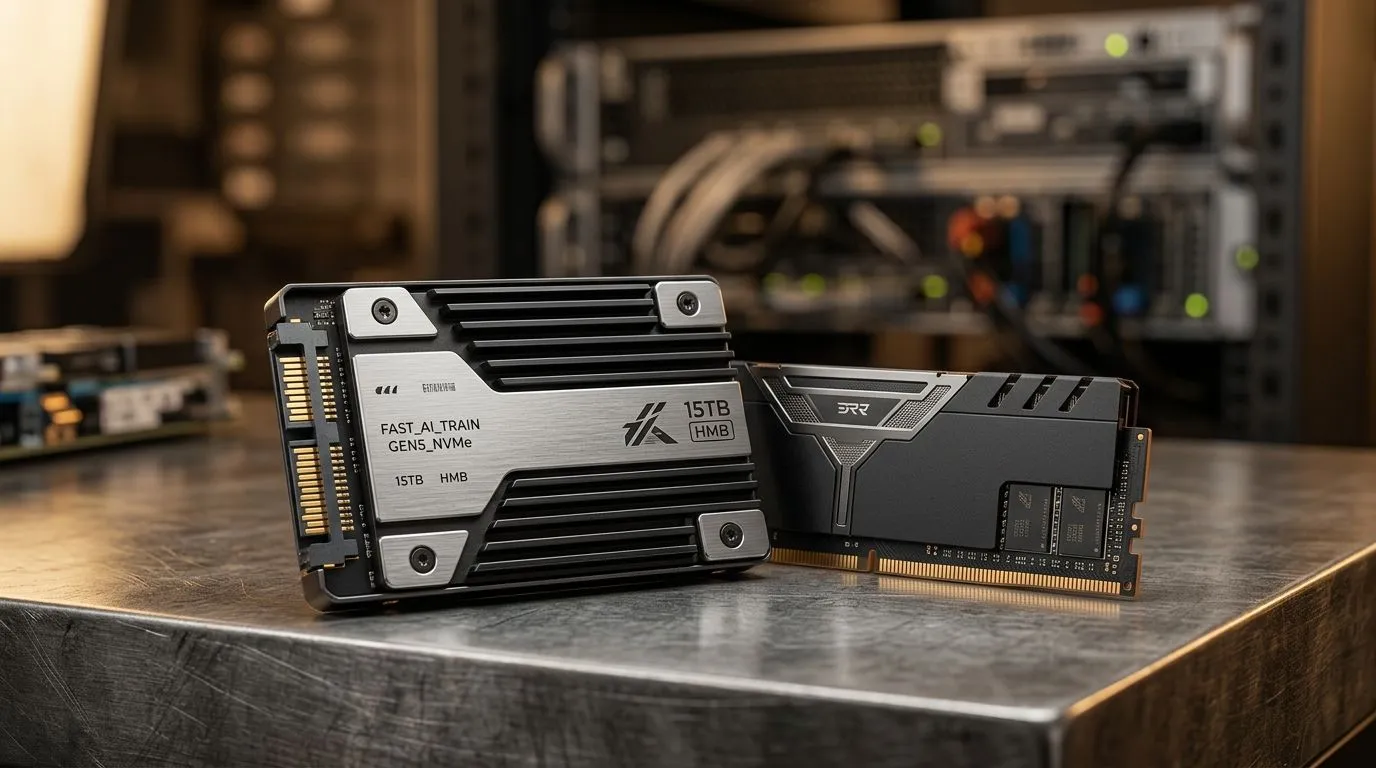
AI Training Speed: Fix Slow Runs with NVMe and Unified Memory (Why your GPU feels “stuck”)
If your AI training runs crawl like it’s on dial-up, you’re not alone… especially on mid-range rigs popular in South Africa. One day your model flies, the next it stalls every few minutes. For gamers and tech buyers, the culprit is often I/O and memory behaviour, not the GPU itself. The good news? With NVMe storage and the right memory setup, you can cut wait times and get steadier throughput ⚡.
In this Deep Dives guide, we’ll focus on AI Training Speed: Fix Slow Runs with NVMe and Unified Memory and what to change on a real PC, not a lab-only workstation.
AI Training Speed: Fix Slow Runs with NVMe and Unified Memory (The bottleneck nobody checks first)
Slow training is usually a pipeline problem: data loading, preprocessing, and transfers. Even with a strong GPU, stutters happen when batches arrive late. NVMe helps because it reduces storage latency compared to SATA SSDs. Unified Memory can help by managing memory between CPU and GPU more flexibly, but it can also introduce paging if you exceed available memory.
What to look for in your logs
- Batch time spikes: often points to storage or preprocessing delays.
- GPU utilisation dips: indicates the GPU is idle waiting for data.
- Out-of-memory events or “migration” messages: suggests memory pressure.
If you see these signs, it’s time to upgrade the “plumbing” 🔧.
Where unified memory helps (and where it hurts)
Unified Memory is useful when workloads don’t fit neatly into one memory space. But if your dataset and model footprint exceed system/GPU limits, the OS may start paging. That’s when speed collapses.
Productive approach
- Start with smaller batches.
- Profile a short run to find the hot spot.
- Only then scale up.
Productivity Pro Tip ⚡
On Windows, if your training uses multiple processes (data loader, trainer, monitoring), pin them to specific CPU cores using Task Manager. This can reduce jitter when background apps steal CPU time, helping your data pipeline stay consistent, which often improves “average” training speed even when GPU specs are unchanged.
AI Training Speed: Fix Slow Runs with NVMe and Unified Memory (Practical upgrades for SA buyers)
If you’re building around AI workloads, don’t treat storage like an afterthought. NVMe drives are ideal for faster dataset streaming, especially when training involves frequent reads and shuffling. Unified Memory settings depend on your platform and framework, so focus on keeping memory demands predictable.
Here are a few smart ways to match hardware to workflow:
Choose a mini PC or compact workstation that fits your workload
Many South Africans run AI experiments on compact systems because they save space and power. If that’s you, start with reliable compute and fast storage options.
- Consider an off-the-shelf mini PC build from Evetech’s mini-pcs range for AI-friendly setups: Explore mini PCs
- If you’re shopping by brand or configuration, browse these options: Check mini-pcs selection
- Want Minisforum specifically? This is where to narrow the search quickly: Minisforum mini PCs
- Prefer workstation-style “serious compute” in a compact form? See these configurations too: Ninkear mini PCs
- And if you’re leaning MSI for the build quality reputation: MSI mini PCs
Tuning steps that usually work
- Put datasets on NVMe (not a slow external drive).
- Reduce batch size to stop memory thrashing.
- Use persistent dataloaders where your framework supports it.
- Track GPU idle time and adjust data loader workers.
These changes don’t just “boost benchmarks”… they make training feel smoother, which matters when you’re iterating during deadlines.
AI Training Speed: Fix Slow Runs with NVMe and Unified Memory (How to verify the fix in real terms) 🚀
After changes, don’t guess. Run a short profile and compare:
- Average time per batch
- GPU utilisation trend
- Occurrence of memory paging/migration
If your batch time stays flat and utilisation is steadier, you’ve likely solved the I/O and memory bottleneck. If not, it may be preprocessing, CPU constraints, or dataloader settings.
Ready to stop fighting the slowdown and get consistent training runs? Let’s match your build to your workflow.
Ready to Find Your Perfect Match? The Mac vs Windows debate is complex, but for maximum power, choice, and value in South Africa, Windows is hard to beat. Explore our massive range of laptop specials and find the perfect machine to conquer your world.











