

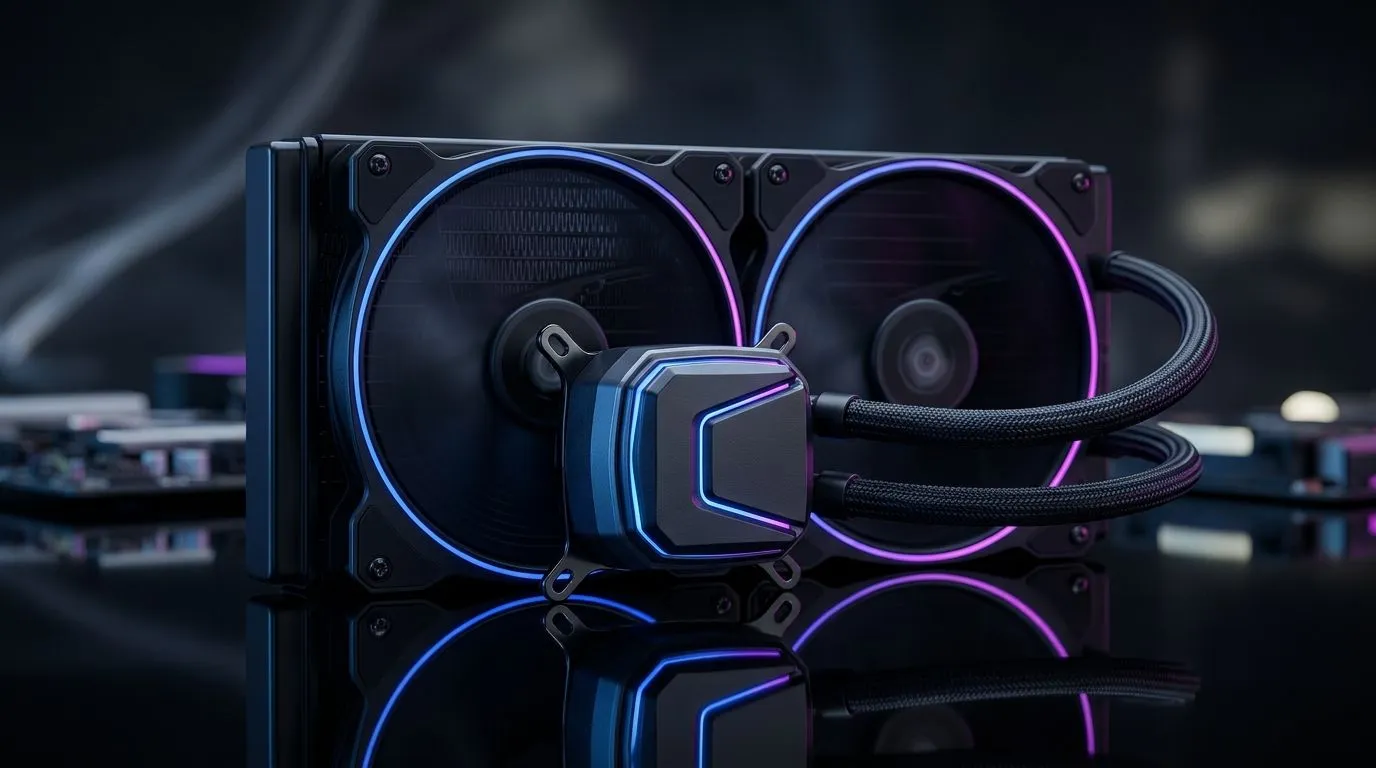
Why AIO liquid cooler inconsistent cooling happens
If your PC spikes in temperature mid-game, you’re not alone. South African gamers often see bursts of heat from a once-stable AIO, and diagnosing AIO Liquid Cooler Inconsistent Cooling Performance Causes can save you hours. In this Deep Dives guide we walk through likely culprits and quick checks. 🔧
Common hardware causes
Air trapped in the loop, loose mounting, thermal paste dried out and pump speed variability are the usual suspects. Low coolant flow after ageing or a partially blocked radiator will make cooling unpredictable. Fans that ramp erratically due to poor curves or faulty headers also matter, a quality fan setup matters as much as the AIO itself. If you’re replacing case fans, consider models on Evetech that match your radiator size like these 120mm options. 120mm fans on Evetech Also check Deepcool choices for matched kits. Deepcool case fans
Quick diagnostics to run
Start simple: check pump noise and warmth at the CPU block. If the block feels cold while the radiator is warm, flow is likely fine. If the pump is silent or warm, suspect pump failure. Monitor pump RPM and coolant temps with BIOS or HWInfo. Try reseating the block with fresh thermal paste and ensure screws are snug... not over‑torqued.
Software and tuning fixes
Adjust fan curves in BIOS or with motherboard software. Set more aggressive speeds under 60°C and test in a controlled loop. Update your AIO’s firmware where possible. If your radiator fins are dusty, a careful compressed‑air clean often restores airflow. For matching fans and airflow balancing, browse Evetech's general options. Evetech case fans
Brand and lighting compatibility
Matching fans to your AIO simplifies setup. Corsair’s ecosystem uses iCUE for synchronous profiles; Deepcool offers compatible RGB or non‑RGB controllers. Choose based on your controller type to avoid conflicting curves. Browse Corsair brand options here. Corsair case fans If you want specific lighting profiles, check RGB-enabled fans as well. RGB case fans
For non-RGB builds, simpler fans can be quieter and more reliable. See no-lighting options here. No-RGB fans
If your radiator supports larger fans, 140mm blades move more air at lower RPM. Consider 140mm for big rads. 140mm fans
Productivity Pro Tip ⚡
On Windows, use the PowerToys FancyZones utility to create custom snap layouts for your windows. It's a lifesaver for managing multiple apps on an ultrawide monitor, letting you organise your timeline, preview window, and asset folders perfectly for video editing.
Quick micro‑story and final nudge
I fixed a mate’s AIO last month: a loose pump connector and dusty 240mm radiator made temps jump 15°C under load. A five‑minute re-seat, new thermal paste, and proper fan curve brought frame‑rate stability back. Small steps often fix big problems.
Want a tuned, reliable build? Swapping to the right fans and a clean radiator is the fastest path. 🚀 Now.
Ready to Find Your Perfect Match? The Mac vs Windows debate is complex, but for maximum power, choice, and value in South Africa, Windows is hard to beat. Explore our massive range of laptop specials and find the perfect machine to conquer your world.











