

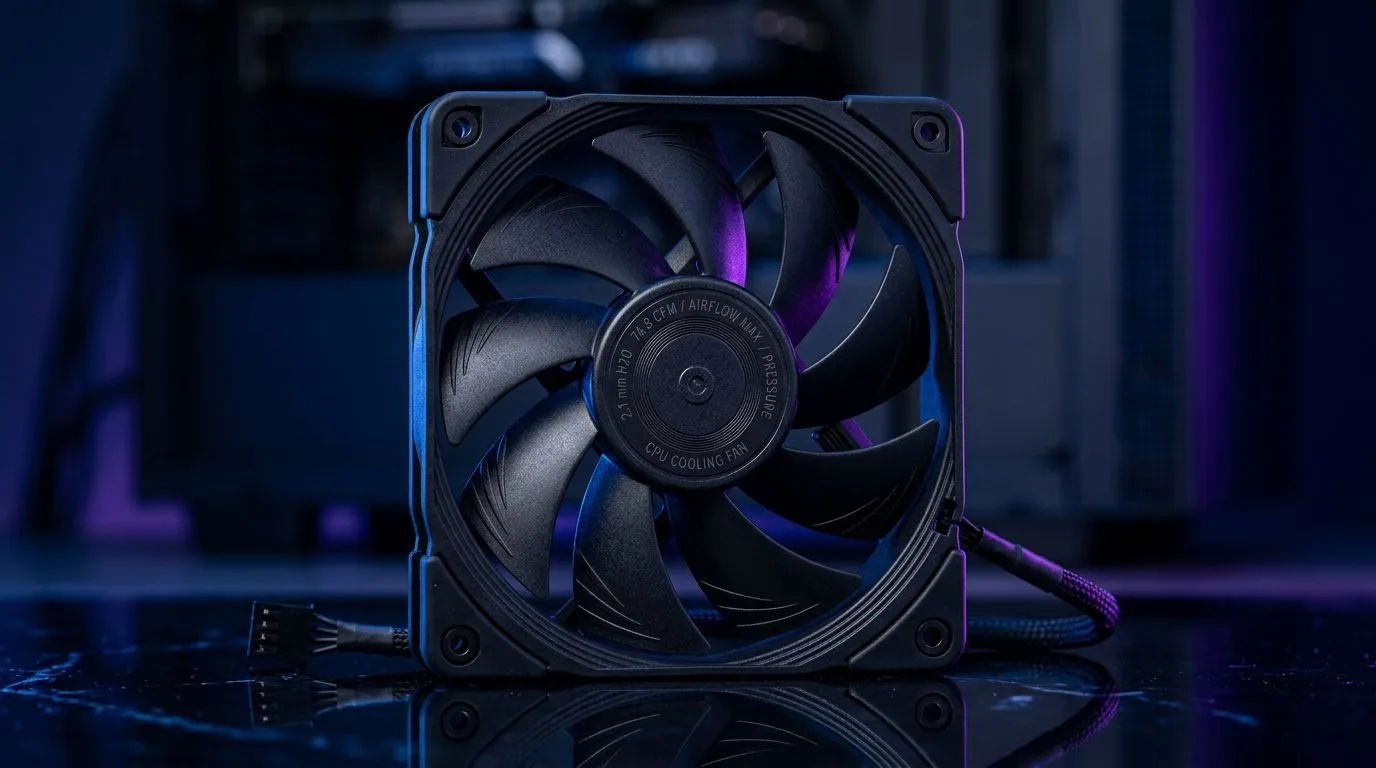
Airflow vs Static Pressure for CPU Cooling: Why Fan “CFM” Isn’t the Whole Story
South African gamers know the moment. You’ve nailed the GPU choice, but CPU temps start creeping up during Warzone or Tarkov… and suddenly you’re in the deep end of cooling specs. 🔧 People throw around CFM like it’s magic, but “74.8CFM fan metrics” only tell part of the story. The real question is: does your cooler’s design use airflow well, or does it need static pressure to push through dense heatsinks?
In this Deep Dives guide, we’ll break down Airflow vs Static Pressure for CPU Cooling: 74.8CFM Fan Metrics in plain terms, then show you what to look for when shopping at Evetech.
Airflow vs Static Pressure for CPU Cooling: What the Numbers Mean (and Don’t)
Airflow (CFM) is how much air a fan can move in open space. Static pressure is how effectively that fan can push air through resistance, like:
- Tight fin spacing on tower coolers
- Restrictive stock shrouds
- Dust filters and thick radiator cores
Here’s the key… two fans with similar CFM can cool very differently depending on how dense the cooler is. A cooler with a narrow fin stack often rewards higher static pressure, even if its “free air” CFM looks lower.
How to read CFM like a pro ⚙️
When you see “74.8CFM”, treat it as a baseline performance number, not a guarantee. If the cooler’s fins are dense, airflow can struggle. Static pressure helps the fan maintain flow where it matters.
Airflow vs Static Pressure for CPU Cooling: Match the Fan to the Cooler Design
Tower air coolers (common in gamer builds) often benefit from fans that can hold pressure across heatsink fins. Radiator setups can also demand pressure because the core creates resistance.
So instead of asking only “How many CFM?”, ask:
- Is the heatsink fin stack dense?
- Is there a thick radiator core in the path?
- Are you adding filters that add restriction?
If you want a practical shopping starting point, browse Evetech’s air cooler selection here: Explore CPU coolers (general) ✨
And if you already know you’re going air cooling, this view helps: Filter for Air Coolers
Want to narrow further for a case that supports it? Many builds run best with 120mm fan compatibility: Air Coolers with 120mm fans
If you’re brand-led (common with DeepCool and EINAREX among local builders), use these shortcuts too: DeepCool air cooler options EINAREX air cooler options
Airflow vs Static Pressure for CPU Cooling: A quick checklist before you buy 🚀
Cooling performance is a system, not just a fan. Use this checklist:
- Check cooler type: tower air coolers often need better pressure handling through fins.
- Confirm fan mounting: airflow direction matters.
- Plan for dust: restrictive filters can punish weak static pressure.
- Don’t ignore case temps: a cooler can’t beat poor intake airflow.
Cooling Pro Tip 🔧
Keep your intake paths clean. In South Africa’s dusty conditions, even a great fan’s airflow drops over time. If your case has a removable front filter, pop it out for a quick clean every few weeks during heavy gaming sessions.
Micro-story: why my “high CFM” fan didn’t help
A friend once bought a cooler that looked amazing on paper because the fan spec listed big CFM. Temps still climbed in long sessions. The heatsink fins were dense, and the fan struggled to push air where it needed to go. Switching to a design known for stronger pressure performance made the difference. The lesson? Specs without context mislead.
Airflow vs Static Pressure for CPU Cooling: Bringing it together for gamers in SA
If your cooler has dense fins or a restrictive path, favour static pressure behaviour. If your setup is more open and unobstructed, airflow can be the bigger driver. And when you’re shopping, use Evetech’s filters to match cooler type and fan size first. Then read the “74.8CFM” story as part of the bigger thermal puzzle.
When you get the match right, your CPU boost stays stable. Your frames stay smoother. And you stop guessing… ✅
Ready to Find Your Perfect Match? The Mac vs Windows debate is complex, but for maximum power, choice, and value in South Africa, Windows is hard to beat. Explore our massive range of laptop specials and find the perfect machine to conquer your world.











