

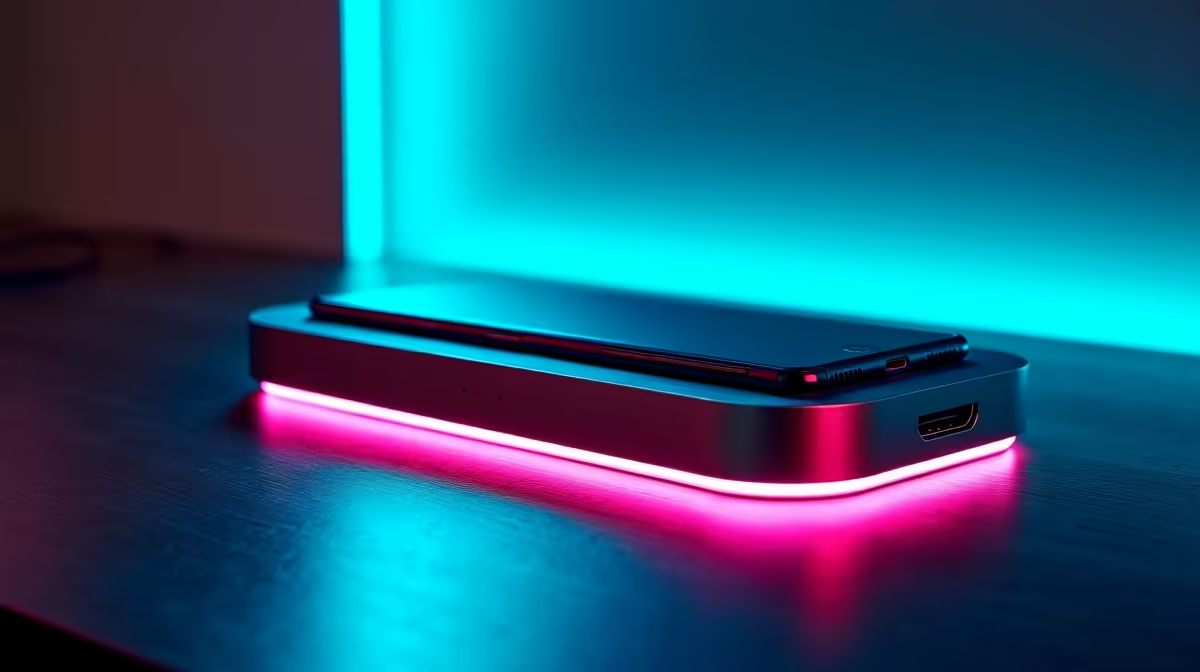
Tired of the cable spaghetti taking over your desk? One for the monitor, another for the laptop charger, a tangle for your mouse and keyboard… it’s a mess. What if you could connect everything—power, a 4K display, and all your peripherals—with a single, clean cable? That's the streamlined power an all-in-one dock brings to your setup, transforming chaos into a clean, productive, and ready-for-anything battle station. 🚀
Why Your Workspace Needs This Single-Cable Solution
Let's be honest, modern laptops are sleek but stingy on ports. If you're running a proper gaming or work-from-home setup in South Africa, you're constantly plugging and unplugging devices. This is where an all-in-one dock for charging, display & data needs becomes essential. It acts as a central hub, connecting all your gear to your laptop through one powerful USB-C or Thunderbolt port.
Imagine coming home, plugging in one cable, and instantly your laptop is charging, your external monitor lights up, and your gaming mouse and keyboard are ready for action. No more fumbling with dongles or running out of ports. This is the simple, powerful convenience offered by modern docking stations.
Key Features to Look For ⚡
Not all docks are created equal. To find the perfect hub for your needs, you need to look beyond the port count. The real value lies in the technology powering those connections. A great all-in-one dock balances power, video, and data seamlessly.
Power, Display, and Data Trifecta
- Power Delivery (PD): This is crucial. A dock with USB-C PD can charge your laptop while it's connected, eliminating the need for its original power brick. Look for wattage that matches or exceeds your laptop's charger.
- High-Resolution Display Outputs: Want to connect a 4K monitor? Or maybe two 1080p screens? Check the dock’s HDMI or DisplayPort specs to ensure it supports the resolution and refresh rate you need for smooth visuals.
- Fast Data Transfer: Look for USB 3.0 ports (or higher) for speedy file transfers to external drives. Many quality options from brands like Promate also include extras like a reliable Gigabit Ethernet port for lag-free online gaming and SD card readers for content creators.
Check Your USB-C Port! 🔧
Before you buy, confirm your laptop's USB-C port supports 'DisplayPort Alternate Mode' and 'Power Delivery'. Most modern gaming and productivity laptops do, but it's always best to check the manufacturer's specs to unlock the full potential of your new all-in-one dock.
Finding the Right Dock for Your Budget
You don't need to spend a fortune to get organised. The best dock is the one that fits your specific workflow and budget.
If you just need to connect a monitor and a few USB devices, there are fantastic, budget-friendly choices. You can find excellent options available for under R1000 that will instantly declutter your space. For power users with dual 4K monitors, multiple hard drives, and a need for maximum charging power, investing a bit more unlocks incredible performance and convenience. The key is to map out what you need to connect, and then choose the dock that gets the job done. ✨
Ready to Reclaim Your Desk? Stop juggling cables and start enjoying a cleaner, more efficient setup. Explore our range of powerful docks today and find the perfect hub for your needs at Evetech.











