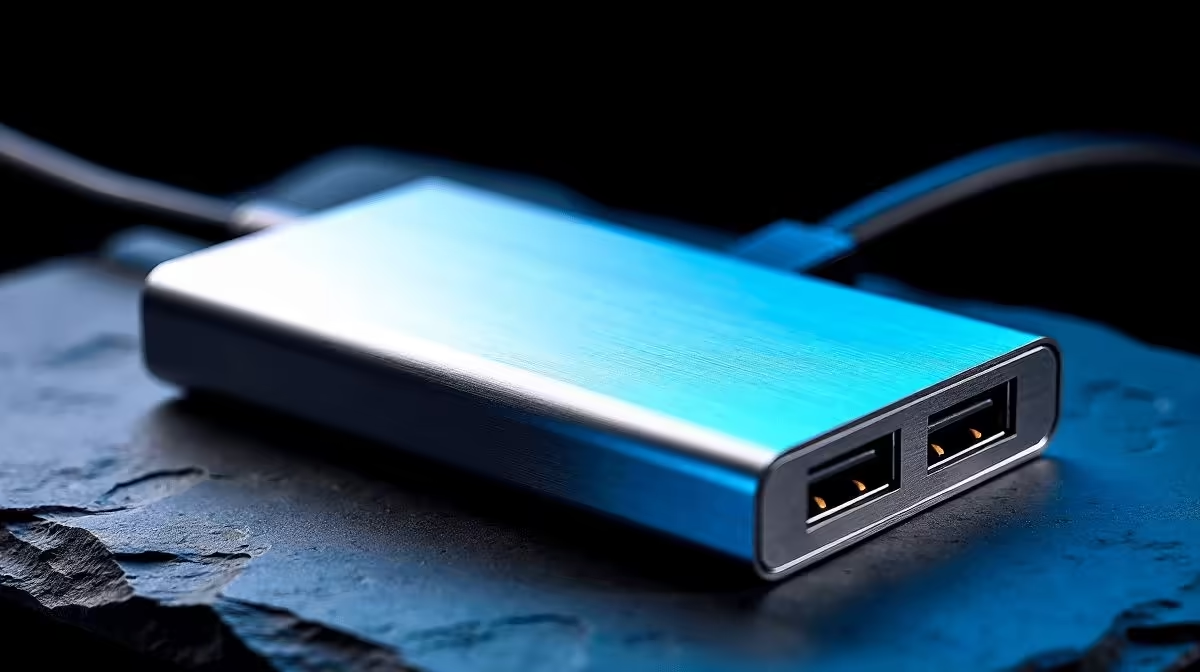
A hub that runs hot is a hub that slows down. Aluminium alloy USB hub cooling is not a marketing detail aimed at aesthetics. It is the difference between a device that maintains peak transfer speeds for an hour-long backup and one that throttles to half speed ten minutes into the job.
Quick Answer
Aluminium alloy hubs dissipate heat passively through the enclosure itself, acting as a heat sink. Plastic hubs trap heat internally, causing the controller chip to throttle its clock speed when temperatures exceed its safe operating limit. For sustained transfers above 5 Gbps, an aluminium body is the practical choice. Plastic hubs work fine for low-duty-cycle tasks like keyboards and mice.
🌡️ How Thermal Throttling Kills Transfer Speeds
Every USB controller chip has a maximum junction temperature, typically between 85 and 100 degrees Celsius. When the chip approaches that ceiling, firmware reduces its operating frequency to bring heat generation down. The side effect is a direct reduction in achievable data throughput. A hub that was hitting 8 Gbps on a USB 3.2 Gen 2 connection may drop to 4 Gbps or lower during a sustained file transfer if the enclosure cannot remove heat quickly enough.
This matters most when you are moving large files, such as RAW photo archives from an external SSD or video project files between drives. The transfer starts fast and then visibly slows as the device warms up. Users often blame their cable, their drive, or their laptop, when the actual culprit is a plastic hub running at thermal limits inside.
🔩 Why Aluminium Acts as a Passive Heat Sink
Aluminium has a thermal conductivity roughly four times higher than common ABS plastic used in electronics housings. Heat generated by the controller IC transfers through the PCB, through any thermal interface material between board and enclosure, and out through the aluminium walls. The surface area of the enclosure, combined with natural convection from airflow around the hub, removes heat continuously without any fan or active cooling component.
This is the same principle behind high-end laptop chassis designs and heat-sink extrusions on graphics cards. The material does the work silently. An aluminium hub sitting on a desk in the Highveld summer, where ambient temperatures regularly climb past 30 degrees Celsius, still has a meaningful thermal margin over a plastic equivalent. That margin translates directly into sustained throughput rather than burst performance followed by a slowdown.
The enclosure design matters too. A solid block with substantial wall thickness outperforms a thin-walled shell. Some manufacturers mill fins into the underside to increase surface area, a sign of genuine thermal engineering rather than minimum material cost.
📊 Sustained vs Burst: What the Numbers Look Like in Practice
A USB 3.2 Gen 2 hub rated at 10 Gbps raw signalling delivers around 700 to 900 MB/s to a fast NVMe enclosure in burst conditions. The first 30 seconds of a transfer typically look excellent. Plastic-bodied hubs tend to sustain that figure for 60 to 90 seconds before throttling appears. Aluminium-bodied hubs with adequate thermal mass can sustain near-peak throughput for several minutes, which covers most real-world tasks such as offloading a memory card or syncing a project folder.
For occasional short transfers, the thermal material matters less. For professionals transferring daily video footage, photographers backing up shoots, or anyone who moves files regularly, choosing an aluminium hub avoids the frustration of watching a progress bar slow mid-transfer.
Frequently Asked Questions
Does an aluminium USB hub run cooler than a plastic one?
Yes, measurably so. Aluminium conducts heat away from the controller chip and distributes it across the enclosure surface. Plastic retains heat, causing the chip to reach thermal limits faster and throttle performance sooner under sustained load.
Will a plastic hub work for everyday use?
For peripherals like keyboards, mice, card readers doing occasional reads, and phone charging, a plastic hub is perfectly adequate. Thermal throttling only becomes relevant when sustained high-speed data transfers are involved.
Is the cooling benefit noticeable in a South African summer?
Higher ambient temperatures reduce the thermal headroom available for the controller chip. In Joburg and Durban summer conditions, an aluminium hub maintains a larger safety margin than plastic, making throttling less likely even when the room temperature climbs.
Can I improve cooling on an existing plastic hub?
Positioning it where it receives airflow helps. Avoid placing a plastic hub in enclosed spaces or directly under a laptop. Some users add a thin adhesive thermal pad between the hub and a metal desk surface, which helps conduct heat away, though the effect is modest.
What else should I look for in a high-performance USB hub?
Beyond the enclosure material, check the controller chip model, the rated transfer speed for each port, and whether the hub is powered or bus-powered. A powered aluminium hub with a quality controller chip represents the best combination for sustained performance.
Tired of transfers that slow halfway through?
Evetech stocks USB-C hubs and docking stations built for sustained performance. Check out the range and find the right match for your workflow.