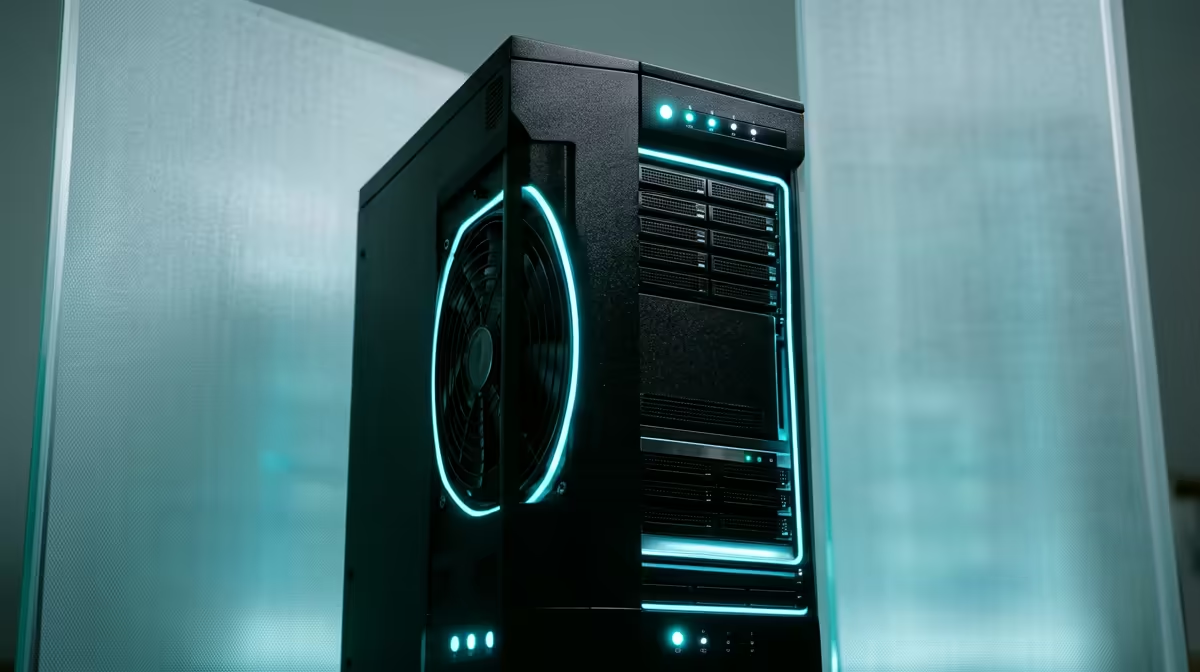
There is barely a paid online service left that you cannot replace with software running on a box in your own home. Password managers, photo libraries, document archives, media streaming, the lot. Self-hosted apps have matured to the point where a small mini PC tucked behind the TV can quietly replace a stack of subscriptions, keep your data on your premises, and run for years on the power of a light bulb.
Quick Answer
The standout self-hosted apps for a 2026 home server are Vaultwarden (passwords), Immich (photos), Jellyfin (media streaming), Paperless-ngx (documents), Nextcloud (file sync), and the *arr stack (media management). Start with two or three on a low-power mini PC, run them in Docker, and add more as you grow comfortable. You do not need a rack or a server-grade machine.
Start With These Core Apps
If you are building a home server from scratch, these deliver the most value for the least effort.
Vaultwarden for passwords
Vaultwarden is a lightweight, self-hosted server compatible with the Bitwarden apps and browser extensions. Your passwords and secrets live on your own hardware instead of someone else's cloud, while you still get the polished client apps. It sips resources, so it is the perfect first app to prove the concept.
Immich for photos
Immich is the self-hosted answer for anyone uneasy about handing their entire photo history to a tech giant. It offers a slick mobile app, automatic phone backup, face grouping, and timeline browsing that feels close to the commercial options, with every image stored at home.
Jellyfin for media
Jellyfin streams your movies, shows, and music to phones, smart TVs, and browsers with no subscription and no licensing strings attached. It is the open, free heart of most home media setups and runs well even on modest hardware for direct play.
Documents, Files, and Productivity
Once media and passwords are sorted, these tackle the paperwork side of life.
Paperless-ngx for documents
Paperless-ngx turns a chaotic drawer of receipts, contracts, and statements into a searchable digital archive. Scan or upload a document and it reads the text, tags it, and files it automatically. Finding a warranty or a tax slip becomes a two-second search instead of an afternoon hunt.
Nextcloud for file sync
Nextcloud is your own private file-sync platform: shared folders, calendar, contacts, and collaborative editing, all synced across devices and stored at home. It is the broadest of the productivity apps and a genuine alternative to commercial cloud drives for a family or small team.
Power-User Territory: The arr Stack
The *arr stack (a family of apps that automate finding, organising, and renaming media) sits one rung up in complexity. These tools coordinate your media library so new content lands in the right folder with correct metadata, ready for Jellyfin to serve. It rewards a bit of patience to configure, but once running it is largely hands-off. Treat this as the project you tackle after the basics feel comfortable rather than on day one.
The Right Hardware for the Job
You do not need a noisy tower or anything server-branded. A small, efficient mini PC is the ideal home-server base: low power draw so it costs little to run continuously, near-silent operation for the living room, and enough grunt to run a handful of containerised apps at once.
What to look for
- CPU and RAM: a modern low-power CPU and 16GB of RAM comfortably handle several apps; 32GB gives breathing room if you plan to grow.
- Storage: a fast NVMe SSD for the operating system and app data, plus larger drives for media and backups.
- Always-on friendliness: low idle power and quiet cooling matter most, because this machine never switches off.
Most of these apps run in Docker, which keeps each one isolated and trivial to update or remove. That containerised approach is exactly why a single compact box can juggle a dozen services without becoming a tangle. Evetech's mini PC range is a sensible hunting ground for a machine that fits this brief, and the desktops topping the sales charts give a feel for current pricing and performance at this tier.
Monitoring and Keeping It Running
Self-hosted apps need occasional attention, but you can reduce that overhead with a few lightweight tools.
Uptime Kuma
Uptime Kuma is a simple, self-hosted monitoring dashboard that pings your services every few seconds and alerts you the moment something stops responding. A push notification to your phone when Jellyfin goes offline is far more useful than discovering the problem when you sit down to watch a film. It runs in a single Docker container and costs nothing.
Watchtower for automatic updates
Watchtower watches your running containers and pulls updated images on a schedule, then restarts the containers with the new version. This keeps your self-hosted apps patched without manual effort, though for critical apps like Vaultwarden it is worth testing updates before auto-applying. Set Watchtower to monitor and notify rather than auto-update if you prefer full control.
Portainer for a visual overview
Portainer provides a web GUI for managing Docker containers, images, volumes, and networks without typing commands. For anyone who prefers a visual interface over the terminal it is a useful addition early in the build, and it makes starting, stopping, and inspecting containers straightforward from any browser.
How to Start Without Overwhelm
The fastest route to regret is trying to deploy everything at once. Pick two or three apps that solve a problem you actually have today, get them stable, then expand. Vaultwarden plus Jellyfin, for example, gives immediate value and teaches you the workflow. Set up automated backups early, because a home server holding your photos and passwords is only as safe as its last backup. From there, adding Immich, Paperless-ngx, or the *arr stack is a weekend project at a time rather than a single intimidating build.
Frequently Asked Questions
What is the easiest self-hosted app to start with?
Vaultwarden is an excellent first app. It is lightweight, solves a real problem (password management), and works with the familiar Bitwarden clients. Jellyfin is the other strong starter for anyone who wants a media library at home.
Do I need a powerful server to self-host?
No. A modern low-power mini PC with 16GB of RAM runs a handful of these apps comfortably. Most are lightweight, and Docker keeps them isolated. You only need more power if you plan to run many apps or heavy media transcoding.
Is self-hosting safe for my data?
It can be very safe if you back up properly and keep apps updated. Your data stays on your hardware rather than a third party's cloud. The key responsibility is reliable, automated backups, since you are now the administrator.
What is the arr stack?
The *arr stack is a group of apps that automate finding, organising, and renaming media files so your library stays tidy and ready for streaming. It is more advanced to set up, so tackle it after the basic apps are running smoothly.
Why use Docker for self-hosting?
Docker packages each app in its own container, which keeps them isolated, easy to update, and simple to remove if you change your mind. It is why one small machine can run many services cleanly without conflicts.