Quick Answer
B850 is the newer mainstream AM5 motherboard choice for 4K video editing; B650 remains the value pick when the price is clearly lower. With the same Ryzen CPU and GPU, both can deliver the same FPS. The difference is usually PCIe options, USB, WiFi, BIOS freshness, and layout, with broad SA bands around R2,000-R5,500 for B650 and R3,000-R7,000+ for B850.
What Actually Changes
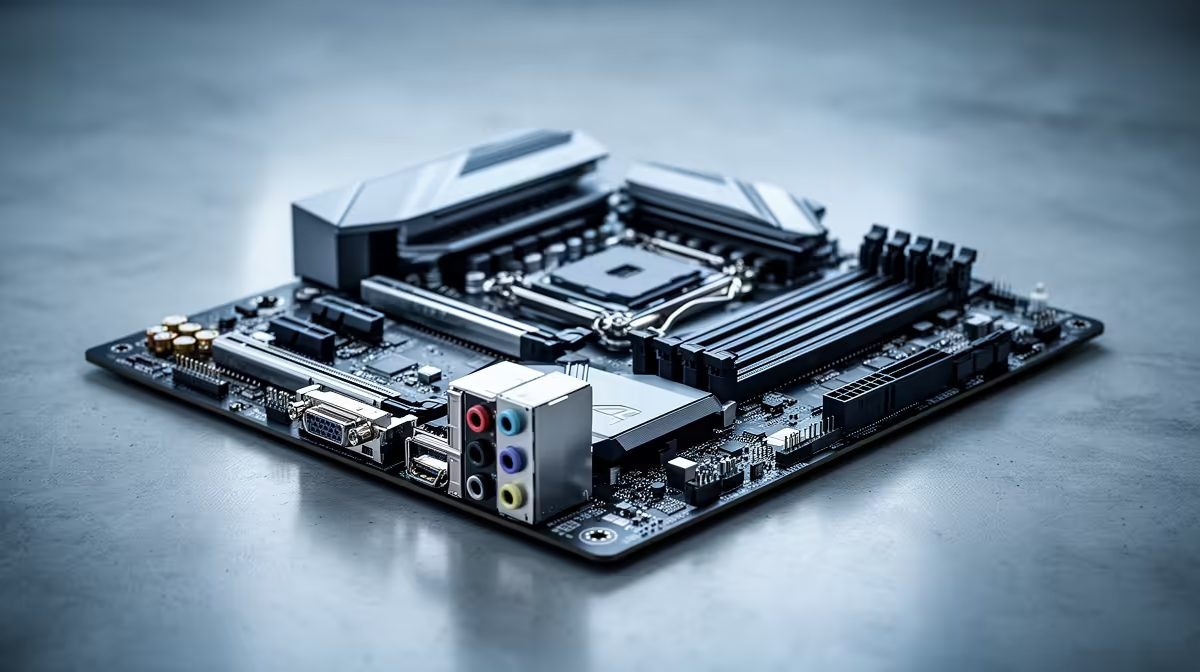
B850 refreshes the mainstream AM5 stack with newer layouts and feature mixes. B650 is already proven and can still be excellent if it has the VRM quality, M.2 slots, and ports your build needs. Compare MSI MAG B850 Tomahawk WiFi, ASUS TUF B850-Plus, MSI B650 Tomahawk WiFi, and Gigabyte B650 Eagle AX class boards by features, not name alone.
Where SA Buyers Should Spend First
Choose B850 when the gap is small, the ports fit better, or you want the cleaner new-board experience. Choose B650 when it saves enough for a stronger GPU, larger SSD, or better monitor. SA creators should weigh warranty support because workstation downtime can stop paid work.
Specs To Check Before Checkout
Check DDR5 support, VRM cooling, BIOS flashback, M.2 count, PCIe 5.0 storage, USB-C, WiFi, and case size. For 4K video editing, spend around CPU cores, GPU acceleration, NVMe scratch storage, and 32GB to 64GB RAM. The motherboard should support the build without stealing money from visible performance.
FAQ
Will this make 4K exports faster?
Usually no. B850 and B650 can perform the same when they run the same CPU, GPU, RAM, and settings.
What specs matter for editing?
Compare M.2 slots, USB-C, WiFi, VRM quality, BIOS tools, and total basket price. The better board supports your parts without weakening the GPU or monitor.
How should SA creators choose?
Buy B850 when the gap is small or the features fit better. Buy B650 when the saving improves the parts needed for 4K timelines.
Buying Tip
List the CPU, GPU, SSD count, case size, USB needs, and WiFi requirement before choosing. B850 is newer, but B650 can still be sharper value.