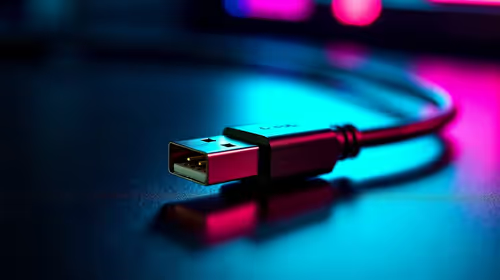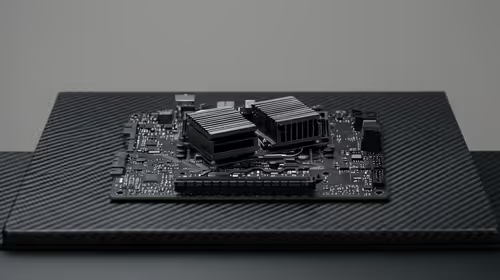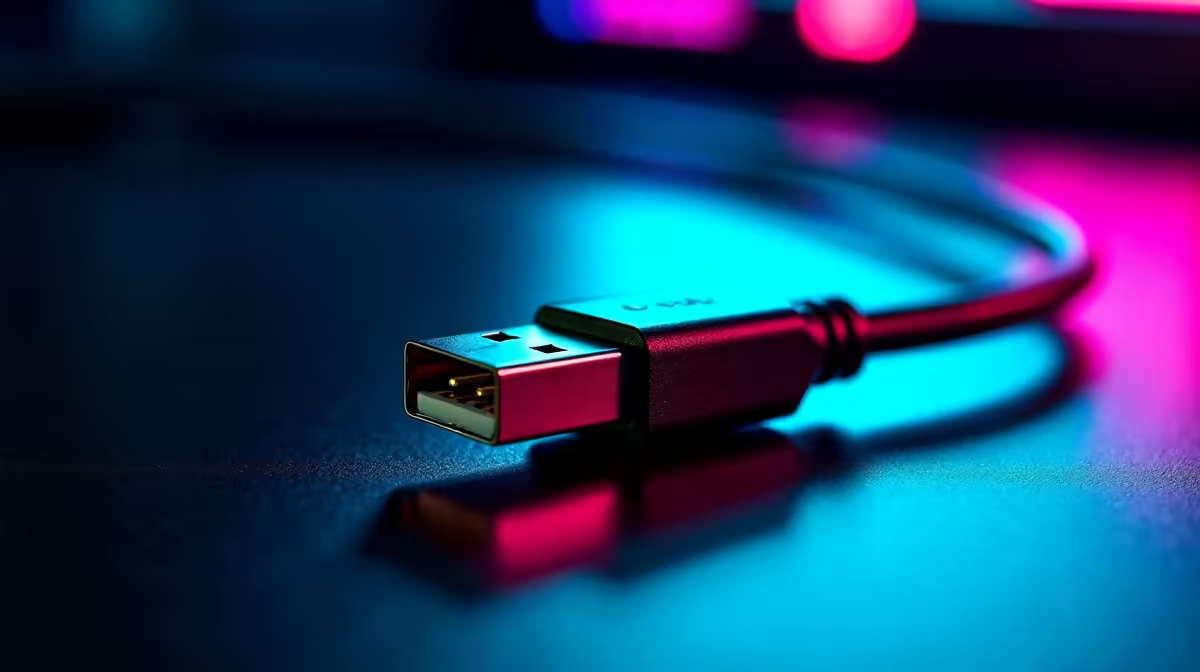
External graphics no longer mean a proprietary port and a specific brand of laptop. USB4 has quietly become the universal connection that makes eGPUs accessible across far more machines, including handhelds like the ROG Ally X. It runs at up to 40 Gbps, works across manufacturers without locked certification, and gives AMD-based laptops a real eGPU path they never had before. The catch is its ceiling, which sits below both OCuLink and Thunderbolt 5.
Quick Answer
USB4 tops out at 40 Gbps and is the eGPU-capable port on devices like the ROG Ally X. It offers broader cross-manufacturer compatibility than proprietary Thunderbolt certification, but its bandwidth ceiling is lower than OCuLink or Thunderbolt 5, so it suits eGPU use at 40 Gbps rather than the very highest-bandwidth setups.
What USB4 Brings to eGPUs
USB4 is an open standard, which is its biggest advantage for external graphics. Where older eGPU setups often demanded Thunderbolt certification found mainly on Intel-based laptops, USB4 appears across a much wider range of machines, including AMD-powered laptops and handhelds. That opens external graphics to people who were previously locked out.
At 40 Gbps, USB4 carries enough bandwidth to drive an external GPU usefully. You connect a USB4 eGPU enclosure holding a desktop graphics card, plug a single cable into the laptop or handheld, and gain far more graphics power than the integrated chip can manage. For a device like the ROG Ally X, that turns a portable into something that can drive a proper monitor with real gaming performance at home.
How It Stacks Up Against the Alternatives
USB4's 40 Gbps is shared bandwidth, and an eGPU does not get the full figure all to itself, which is why the connection, not the card, often limits performance. Compared with the alternatives, USB4 sits in the middle: more universal than anything, but not the fastest.
OCuLink offers higher effective bandwidth for eGPUs and is favoured by enthusiasts chasing maximum performance, but it is less common, often needs an extra port or adapter, and lacks USB4's plug-and-play universality. Thunderbolt 5 raises the bandwidth ceiling well above USB4 and is the premium option, but it is found on fewer, higher-end devices. USB4 wins on availability and compatibility; the other two win on raw throughput. For a single external card on a wide range of laptops and handhelds, USB4's balance is the practical choice for most people. The enclosures and docks that make this work are listed in the docking station range at Evetech.
Who USB4 eGPUs Are For
This setup suits anyone with a thin laptop or a handheld who wants desktop-class graphics at a fixed desk without buying a second machine. Bring the device home, plug in one cable, and a powerful external card takes over for gaming or creative work, then unplug and travel light. The trade-off to accept is that a USB4 connection will leave some of a high-end card's performance on the table compared with a desktop, because the link, not the GPU, becomes the bottleneck. If your goal is the absolute highest frame rates, a desktop or an OCuLink path serves you better; if your goal is portability with a serious graphics boost on demand, USB4 is the right fit. To match a card to your enclosure, the best-selling graphics cards at Evetech show what pairs well.
Frequently Asked Questions
What is the maximum speed of USB4 for an eGPU?
USB4 tops out at 40 Gbps. That bandwidth is shared and an eGPU does not receive all of it, which is why the connection often limits how much of a card's performance you actually see.
Is USB4 the same as Thunderbolt?
They are closely related and often share the same physical port, but USB4 is the open standard with broader cross-manufacturer support. Thunderbolt 5 builds on it with a higher bandwidth ceiling and stricter certification, found on fewer devices.
Can the ROG Ally X use a USB4 eGPU?
Yes. USB4 is the eGPU-capable port on the ROG Ally X, letting you connect an external GPU enclosure for far stronger graphics performance when docked at a desk.
How does USB4 compare with OCuLink for eGPUs?
OCuLink generally delivers higher effective bandwidth and is preferred by enthusiasts chasing maximum performance, but it is less common and less plug-and-play. USB4 trades some bandwidth for much wider compatibility and easier single-cable use.
Will a USB4 eGPU match desktop performance?
Not fully. The 40 Gbps link becomes a bottleneck for high-end cards, so you lose some performance versus the same GPU in a desktop. For portability with a major graphics upgrade on demand, that trade-off is usually worth it.
Want desktop graphics from a laptop or handheld? Start with the right enclosure in the docking station range at Evetech and build a USB4 eGPU setup that travels with you.