

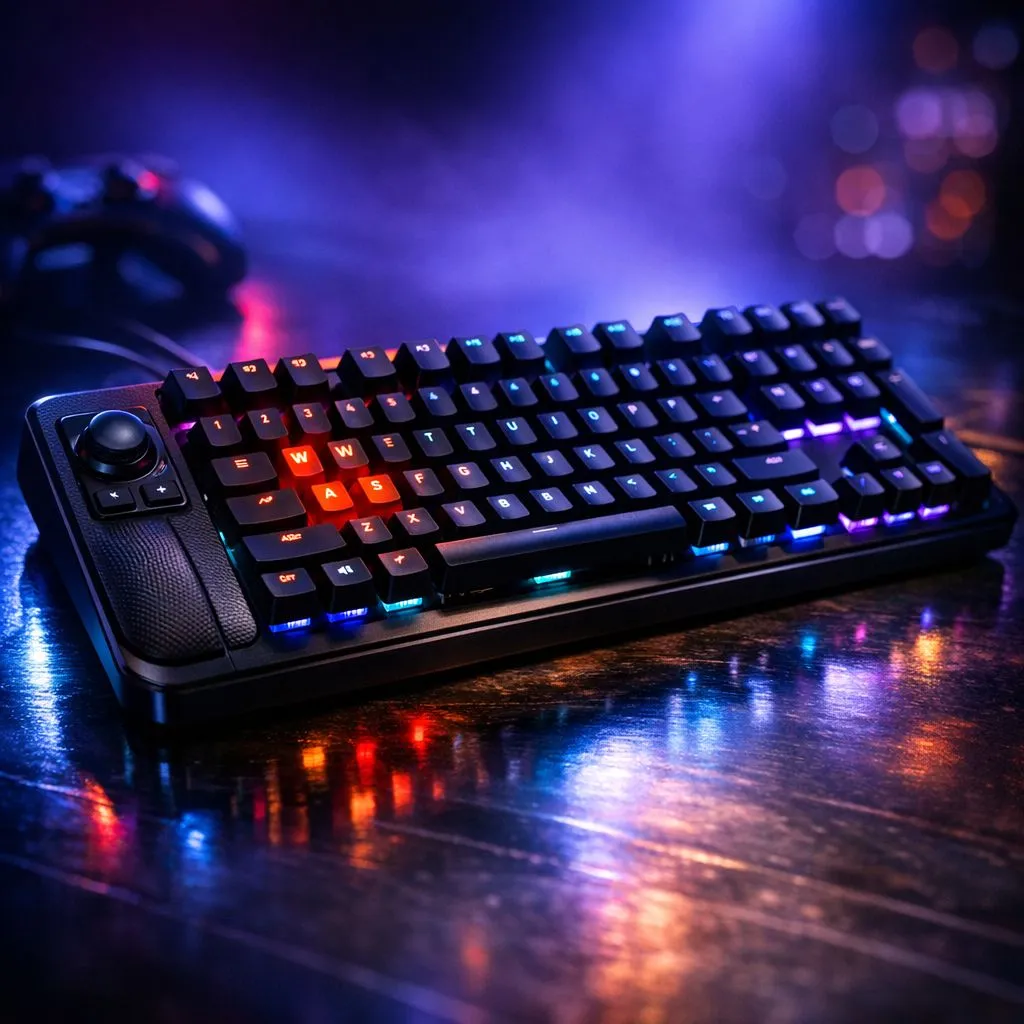
Why analog input matters for keyboard players 🎮🔧
South African gamers love precision. Ever thought a keyboard could offer controller‑style finesse? The concept behind Analog Gaming Keyboard: Bridge Controllers and Keyboards takes the best of both worlds — key feel with analogue axis control — and asks: can keys move like sticks? If you play simulators, racers or niche FPS mods, this deep dive will help you choose the right kit.
How analog keyboards actually work
Analog keyboards read pressure or travel depth, then translate that into variable input rather than a simple on/off signal. That means smoother throttle, finer aim, and a different playstyle altogether. Hardware makers often pair analogue sensing with software layers that map axis ranges to game inputs... or you can use middleware that converts key pressure into virtual joystick signals.
For hands‑on buyers in South Africa, start by browsing curated options on Evetech's keyboard deals page to see which hybrid boards are in stock and on offer: Evetech's keyboard deals provide a quick snapshot of current models and savings. (See the deals page for live ZAR pricing and stock.)
Picking the right board: features to prioritise
- True analog scanning vs Hall or pressure sensors — both valid, but they feel different.
- Build quality and switches that support varying actuation.
- Software macros and remapping for axis calibration.
- Connectivity: wired for lowest latency, wireless for convenience.
If you're shopping by budget or type, compare the cheapest keyboard options curated for South African buyers here: browse the cheapest gaming keyboard selection at Evetech to filter by features, brand and price in ZAR.
Wired or wireless: what to choose?
Wired is still the go‑to for tournament play and consistent analog response; Evetech lists wired cheapest keyboards separately if you prefer a tethered set‑up. Wireless gives more freedom for living‑room sims or couch setups; check the wireless cheapest keyboard listings to see current options and whether they include analog-capable boards.
Combos and ecosystem tips
If you’re upgrading a whole station, consider keyboard and mouse combos for matched feel and price savings. Evetech's keyboard and mouse combos can be a sensible way to keep ZAR spend efficient while getting complementary peripherals.
Analog Control Tip ⚡
If you want stick‑like control without a new keyboard, try mapping two keys to act as positive and negative axis with progressive input in supporting software. It’s a cheap way to test analog workflows before committing to specialised hardware.
Setup and calibration quick wins
- Calibrate axes in your peripheral software; default curves are rarely perfect.
- Test in a practice map first; driving and aim feel can take a few hours to adjust.
- Keep firmware up to date for consistent analog reads.
For hands‑on advice and current deals, check Evetech's best gaming keyboard deals page and compare models by your favourite reviewers and local stock levels.
Final thoughts for South African buyers
Analog-capable keyboards are niche but growing. They reward patience with smoother control and a fresh approach to input. If you’re curious, start small: test combos, try software mapping, and only then commit to a specialised board.
Here are helpful product pages to explore before you buy:
- Best gaming keyboard deals: https://www.evetech.co.za/best-gaming-keyboard-deals/x/055.aspx
- Cheapest gaming keyboards (general): https://www.evetech.co.za/components/buy-cheapest-gaming-keyboard-in-south-africa-52.aspx
- Keyboard and mouse combos: https://www.evetech.co.za/buy-keyboard-mouse-combo/x/1583.aspx
- Wired cheapest keyboards: https://www.evetech.co.za/components/buy-cheapest-gaming-keyboard-in-south-africa-52.aspx?attributes-connectivity=Wired
- Wireless cheapest keyboards: https://www.evetech.co.za/components/buy-cheapest-gaming-keyboard-in-south-africa-52.aspx?attributes-connectivity=Wireless
Ready to Find Your Perfect Match? The Mac vs Windows debate is complex, but for maximum power, choice, and value in South Africa, Windows is hard to beat. Explore our massive range of laptop specials and find the perfect machine to conquer your world.











