


Complete Guide: Setting Up Monitor Light
Setting Up Monitor Light. Tested & verified settings for best FPS and visual quality on SA hardware budgets.
Read moreWant fewer missed inputs? This guide to anti-ghosting explained and N-key rollover helps you choose a competitive keyboard for gaming and fast combos 🎮⌨️
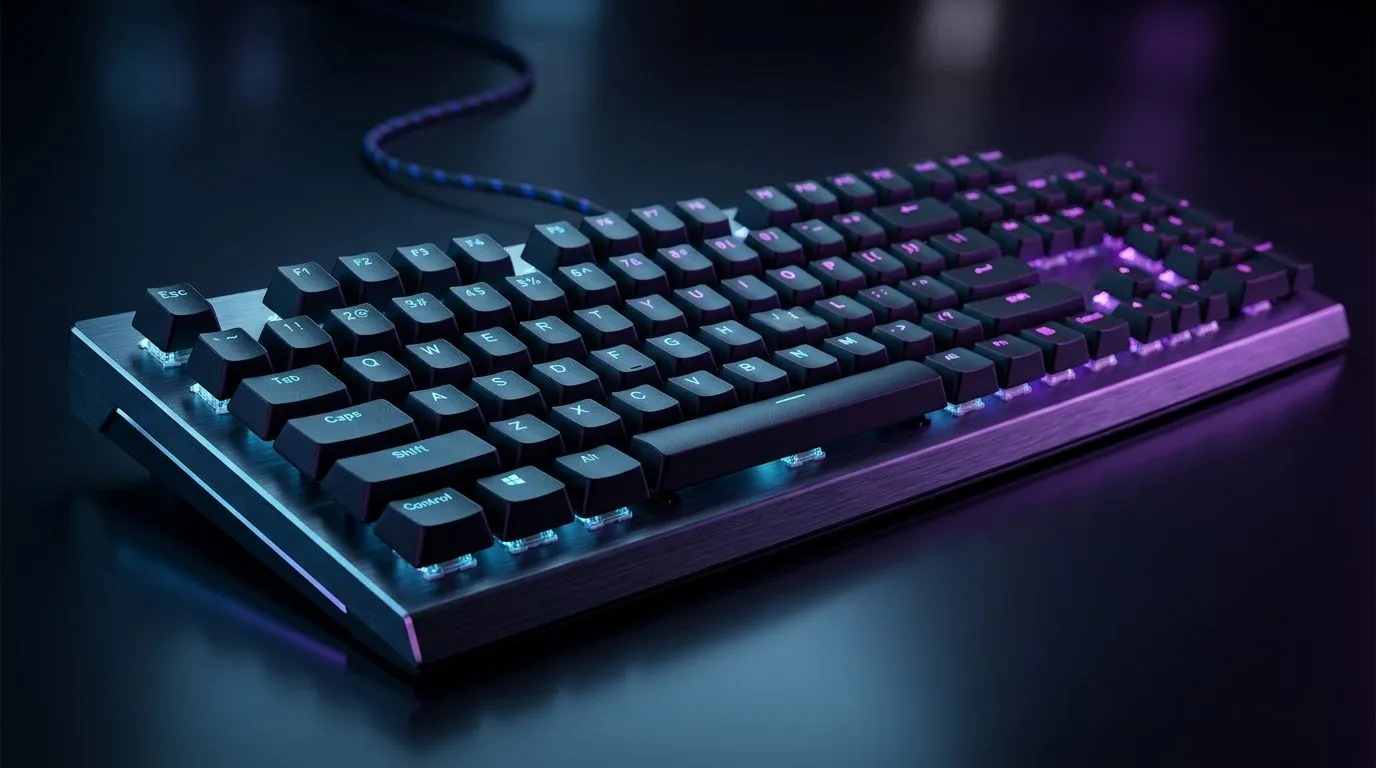
If your WASD feels “stuttery” during chaotic fights, you’re not imagining things. Ghosting can make certain key presses register incorrectly… and it’s especially brutal in fast FPS or rhythm-heavy games. South African players already know the cost of the wrong gear. So let’s demystify anti-ghosting and N-Key Rollover, and help you pick a keyboard that keeps up when the server lags and your aim is steady. 🎮
Anti-ghosting is the keyboard’s way of reducing false or missed keystrokes when multiple keys are pressed together. Without it, pressing a key can be “blocked” by another key press, or a combination may register as something else. That’s ghosting.
In real matches, this shows up as:
The big idea: anti-ghosting exists because keyboards are built with a matrix scanning method. When too many switches are pressed, signals can interfere.
N-Key Rollover (NKRO) means the keyboard can register every key press, at the same time, without “blocking” combos. In practice, that reduces missed inputs during multi-key gameplay, especially when you press letters plus modifiers like Shift, Ctrl, or Alt.
You’ll commonly see two tiers:
If you play games like CS2, Valorant, Apex Legends, or even MMO hotkey rotations, NKRO is the kind of spec you don’t notice… until it’s missing.
Wireless is convenient, but scanning performance can vary by model and connection type. Generally, wired tends to be more consistent for competitive play. If you want the best chance of reliable input registration, start by comparing the connectivity options on your shortlist.
Before you spend, try a simple reality check. Even if you can’t run full lab tests, you can still spot obvious weaknesses.
If you regularly hit “move + shoot + reload” patterns, you’re exactly the gamer NKRO is meant to protect. ⚡
On a Windows PC, create a simple “macro practice” layout using your game’s training range and map one side-key combo (like Shift + E) to a movement-heavy drill. After 10 minutes, compare whether your key combos feel consistent. If they fail only under speed, it’s often a rollover ghosting limitation rather than a game setting.
Rollover doesn’t fix everything. If your keycaps feel loose or your switches are inconsistent, you’ll still miss inputs. That’s why it helps to look at the keyboard as a system: switches, actuation feel, and whether your connection is stable.
If you’re shopping with budget and reliability in mind, start here:
And if you’re upgrading your whole desk in one go, consider a matched combo:
For connectivity-specific shoppers, you can also compare the base listing:
A keyboard with proper anti-ghosting and NKRO support helps you press what you intend… especially during hectic fights. And yes, it’s one of those specs that feels “small” on paper until you’re mid-round and your inputs just… work.
If you want to avoid the next “why is my keyboard doing that?” moment, choose with intention.
Ready to Find Your Perfect Match? Anti-ghosting and N-Key Rollover matter, but the right fit also depends on switches, comfort, and your preferred connection. Browse our latest picks and lock in a keyboard that keeps your inputs clean in South African conditions. Explore our massive range of gaming keyboard and mouse bundles.
Anti-ghosting reduces or prevents unintended keystrokes when multiple keys are pressed, improving input reliability during fast play.
N-key rollover (NKRO) supports multiple simultaneous key presses without dropping inputs, which matters for complex combos.
No. Anti-ghosting is about preventing ghosting, while N-key rollover describes how many keys can register at once reliably.
Many mainstream boards use 6KRO or 8KRO, meaning they may drop inputs beyond that limit; NKRO can avoid those drops.
Use an anti-ghosting test tool and press multi-key combos in-game-like patterns to confirm which keys register consistently.
Often NKRO is strongest on wired, while wireless may reduce rollover depending on the keyboard and connection method.
Prioritize NKRO for maximum input registration, and confirm anti-ghosting behavior for your common movement and ability combos.
Setting Up Monitor Light. Tested & verified settings for best FPS and visual quality on SA hardware budgets.
Read more
Assassins Creed Shadows Ultrawide Support: 21:9. Clear setup instructions with SA-specific considerations, troubleshooting tips & recommended components.
Read more
Complete Gaming Setup Guide for the Collector. Clear setup instructions with SA-specific considerations, troubleshooting tips & recommended components.
Read more
Will the Steam Deck 2 Have an OLED Screen? Leaked. Plain-English explanation of what it means, why it matters & how it affects your buying decisions in SA.
Read more
Setting Up Ultrawide 144Hz. Tested & verified settings for best FPS and visual quality on SA hardware budgets.
Read more
Kingdom Come: Deliverance 2 Ultrawide Support. Clear setup instructions with SA-specific considerations, troubleshooting tips & recommended components.
Read more
When Will the RTX 6090 Launch in South Africa Detailed answer with SA data, expert analysis & practical recommendations for local buyers.

Top Valorant Settings for RTX 5070: FPS Optimisation picks evaluated on performance, value & SA availability with current Rand pricing from Evetech.

RDNA 3.5 Graphics in Ryzen AI 400? Can You Game. Plain-English explanation of what it means, why it matters & how it affects your buying decisions in SA.

GPU Price Index : December Report. Current stock data & price tracking for SA buyers. See what is available and where prices are heading.

Core i5-14600K + B760 + RTX 5060 Build Under. Full parts list, Rand pricing & expected performance. Build confidently with SA-available components.

RX 7600 Apex Legends at 4K: FPS Benchmark. Real-world benchmark data, FPS numbers & performance analysis. What SA gamers can actually expect.

RX 7900 XTX GTA 6 at 4K: FPS Benchmark & Optimal. Real-world benchmark data, FPS numbers & performance analysis. What SA gamers can actually expect.

Head-to-head comparison of RTX 5070 vs RX 9070 XT: Gaming Performance for SA gamers. Performance benchmarks, Rand pricing & which delivers better value.

Starfield Max Settings on RTX 5070. Tested & verified settings for best FPS and visual quality on SA hardware budgets.

Top RX 7800 XT Model Under R8,000 picks evaluated on performance, value & SA availability with current Rand pricing from Evetech.

RTX 5070 Valorant Optimised Settings: Graphics. Real-world benchmark data, FPS numbers & performance analysis. What SA gamers can actually expect.

Top Laptop with Core i7 + RX 7700S: Picks picks evaluated on performance, value & SA availability with current Rand pricing from Evetech.