


GTA 6 Max Settings on RTX 5070: Complete Guide
GTA 6 Max Settings on RTX 5070. Tested & verified settings for best FPS and visual quality on SA hardware budgets.
Read moreAnti-ghosting explained: learn how simultaneous inputs work, how to test keyboard accuracy, and how to spot real competitive features for gaming. 🎮⚙️
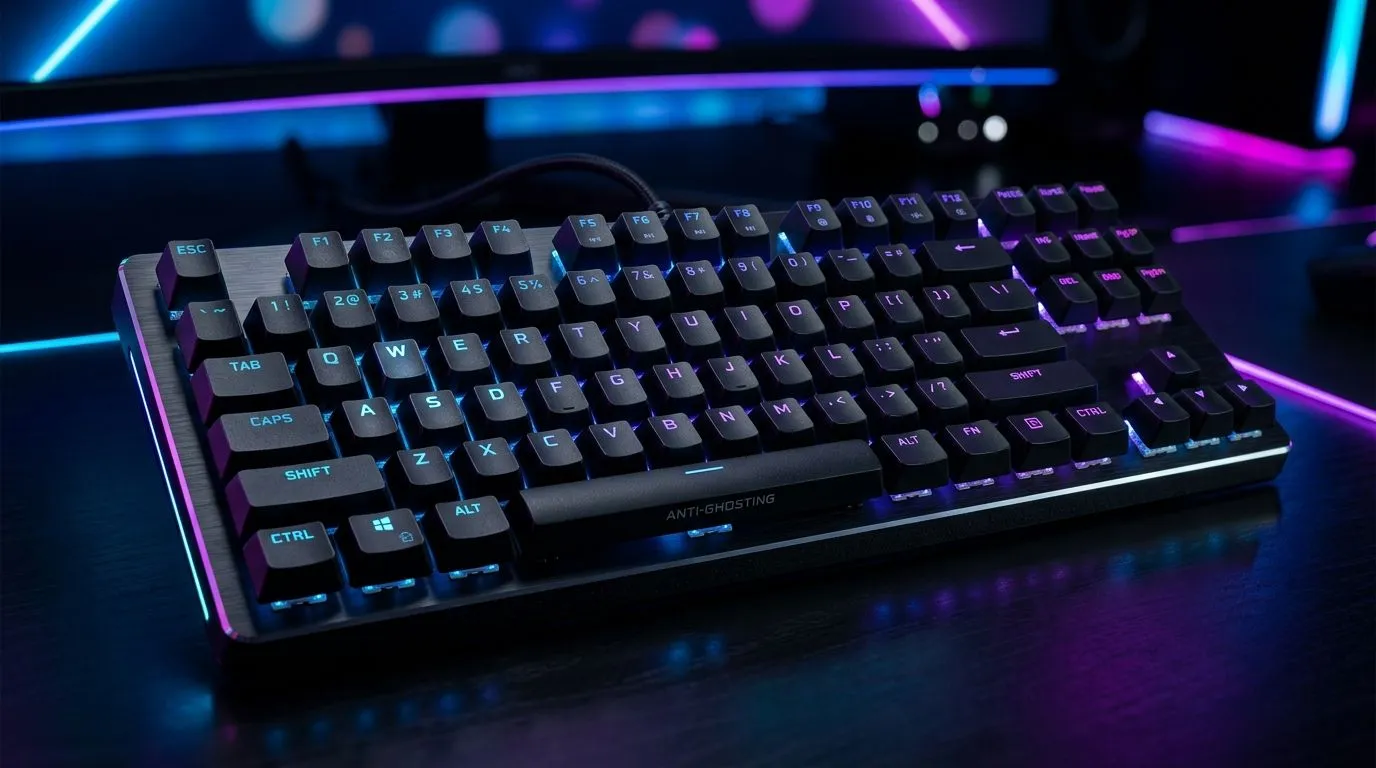
South African gamers know the moment… you press multiple keys for a clutch play, and the keyboard “misses” one. It’s frustrating in FIFA, Valorant, Warzone, and even productivity-heavy jobs. The culprit is often key ghosting. The fix isn’t luck, it’s understanding anti-ghosting and testing simultaneous inputs the right way. 🔧
In this Deep Dives guide, we’ll cover Anti-Ghosting Explained: Test Simultaneous Key Inputs so you can buy with confidence and avoid regret.
Anti-ghosting is a keyboard feature that helps prevent “extra” or missing keypresses when you press several keys at once. Ghosting happens when the keyboard’s switch matrix misreads the electrical signals from multiple keys.
A quick mental model:
For buyers, the key term isn’t just “anti-ghosting” in marketing. You want to know what it covers in real life: how many keys, and which combinations.
You don’t need a lab. You need a repeatable test.
List the combos you actually use:
A reliable method is using a keypress tester while you try the same chord combinations repeatedly. Watch for:
If a keyboard claims anti-ghosting for “up to X keys,” you still want to see if your specific combo works. Many “up to” claims assume best-case patterns.
Jump into a private match or training mode. Pause the action and try to reproduce your combo at the same speed each time. If your keyboard stumbles, your aim won’t feel consistent.
On Windows, open PowerToys FancyZones to create custom snap layouts for your windows. It’s a lifesaver when you’re testing input issues while running a game, a key tester, and a browser side-by-side, especially on an ultrawide monitor.
If you’re buying a keyboard in South Africa, focus on connectivity and expected use. Wired generally offers stable, predictable performance for competitive play. Wireless can be great too, but you should still check how the board handles simultaneous inputs.
Start your shortlist here:
Before you commit, run these checks:
If you can answer those, you’re no longer guessing. You’re choosing based on evidence.
Ready to Find Your Perfect Match? The Mac vs Windows debate is complex, but for maximum power, choice, and value in South Africa, Windows is hard to beat. Explore our massive range of laptop specials and find the perfect machine to conquer your world.
Anti-ghosting prevents unintended extra key signals and helps your keyboard register multiple keys at once during fast gameplay.
Not exactly. Anti-ghosting reduces missed or fake signals, while N-key rollover describes how many simultaneous keys can register reliably.
Use an anti-ghosting test (or key scanning test) to press key combinations and confirm the correct inputs register under load.
Ghosting often results from the keyboard matrix and key scanning method, which can create phantom signals when multiple keys share paths.
Look for specifications like key rollover (e.g., N-key rollover) and verify with an anti-ghosting test for your most common game combos.
Some keyboard software enables features like macros or remapping, but anti-ghosting depends mainly on the hardware scanning design.
Prioritize reliable anti-ghosting, clear rollover specs, proven simultaneous input support, and results from community tests.
Yes. Better simultaneous input accuracy reduces missed presses in high-speed mechanics, improving consistency for competitive play.
GTA 6 Max Settings on RTX 5070. Tested & verified settings for best FPS and visual quality on SA hardware budgets.
Read more
Cyberpunk 2077 Max Settings on RTX 5080. Tested & verified settings for best FPS and visual quality on SA hardware budgets.
Read more
Starfield Max Settings on RTX 5070 Ti. Tested & verified settings for best FPS and visual quality on SA hardware budgets.
Read more
AMD RX 9050 XT: Rumoured Specs, Price & Release. SA-focused analysis with local pricing data, real-world insights & actionable buying advice.

Can RTX 4080 Super Run AI Workloads for SA Developers Detailed answer with SA data, expert analysis & practical recommendations for local buyers.

Can RTX 4090 Run AI Workloads for SA Developers Detailed answer with SA data, expert analysis & practical recommendations for local buyers.

Top Settings for Intel Arc B580 at Ultrawide 1440p picks evaluated on performance, value & SA availability with current Rand pricing from Evetech.

RTX 4060 CS2 Low Settings at 1080p: FPS Results. Real-world benchmark data, FPS numbers & performance analysis. What SA gamers can actually expect.

Visual Artifacts: Possible GPU Issue Issue #1. Diagnosis steps, proven fixes & when to seek professional help. SA-specific support info included.

Can the RTX 4090 Handle 1440p 144Hz Gaming. Performance testing verdict with real data & practical recommendations for SA buyers.

Top ASUS GPU Under R15000 picks evaluated on performance, value & SA availability with current Rand pricing from Evetech.
GTA 6 Max Settings on RTX 5070. Tested & verified settings for best FPS and visual quality on SA hardware budgets.
Cyberpunk 2077 Max Settings on RTX 5080. Tested & verified settings for best FPS and visual quality on SA hardware budgets.
Starfield Max Settings on RTX 5070 Ti. Tested & verified settings for best FPS and visual quality on SA hardware budgets.

Top RTX 5090 Under R5000 picks evaluated on performance, value & SA availability with current Rand pricing from Evetech.