

That sleek laptop you love is a beast for work, but load up Warzone and it cries for mercy. Sound familiar? Before you splash out on a new rig, what if you could give it a massive graphics boost? We got our hands on an Intel Arc A380 eGPU, tested its limits, and explored if it can truly unlock Thunderbolt speeds for a proper gaming experience. Let's dive in. 🚀
Why an eGPU Can Supercharge Your Setup
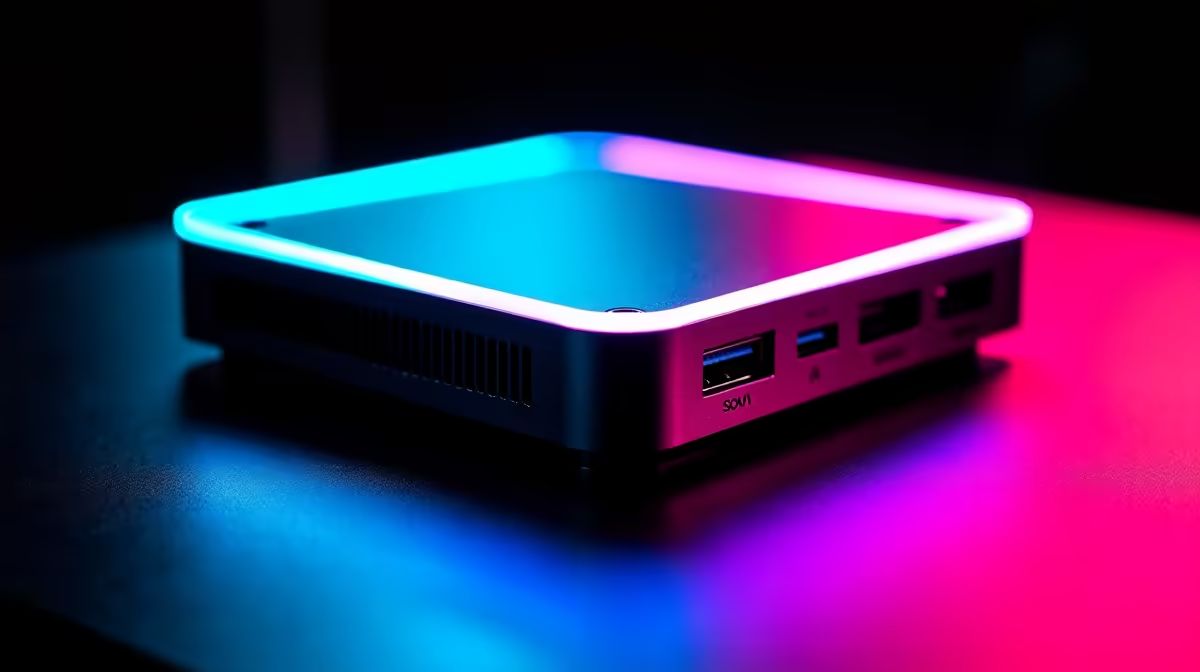
So, what exactly is an eGPU? An External Graphics Processing Unit (eGPU) is essentially a desktop graphics card living in its own little box, called an enclosure. This box connects to your laptop via a high-speed port, most commonly Thunderbolt 3 or 4.
The magic here is that it bypasses your laptop's weaker, integrated graphics. Instead of struggling, your machine gets a massive performance injection, turning a thin-and-light ultrabook into a capable gaming or creative workstation. It’s a fantastic way to get the best of both worlds: portability when you need it, and proper power when you’re at your desk. This modular approach is becoming more popular as a way to access the power of the latest powerful graphics cards without replacing your entire computer.
The Intel Arc A380 eGPU Test Bench
For our experiment, we chose the Intel Arc A380. Why? It's one of the most affordable entry points into modern graphics architecture, boasting features like hardware-accelerated ray tracing and AV1 encoding. But can it handle the demands of gaming when funnelled through a Thunderbolt cable?
Our setup was simple:
- A standard Thunderbolt 4 enabled laptop.
- A Razer Core X enclosure.
- The ASRock Intel Arc A380 Challenger ITX 6GB OC.
Getting it running was surprisingly straightforward. Windows 11 detected the enclosure and card, and after a quick driver installation from Intel’s website, we were ready to see how this Intel Arc A380 eGPU test would pan out. If you're looking to replicate this, you can find a great selection of Intel Arc graphics cards right here in South Africa.
Real-World Gaming: Does It Unlock Thunderbolt Speeds?
Let's get to the results you care about. We fired up a few popular titles at 1080p resolution to see what this budget eGPU could do.
- CS:GO 2 (High Settings): The A380 delivered a solid experience, holding well above 100 FPS. The game felt smooth and responsive, a massive leap from the unplayable slideshow that integrated graphics offered.
- Apex Legends (Medium Settings): We saw frame rates consistently hovering around the 60-70 FPS mark. It's a perfectly playable and enjoyable experience, proving the eGPU setup is more than capable for competitive shooters.
- Fortnite (Medium, Performance Mode): Again, the A380 held its own, pushing out over 90 FPS. The Thunderbolt speeds showed no noticeable input lag, which is critical in a fast-paced battle royale.
While it won't compete with high-end desktop rigs running popular NVIDIA GeForce options, the performance uplift is massive. It turns a non-gaming laptop into a legitimate 1080p machine. ✨
Cable is King ⚡
Not all Thunderbolt cables are created equal! For maximum eGPU performance, make sure you're using a short (under 0.8m) active Thunderbolt 3 or 4 cable. A longer, passive cable can cut your bandwidth in half, bottlenecking your shiny new card.
The Verdict: Who Should Buy an A380 eGPU?
So, is this setup for you? The Intel Arc A380 eGPU, tested and proven, occupies an interesting spot. It's a fantastic choice for:
- Students & Casual Gamers: If you have a solid laptop for varsity but want to enjoy esports titles without breaking the bank, this is a brilliant solution.
- Budget-Conscious Creators: The A380's AV1 encoding is a huge plus for streamers and video editors, accelerating rendering times significantly.
- Tinkerers: For anyone who loves tech and wants to experiment with an eGPU without a massive financial commitment.
It might not be the best fit for hardcore gamers wanting 4K ultra settings, who might compare it to various AMD Radeon alternatives or higher-tier cards. But for its intended audience, it hits a sweet spot of price and performance.
More Than Just Gaming 🔧
It's also worth noting that the benefits extend beyond frame rates. An eGPU can accelerate creative applications like DaVinci Resolve, Blender, and Adobe Premiere Pro. By offloading the graphical workload, you free up your laptop's internal components, leading to a cooler, quieter, and more responsive system overall. This makes it a viable, low-cost entry into workflows that usually require professional workstation graphics cards for smooth operation. The Intel Arc A380 external GPU proves to be a versatile little powerhouse.
Ready to Boost Your Laptop's Gaming Power? The Intel Arc A380 offers a fantastic entry point into the world of eGPUs. Explore the full range of Intel Arc graphics cards at Evetech and find the perfect upgrade for your setup.











