

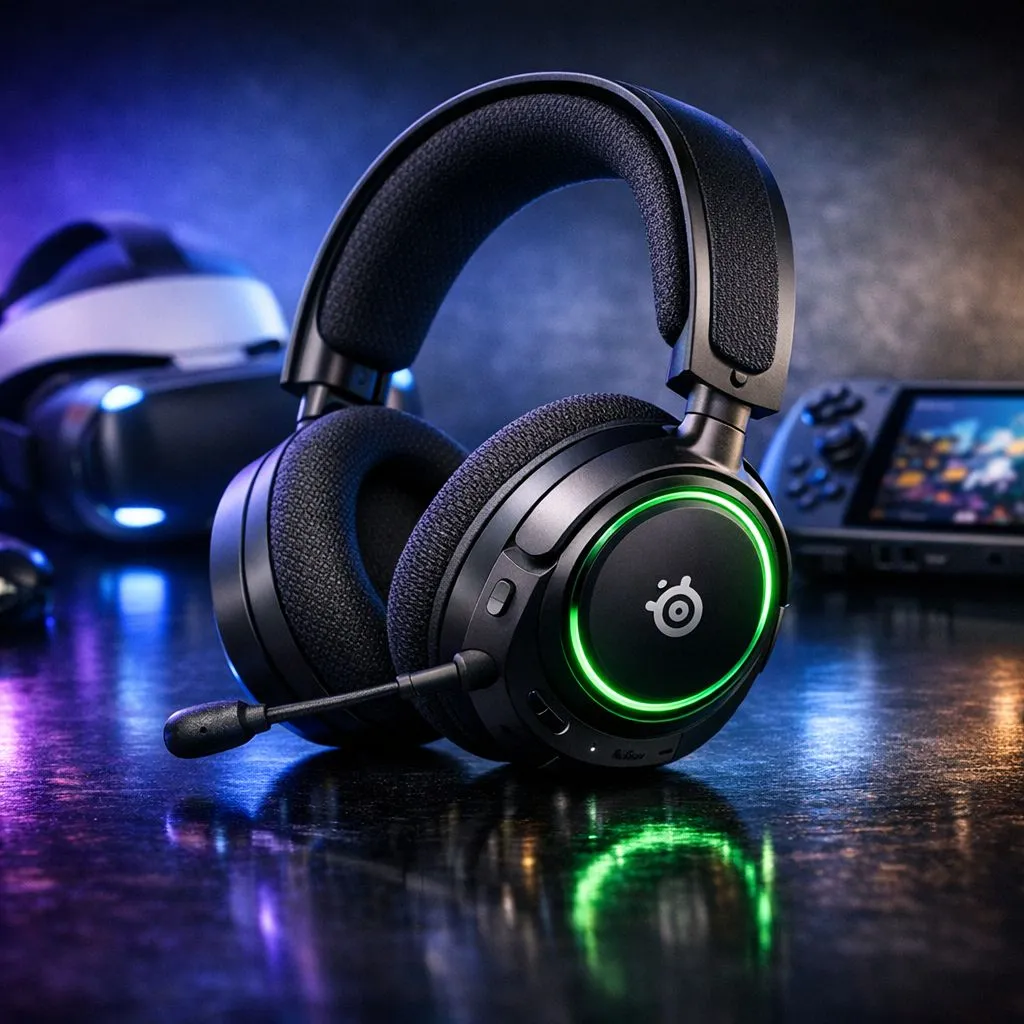
Tired of tangled wires while roaming in VR or commuting with your ROG Ally? South African gamers know the struggle of finding one headset that actually works across everything. The Arctis Nova 5X VR is stepping up to solve that specific headache... offering seamless switching between your Meta Quest, handhelds, and console setup without the usual "will it work?" anxiety. It is about freedom and high-fidelity audio.
Seamless VR Audio with the Arctis Nova 5X VR
When you are immersed in a VR world, the last thing you want is audio lag or a heavy cable tugging at your neck. The Arctis Nova 5X VR: Use with VR Headsets & Handheld Consoles logic is simple: use the compact USB-C dongle for a lag-free 2.4GHz connection. Whether you are dodging bullets or exploring vast landscapes, the spatial audio helps you pinpoint sounds with precision. If you are browsing a wide variety of headphone headsets, you will notice that very few offer this specific VR-optimised layout that fits comfortably alongside a head strap.
Handheld Gaming Without Compromise
South Africa has seen a massive surge in handheld PC gaming... the Steam Deck, ROG Ally, and Legion Go are everywhere. The Arctis Nova 5X VR shines here because of its dual-wireless capability. You can stay connected to your game via the dongle while keeping your phone paired via Bluetooth. This means you won't miss a local WhatsApp call while grinding in your favourite RPG. For those who prefer a different aesthetic or lighting setup, the Razer Barracuda X Chroma offers a similar multi-platform appeal, but the Nova 5X VR specifically targets the Xbox and VR ecosystem with its unique chipset.
Audio Profile Pro Tip ⚡
Use the Arctis Nova 5 Companion App to swap between over 100 audio presets tailored for specific games like Apex Legends or Fortnite. It allows you to change your EQ settings on the fly from your phone, so you never have to alt-tab out of your session... a massive help for keeping your focus during competitive matches.
Why Multi-Platform Versatility Matters in SA
We know that value for money is essential when tech prices fluctuate in ZAR. Investing in a single headset that covers your Xbox, PC, VR headset, and mobile device makes more sense than buying three separate units. While Razer headphones and headsets provide stiff competition in the premium space, the Nova 5X VR stands out for its incredible 60-hour battery life. That is enough to get you through even the longest loadshedding bouts or a full weekend of gaming without needing a recharge.
The Neodymium Magnetic Drivers ensure that whether you are listening to the subtle footsteps of an enemy or the roaring engines of a racing sim, the clarity remains top-tier. It is a versatile solution for the modern South African gamer who demands performance across every screen they own 🎮.
Ready to Find Your Perfect Match? Finding the right balance between comfort, compatibility, and price is key to a great gaming experience. Explore our massive range of headset specials and find the perfect machine to conquer your world.











