

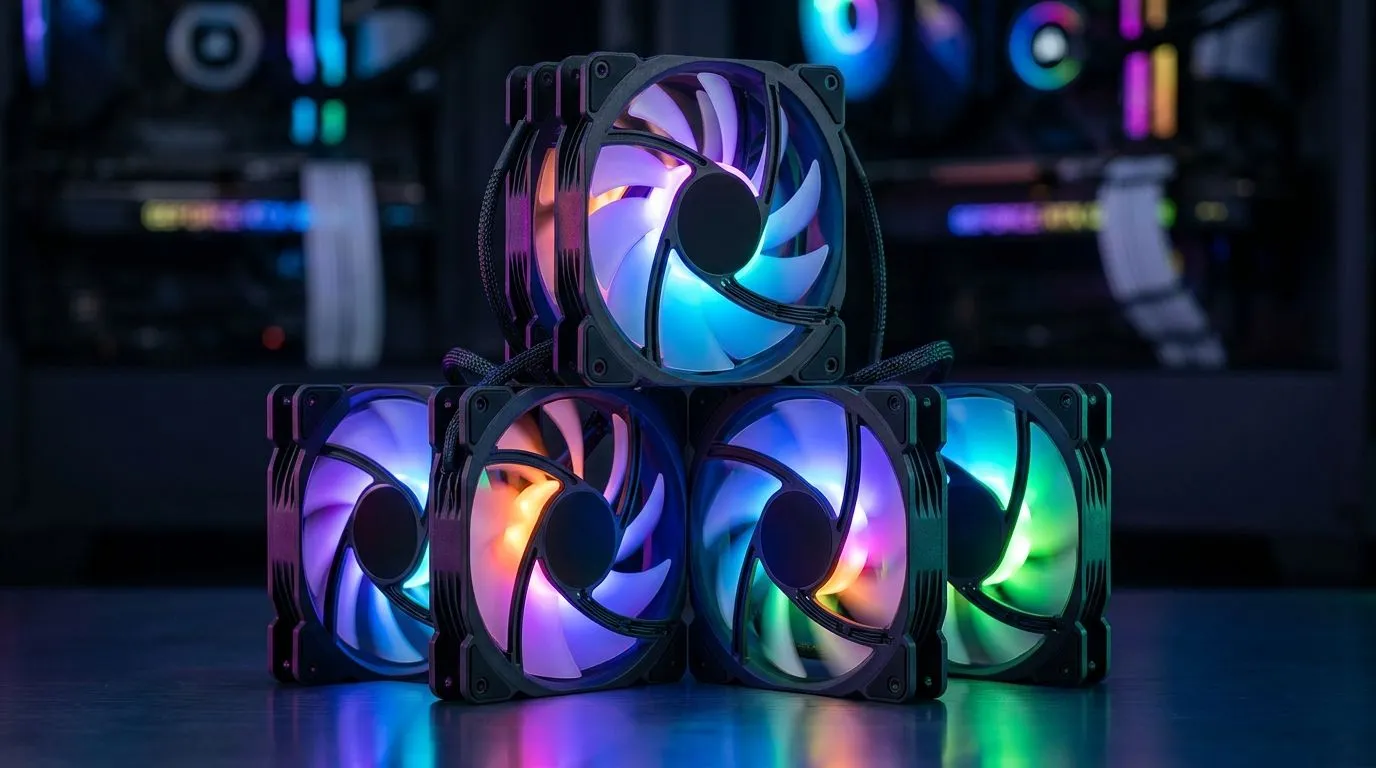
Mastering ARGB Fan Configurations for Maximum Airflow Efficiency
South African gamers know that every frame counts, but what about the airflow that keeps your rig cool and running smooth? If you’ve got 7x 120mm ARGB fans installed, understanding the best configurations can boost your rig’s performance and aesthetics simultaneously. Let’s explore airflow efficiency strategies that’ll keep your PC cool during those intense gaming sessions or heavy multitasking.
Understanding the Role of 7x 120mm Fans in Your Build
Adding seven 120mm ARGB fans offers both airflow and stunning visual effects. However, without the right setup, they can work against each other, causing turbulence or inefficient heat dissipation. It’s crucial to arrange intake and exhaust fans smartly to maintain positive or balanced pressure inside your case. This prevents dust buildup and ensures cool air reaches critical components.
For PC builders eyeing high-quality cases to house these 7x fans, check out the broad selection of computer cases at Evetech. They combine airflow optimisation with sleek designs perfect for any gamer’s aesthetic.
Best Fan Placement for Airflow Efficiency with ARGB Fans
Typically, you want fresh air to flow in at the front and bottom, and hot air to exit through the top and rear. For a 7x 120mm setup, a common approach is:
- 3x front intake fans pulling cool air in
- 2x top exhaust fans expelling hot air out
- 1x rear exhaust fan to push additional heat out
- 1x bottom intake fan to introduce extra cool air
This config encourages smooth air circulation, reducing hotspots around your GPU and CPU. Using quality fans and a case that supports this layout enhances performance even more.
If you want a case built for optimised airflow and vibrant ARGB lighting, explore the Fractal Design PC cases at Evetech. They offer excellent ventilation options and smart fan mounting points.
Balancing Air Pressure and Reducing Noise
With 7 fans spinning, noise can become noticeable if fan curves aren’t calibrated properly. Also, it’s important to maintain a slightly positive pressure — more intake than exhaust — to keep dust out. Using fan speed controllers or BIOS fan tuning helps you strike the balance between quiet operation and airflow efficiency.
Optimise Your Fan Curve
Lower your top-speed RPM by 10–15% to cut noise and reduce power draw. You’ll still get sufficient airflow to keep temps cool and frame rates steady.
Choosing the Right Gaming Case for Your ARGB Fan Setup
Not all cases accommodate 7x 120mm fans with ease. Look for cases that provide multiple mesh panels and flexible fan mounts. For solid airflow and trendy designs, the Gamdias gaming cases at Evetech are popular among South African gamers. They support extensive fan setups and come with integrated RGB controls.
If you’re hunting for cases below R1500 that still support impressive airflow and build quality, browse the budget-friendly Gamdias gaming cases. Affordable airflow efficiency is well within reach.
Final Thoughts on ARGB Fan Configurations for 7x 120mm Setups
An effective airflow setup with 7x 120mm ARGB fans isn’t just about filling slots. It hinges on thoughtful intake and exhaust placement, balanced air pressure, and choosing a case that supports your goals. When done right, your rig stays cool, your lights shine bright, and noise stays manageable — perfect for gaming marathons and demanding workloads.
Ready to optimise airflow and style? Elevate your PC build with cases designed for airflow and ARGB aesthetics—Shop now at Evetech to unlock peak performance and sleek looks.











