

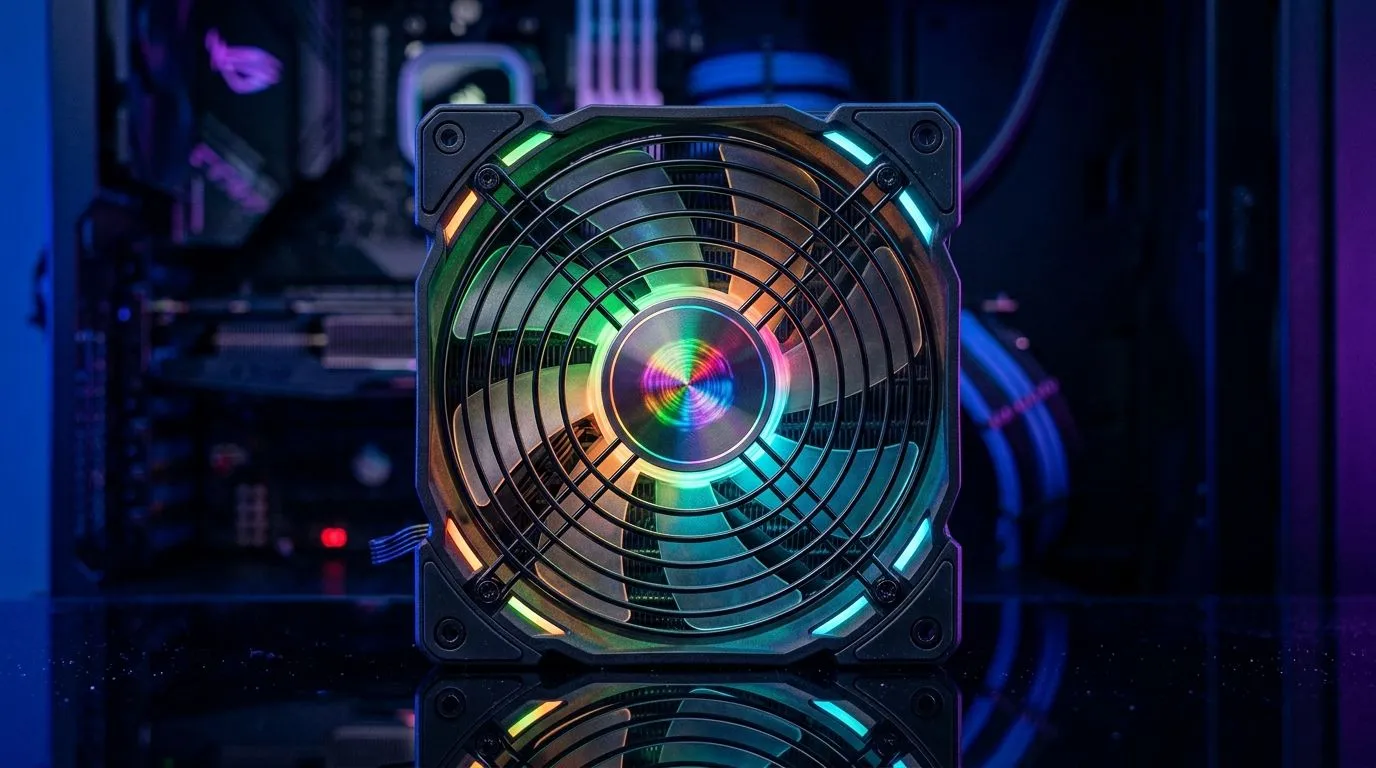
ARGB Fans Out of Sync: Why It Happens (and Why Your Rig Still Looks Cool)
If your ARGB fans are doing their own “timeline”, you’re not alone. One fan fades while another pulses… and suddenly your case looks like a party someone forgot to RSVP for. 🎛️ In South Africa, where power and components often arrive in mixed batches, lighting mismatches are common. The fix is usually simple though… it’s just about compatibility.
In this guide, we’ll sort out the most likely causes behind ARGB Fans Out of Sync: Lighting Compatibility Fix Guide issues, so your cooling setup looks intentional again. 🔧
ARGB Fans Out of Sync: Check the Basics Before You Buy Anything New
Most ARGB sync problems come down to three things: the signal type, the control method, and the exact software/headers in your motherboard.
ARGB vs RGB (They’re Not the Same)
ARGB uses a 5V data signal per LED and supports addressable patterns. Standard RGB is typically 12V and is not individually addressable.
To make sure you’re even working with the right category of fans, browse compatible options for your build here:
- RGB and ARGB style case fan options:
EVetech case fans
If you’re specifically looking at well-known ecosystems, check brand-focused selections too:
- CORSAIR-compatible case fans:
CORSAIR case fan options
Software Control Isn’t Magic… It’s a Chain
ARGB systems usually require one controller (or motherboard header) to broadcast patterns. If different fans use different controllers, or if your fans run on different hubs, you can get “out of sync” behaviour every reboot.
Header and Layout Mismatch
Even when the voltage is correct, fans can be out of sync if the order of LEDs isn’t what the software expects.
Productivity Pro Tip ⚡
On Windows, keep notes of which motherboard header or controller port you used (label it in a quick spreadsheet). When you troubleshoot lighting, you’ll remember the “known good” configuration after swapping hubs or fan cables, saving you time during your next build or upgrade. It’s a small habit that prevents repeat frustration.
ARGB Fans Out of Sync: Compatibility Fix Steps That Actually Work
Here’s the “do this first” checklist for the ARGB Fans Out of Sync: Lighting Compatibility Fix Guide scenario.
Step 1: Confirm Your Fan Family (Brand Ecosystems Matter)
Different brands often have their own lighting software and controllers. Mixing them can work sometimes, but “perfect sync” isn’t guaranteed unless you unify control.
If you’re running Deepcool fans, start with their compatible lineup:
- Deepcool case fans:
Deepcool case fan options
Step 2: Match the Lighting Type in Your Selection
When shopping, filter by lighting features so you don’t accidentally pair incompatible setups.
- ARGB/RGB lighting effect attribute examples:
Lighting effects: RGB filter
Also consider non-addressable options if your controller doesn’t support ARGB data correctly:
- Lighting effects: None filter:
Fans without lighting (None)
Step 3: Ensure Physical Fit for Better Cable Management
Yes, fit matters. When fans don’t sit right, cables get stressed and hubs move… which can lead to intermittent connections.
Choose the right sizes so your cable routing stays neat:
- 120mm options:
120mm case fan options - 140mm options:
140mm case fan options
Step 4: Unify Control Under One System
The most reliable “fix” is to run all addressable fans from the same motherboard header or the same ARGB controller, then let one software ecosystem do the pattern setting.
If you’re swapping controllers, do a clean test:
- Connect only the fans you want synced.
- Set one pattern in your lighting software.
- Reboot and check again.
If they still disagree after that, your fans may not be truly addressable under the same control method. In that case, the quickest path is matching fans to a unified ARGB ecosystem.
ARGB Fans Out of Sync: Quick Diagnosis Questions for South African Gamers
Before you spend money chasing ghosts… ask yourself:
- Are all fans the same ARGB type (addressable, not just “RGB”)?
- Are they controlled by the same header/controller?
- Did you change software after a recent Windows update or BIOS update?
- Are any fans on a secondary hub?
Most of the time, the answer is “yep, different control paths”.
Ready to Find Your Perfect Match? The Mac vs Windows debate is complex, but for maximum power, choice, and value in South Africa, Windows is hard to beat. Explore our massive range of laptop specials and find the perfect machine to conquer your world.











