

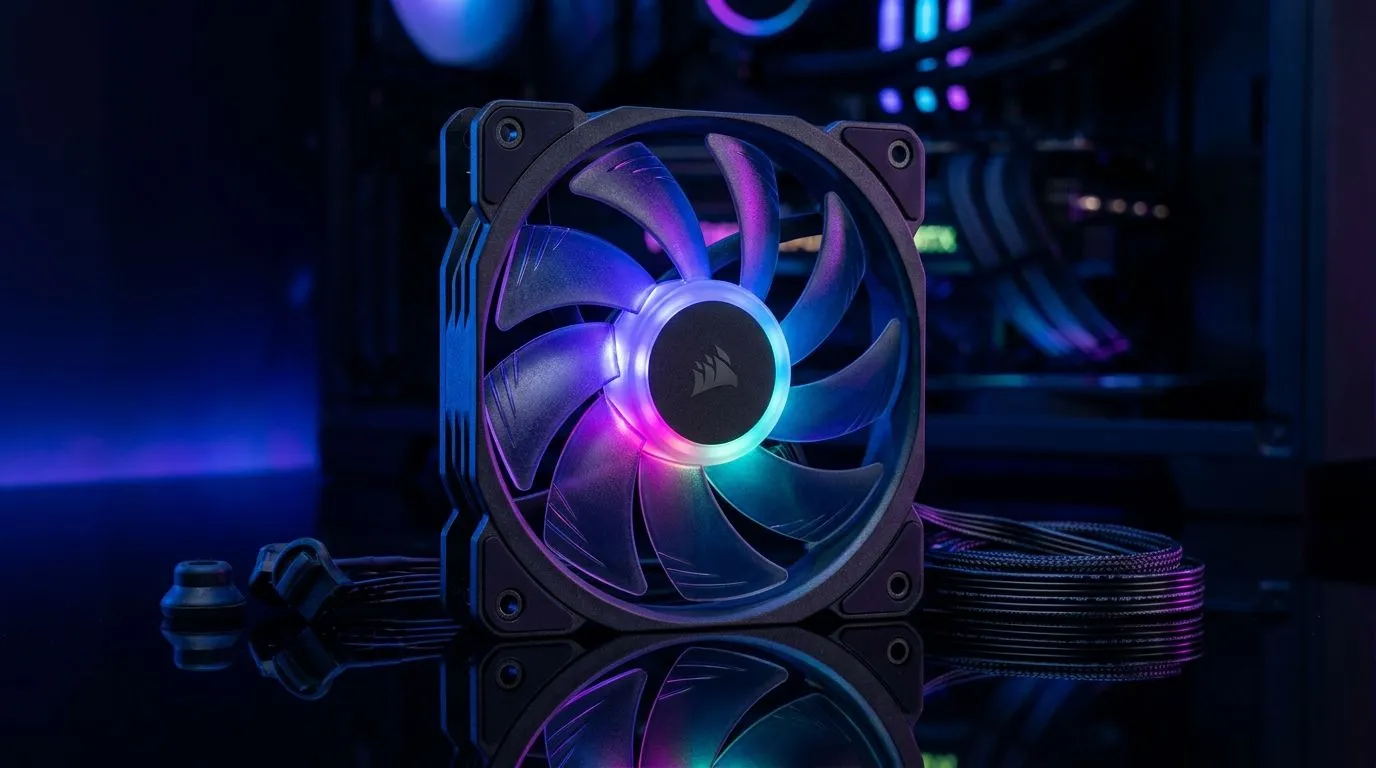
ARGB PWM Fans Buying Guide for South African PC Builds: keep your rig cool and looking sharp
South African gamers know the real pain… it’s not just frame rate, it’s also fan noise and temps in hot rooms. If you’re building in 2026, ARGB lighting is fun, but PWM control is what keeps your GPU and CPU happy under load. 🔧
In this guide, we’ll help you choose the right fan size, airflow, and controller setup for a clean, reliable ARGB PWM Fans Buying Guide for South African PC Builds. Whether you’re playing on weekends or streaming every night, your fans should ramp smoothly, not sound like a jet engine.
Start with PWM control and ARGB expectations (so you don’t buy the wrong thing)
PWM (Pulse Width Modulation) fans use a 4-pin connection and let the motherboard or controller vary fan speed based on temperature. That means lower noise at idle, and stronger cooling when things heat up.
ARGB, on the other hand, is about lighting. Most ARGB systems use a 3-pin 5V header (often labelled “5V-D-G” or “ARGB”). RGB (not ARGB) is usually 12V and different hardware, so don’t mix them.
A quick sanity check before you checkout:
- Does your motherboard support ARGB 5V 3-pin headers?
- Do you need PWM (4-pin) for fan speed control?
- Will you use a hub if you’re short on headers?
Fan size choice: 120mm vs 140mm for airflow and pitch
120mm fans are common and easy to fit. 140mm fans typically move air with lower RPM, which can feel quieter in the same airflow range. Your case mounting and radiator compatibility matter as much as fan specs.
Productivity Pro Tip ✨
On your next build, plan your fan layout before you buy. Sketch a quick front-to-back airflow map (intake, exhaust) and count your required headers. Then check your motherboard manual for ARGB 5V and PWM fan header support to avoid buying a hub you didn’t need.
If you’re shopping by size, browse:
- 120mm case fans: 120mm fan options on Evetech
- 140mm case fans: 140mm fan options on Evetech
Build your ARGB setup: lighting effects without the headache
Lighting can be simple… or frustrating if you mismatch effects support. Some fans support multiple lighting modes, but syncing usually depends on your motherboard ecosystem or an ARGB controller.
If you want “set it and forget it” vibes, look for fan listings that clearly call out RGB/ARGB support, and whether you’re aiming for synced effects or just onboard patterns. For lighting-specific browsing, start with:
- ARGB lighting effects (RGB-style listings): ARGB options here
And if your goal is mostly cooling with minimal flash, filter for no lighting:
Recommended fan routes on Evetech: pick your ecosystem and build from there
If you’re not sure where to begin, use a broad category first, then narrow down for your case and motherboard.
- Start with the general case fan selection: Case fans on Evetech
If you already like a brand, it’s worth building a consistent look and behaviour:
- CORSAIR-focused picks: CORSAIR case fans
- Deepcool-focused picks: Deepcool case fans
Quick checklist before you buy (the “don’t waste Rands” list) 🚀
- Connector types: PWM needs 4-pin; ARGB needs 5V 3-pin.
- Header count: more fans might require a hub.
- Case fit: confirm 120mm vs 140mm clearance.
- Airflow direction: front intake, rear/top exhaust is a common, safe default.
- Cable management: leave slack near GPU power cables.
Final thoughts: quiet under load, synced under glow
The best builds feel calm. Not only visually, but acoustically. When your fans are PWM-controlled, they respond to temperature instead of spinning at full speed “just because.” Then ARGB gives you that satisfying look during setup, streaming, and late-night rank pushes. ✨
If you want to lock in the right parts quickly, use the categories above to match your fan size, lighting goals, and preferred brand ecosystem. The right fans should make your whole rig feel more “finished”… not patched together.
Ready to Find Your Perfect Match? The Mac vs Windows debate is complex, but for maximum power, choice, and value in South Africa, Windows is hard to beat. Explore our massive range of laptop specials and find the perfect machine to conquer your world.











