


Complete Guide: Setting Up Monitor Light
Setting Up Monitor Light. Tested & verified settings for best FPS and visual quality on SA hardware budgets.
Read moreARGB vs RGB case fans: learn motherboard sync compatibility, header types, and what to buy for smooth lighting control. Avoid flicker and mismatched presets with this practical guide. 🎛️✨
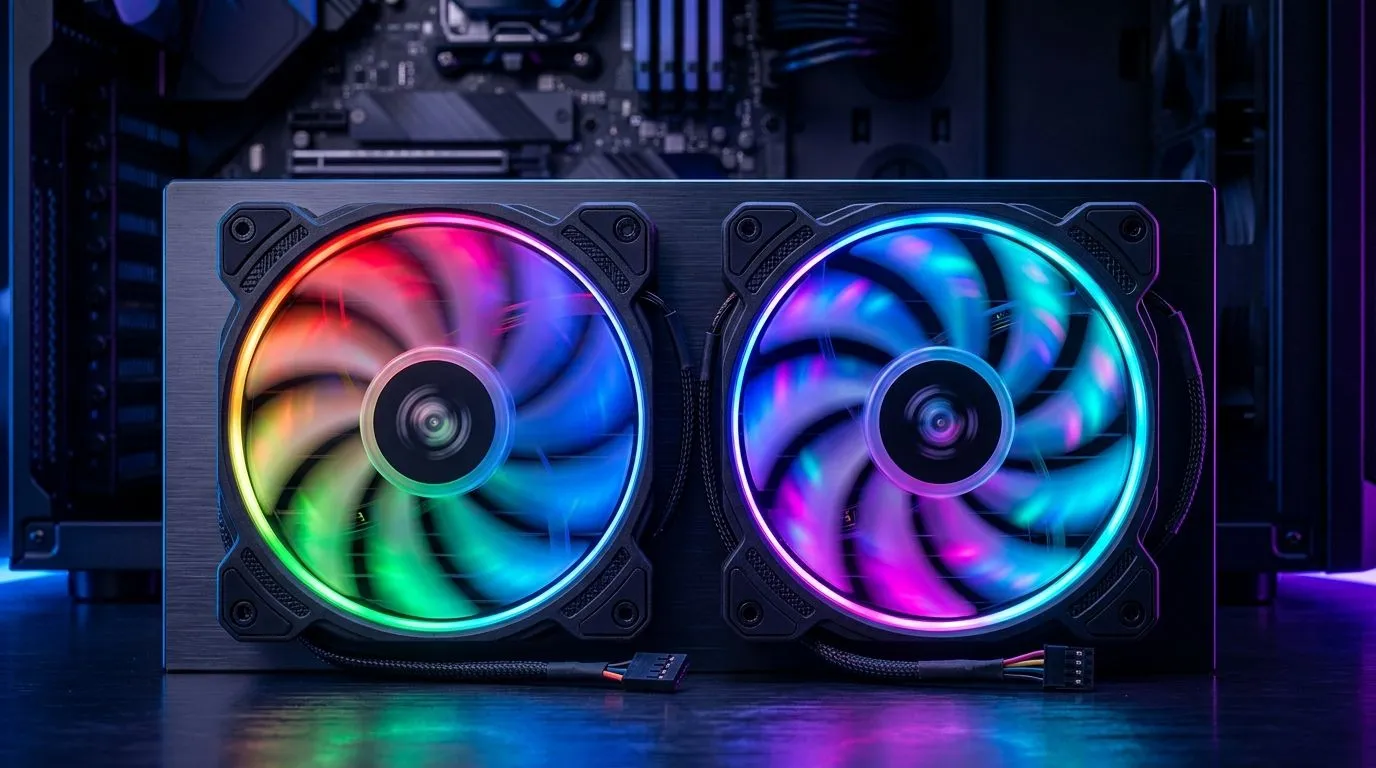
If you’ve ever stared at your PC window thinking, “Why won’t these fans match the vibe?” you’re not alone. RGB can look amazing… or it can look random and mismatched. For South African gamers, building on a tight budget means every component must pull its weight, including your case fans. 🔧
Today we’ll break down ARGB vs RGB Case Fans: Motherboard Sync Compatibility Guide so you can avoid the common “wrong connector, wrong controller” headache. ⚡
In simple terms:
What matters for your build is not just looks. It’s whether your motherboard can control the fan lighting directly. That’s why “sync compatibility” comes down to the motherboard’s header support and the fan’s controller design.
Before you buy, check for:
If you mix ARGB fans with an RGB-only header (or vice versa), you might get limited behaviour, partial lighting, or no sync at all.
If you want syncable patterns and smoother effects, look for ARGB-friendly options. For broader “match the case aesthetic” builds, RGB can still look great, especially when paired with the correct header or controller.
On Evetech, you can filter by lighting type to quickly narrow your choices:
Lighting is only half the story. You also need the right physical fit:
A quick build tip: if your case supports 140mm, those fans often move air effectively at lower RPM. That can mean less noise at similar cooling performance.
Even when connectors match, brands often use different software ecosystems. Some fans integrate neatly into specific lighting suites; others require manufacturer controllers.
For example, you can browse manufacturer-focused options like:
And if you just want to compare broadly before committing, start here: all case fans on Evetech.
I’ve seen this exact scenario at LAN events: someone bought RGB fans for an ARGB header. The fans lit up, but they wouldn’t sync. They ended up using a standalone controller… and then wondered why the motherboard effects didn’t match. 😅
The fix is always the same: verify the header type and the fan’s connector, before you mount anything.
Don’t rely on the product name alone. Look for:
Also, plan cable routing early. Fans in the front and top can create awkward bends, especially in compact South African cases.
On Windows, use Evetech’s product filters to pre-check lighting type and size before checkout. Decide ARGB vs RGB first, then pick 120mm or 140mm, so you don’t end up with fans that physically or electrically cannot sync. This avoids returns and keeps your build timeline on track.
Either way, sync compatibility becomes a checklist, not a gamble.
Get that right, and your setup will look intentional from the first boot. ✨
Ready to Find Your Perfect Match? The Mac vs Windows debate is complex, but for maximum power, choice, and value in South Africa, Windows is hard to beat. Explore our massive range of laptop specials and find the perfect machine to conquer your world.
Not usually. ARGB uses a 5V addressable header (often labeled D_LED/5V 3-pin), while RGB typically uses 12V 4-pin headers.
Check for a 5V addressable RGB header in the manual. It may be labeled D_LED/5V or similar and often supports ASUS/AURA or MSI sync.
ARGB addressable lighting controls individual LEDs, usually via a 5V 3-pin header. RGB non-addressable syncs as a single color per channel.
Yes, with a compatible ARGB controller or hub. Without a motherboard header, you will usually rely on controller presets or remote control.
Common causes are incorrect voltage (mixing 5V ARGB with 12V RGB), wrong header type, or using an incompatible controller.
Often, yes. Many ARGB hubs/controllers require SATA power to drive multiple fans while the motherboard only sends sync signals.
It depends on header and signal standard. Most 5V ARGB fans can sync across brands when connected to the correct motherboard ARGB header.
Choose 5V addressable ARGB fans and confirm your motherboard has a compatible ARGB header. Then use the included hub if you exceed header limits.
Setting Up Monitor Light. Tested & verified settings for best FPS and visual quality on SA hardware budgets.
Read more
Assassins Creed Shadows Ultrawide Support: 21:9. Clear setup instructions with SA-specific considerations, troubleshooting tips & recommended components.
Read more
Complete Gaming Setup Guide for the Collector. Clear setup instructions with SA-specific considerations, troubleshooting tips & recommended components.
Read more
Will the Steam Deck 2 Have an OLED Screen? Leaked. Plain-English explanation of what it means, why it matters & how it affects your buying decisions in SA.
Read more
Setting Up Ultrawide 144Hz. Tested & verified settings for best FPS and visual quality on SA hardware budgets.
Read more
Kingdom Come: Deliverance 2 Ultrawide Support. Clear setup instructions with SA-specific considerations, troubleshooting tips & recommended components.
Read more
When Will the RTX 6090 Launch in South Africa Detailed answer with SA data, expert analysis & practical recommendations for local buyers.

Top Valorant Settings for RTX 5070: FPS Optimisation picks evaluated on performance, value & SA availability with current Rand pricing from Evetech.

RDNA 3.5 Graphics in Ryzen AI 400? Can You Game. Plain-English explanation of what it means, why it matters & how it affects your buying decisions in SA.

GPU Price Index : December Report. Current stock data & price tracking for SA buyers. See what is available and where prices are heading.

Core i5-14600K + B760 + RTX 5060 Build Under. Full parts list, Rand pricing & expected performance. Build confidently with SA-available components.

RX 7600 Apex Legends at 4K: FPS Benchmark. Real-world benchmark data, FPS numbers & performance analysis. What SA gamers can actually expect.

RX 7900 XTX GTA 6 at 4K: FPS Benchmark & Optimal. Real-world benchmark data, FPS numbers & performance analysis. What SA gamers can actually expect.

Head-to-head comparison of RTX 5070 vs RX 9070 XT: Gaming Performance for SA gamers. Performance benchmarks, Rand pricing & which delivers better value.

Starfield Max Settings on RTX 5070. Tested & verified settings for best FPS and visual quality on SA hardware budgets.

Top RX 7800 XT Model Under R8,000 picks evaluated on performance, value & SA availability with current Rand pricing from Evetech.

RTX 5070 Valorant Optimised Settings: Graphics. Real-world benchmark data, FPS numbers & performance analysis. What SA gamers can actually expect.

Top Laptop with Core i7 + RX 7700S: Picks picks evaluated on performance, value & SA availability with current Rand pricing from Evetech.