Understanding the Lighting Revolution in Your Rig
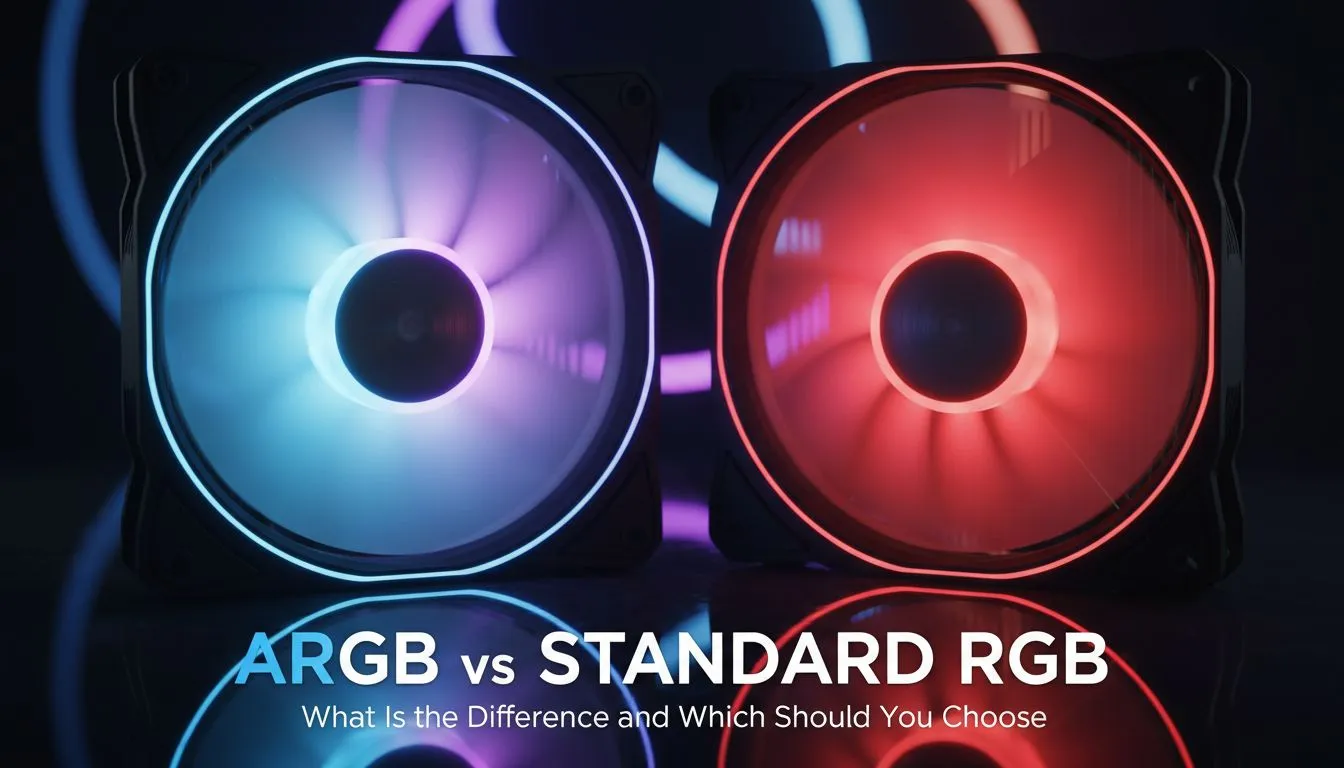
Building a PC in South Africa is more than just specs; it is about the aesthetic statement your desk makes during a late-night load-shedding session. The most common dilemma for builders today is deciding between ARGB vs RGB fans. While both make your system glow, the way they handle colour is fundamentally different. Choosing the right one determines whether your rig looks like a uniform masterpiece or a static, single-colour block. ⚡
The Core Differences: RGB vs ARGB
Standard RGB fans use a 12V 4-pin header. This means all LEDs on the fan must display the same colour at the same time. If you want blue, the whole fan is blue. In contrast, Addressable RGB (ARGB) fans use a 5V 3-pin header. This allows for individual control over each LED on the fan. You can create rainbows, flowing patterns, and complex gradients that look like liquid light.
Before you start your build, you should explore our wide range of CPU coolers to see which lighting headers your motherboard will need to support.
Which One Should You Choose?
If you are on a budget and prefer a clean, static look, standard RGB is perfectly fine. However, if you want your PC to sync with your music or show off custom profiles, ARGB is the modern standard. For those looking for high-performance thermal management with stunning aesthetics, check out our AIO liquid coolers. 🔧
Pro Lighting Tip 💡
Always check your motherboard manual before plugging in your fans. Plugging a 5V ARGB fan into a 12V RGB header can permanently damage the LEDs. If you are unsure, look for the "5V" or "12V" label printed directly on the motherboard pins near the header.
Cooling Performance and Compatibility
Whether you choose ARGB or RGB, thermal performance remains your top priority. For enthusiasts running high-end chips, we recommend looking at premium Corsair cooling solutions for their industry-leading fan tech. If you prefer a balance of value and style, our Deepcool liquid coolers are a firm favourite among South African gamers. 🚀
When selecting your radiator size, ensure your chassis supports the airflow requirements. A 360mm radiator is excellent for top-tier overclocking, while a 240mm radiator offers a perfect middle ground for most mid-tower cases. ✨
Ready to Find Your Perfect Match?
The ARGB vs RGB debate comes down to how much control you want over your setup. Whether you need a subtle glow or a full-blown light show, we have the components to make it happen. Browse our full range of cooling components and build the rig of your dreams today.