

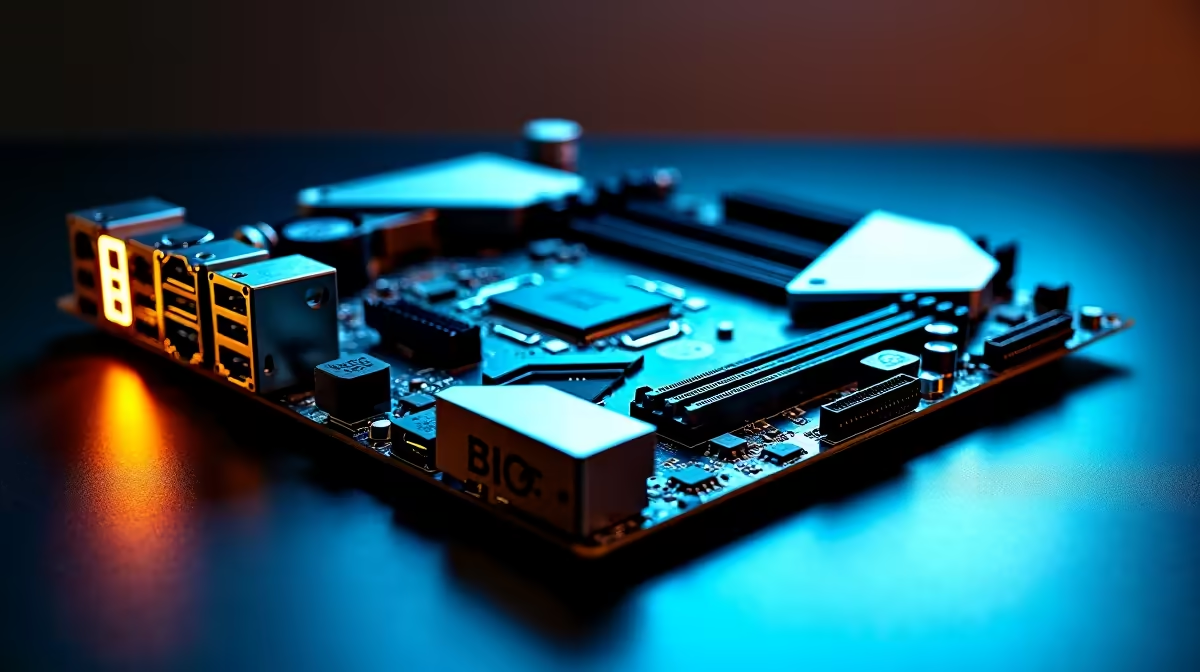
Building a new rig in South Africa right now means making every single ZAR count. You do not want to drop thousands on a premium processor only to bottleneck it with a weak foundation. That is exactly why we put together this ATX motherboard buying guide for builders who want PCIe 5.0, DDR5 and BIOS Flashback. Let's explore how to build a system that will easily survive the next five years. 🚀
Why Future-Proofing with PCIe 5.0 and DDR5 Matters
The motherboard is the central nervous system of your PC. When you step up to an ATX form factor, you unlock maximum expansion space for cooling and add-on cards. But the real magic lies in the newer connectivity standards. PCIe 5.0 offers double the bandwidth of the previous generation... meaning your future graphics cards and NVMe storage drives will run at blistering speeds without any data choke points.
Pairing that massive bandwidth with blazing-fast memory is absolutely crucial for modern titles. If you are ready to make the jump, you will need to grab a high-performance DDR5 memory kit to feed your CPU the data it craves. Whether you are rendering 4K video or chasing high frame rates in competitive shooters, investing in modern architecture pays off. To see the full spectrum of what is available, you can browse through a massive selection of premium computer motherboards designed to optimise next-gen performance. ⚡
Intel vs AMD... Picking Your Foundation
Your choice of processor dictates your entire build path. Team Blue has been pushing hybrid architecture hard over the last few years. If you lean that way, looking into reliable ASUS Intel motherboards gives you robust power delivery and excellent memory overclocking potential for those demanding workloads.
On the flip side, Team Red offers incredible gaming performance with their X3D chips. Builders going this route will find that feature-rich ASUS AMD motherboards provide massive connectivity options and brilliant long-term socket support.
No matter which side you choose, ensure the board has BIOS Flashback. This feature lets you update your system firmware using just a USB drive and a power supply... no CPU or RAM required.
Builder Pro Tip 🔧
Always download the latest BIOS version onto a FAT32 formatted USB drive before you start assembling your PC. Using the BIOS Flashback button before installing your components ensures your brand-new CPU is recognised instantly... saving you hours of frustrating troubleshooting.
Maximising Your ZAR on an ATX Motherboard Build
We know the local market fluctuates constantly. Finding the sweet spot between high-end features and reasonable pricing takes a bit of research. An ATX motherboard with PCIe 5.0 and DDR5 support is a premium tier product, but it prevents you from needing a full system overhaul in two years. South African gamers also need hardware that can handle intense summer heat, so look for boards with thick VRM heatsinks to keep your power delivery ice cold.
Sometimes, sourcing individual parts stretches the budget too thin. If you want the performance without the hassle of building and cable management, you can always check out some incredible custom gaming PC deals that already feature these top-tier motherboards. ✨
Ready to Start Your Next Build? Upgrading your foundation is the first step to unlocking massive performance gains. Explore our massive range of PC components and find the perfect hardware to bring your ultimate gaming rig to life.











