

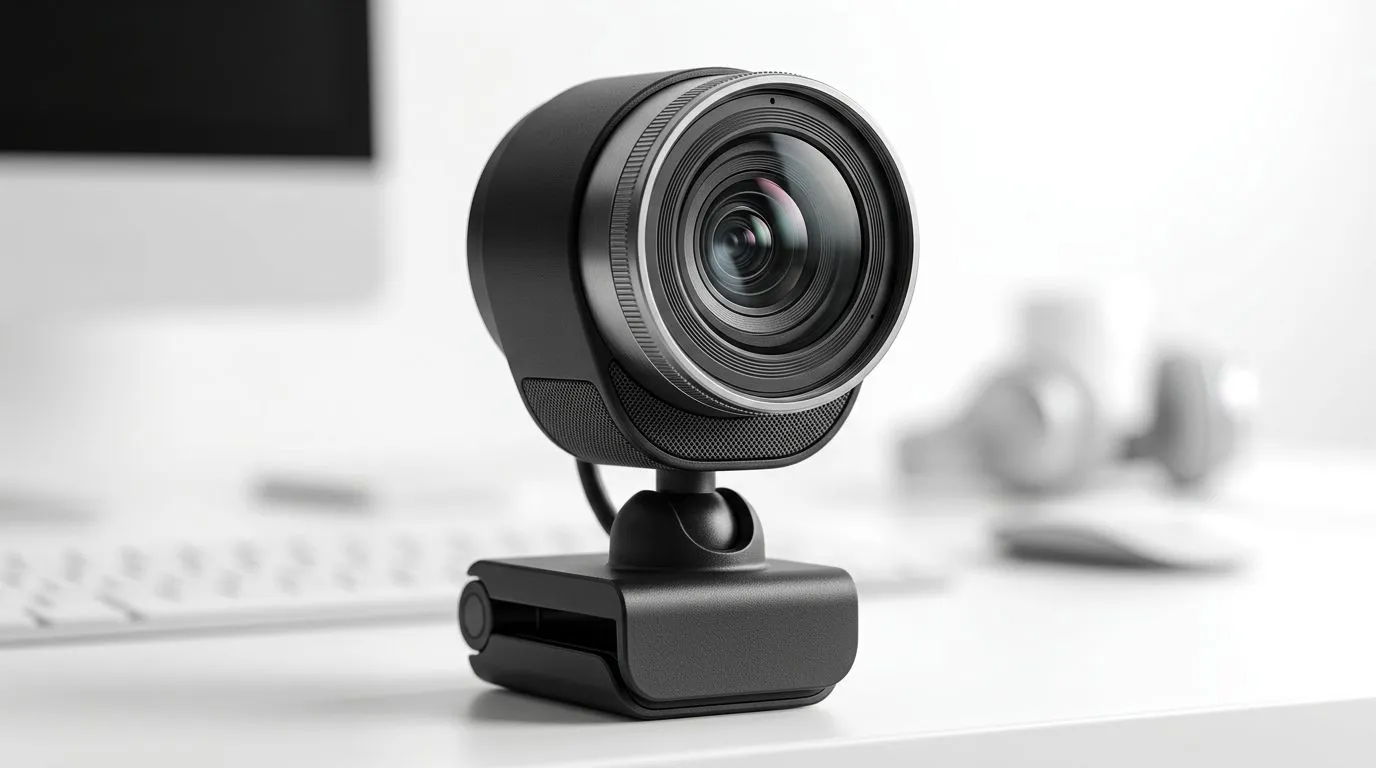
Auto Light Correction: How Streaming Webcams Master Low-Light Video
If you stream from your bedroom, your office, or that “it’s fine” corner of your room… low-light problems hit fast. You know the look: grainy video, blown-out highlights, and a face that suddenly turns into a dark silhouette. 😬
The good news? Modern webcams are getting smarter. With Auto Light Correction: How Streaming Webcams Master Low-Light Video, you can keep your stream bright, clear, and consistent, even when load shedding or bad lighting knocks the mood out of your setup. ⚡
But which webcam features actually matter for South African gamers and tech buyers? Let’s break it down.
Auto Light Correction: What it is (and what it isn’t) ✨
Auto Light Correction is the set of image-processing features that help a webcam expose correctly when lighting changes. In real terms, it usually combines:
- Auto exposure (adjusts brightness)
- Noise reduction (reduces grain when the sensor boosts gain)
- White balance (keeps colours natural under different lights)
- Automatic contrast tuning (helps details stay visible)
What it doesn’t guarantee:
- Perfect image quality in the dark with no light at all.
- DSLR-level depth-of-field and “cinematic” footage.
- Consistent results if your room lighting constantly flickers.
Evetech stocks a range of streaming webcams, so the easiest path is choosing a webcam that’s explicitly built for low-light and streaming-friendly output. Start here: browse webcams on Evetech.
Why “auto” matters during real-life streaming
Most streams aren’t filmed in a studio. Your desk lamp changes position. You move. The sun sets. Your monitor glare shifts. Auto light correction helps smooth those transitions, so your viewers don’t feel like they’re watching a power point presentation in 240p.
Auto Light Correction: The practical settings that improve low-light video 🔧
Even with auto light correction, your results depend on setup choices.
Get your webcam placement right
- Put the webcam slightly above eye level.
- Face a light source, not a light behind you.
- Avoid pointing it directly at bright screens.
If your lighting is mostly from one side, the webcam’s auto exposure has less work to do.
Use a simple lighting baseline
You don’t need a full ring-light setup.
- A cheap desk lamp with a diffuser helps.
- A wall-facing light bounces softer illumination into the room.
Avoid common low-light traps
- Don’t crank brightness inside OBS if the webcam is already over-amplifying noise.
- If colours look too warm or too blue, adjust white balance (or let auto handle it consistently).
Auto Light Correction: Buying guidance for South Africa (with budgets) 🚀
Want the best chance of clean video at night? Filter by features that target streaming and low-light.
Here are Evetech webcam options across budgets:
- Under R1000: webcams under R1000
- Under R2000: webcams under R2000
- Under R3000: webcams under R3000
Tip: if you can, prioritise real-world low-light performance over headline resolution. Higher resolution helps, but it can also reveal noise more clearly in dim conditions.
Low-Light Workflow Tip 🚀
Windows, test your webcam exposure before going live: open your webcam app, dim the room lights, and watch for “pulsing” brightness. If the image keeps changing brightness every second, reduce the difference between your main light and the room ambient light. Even a small lamp shift can stabilise auto light correction so your stream looks consistent. "
Auto Light Correction: Quick checklist before your next stream ✅
Before you go live, check these:
- Exposure stability: does it “breathe” or change brightness often?
- Flesh tones: are colours natural, or overly yellow/blue?
- Edge clarity: can viewers still read your face details?
- Background noise: does your background turn into static when you move?
A webcam with strong auto exposure and noise reduction will usually look more stable when you’re gaming at night, especially in South African households where lighting setups vary room to room.
Auto Light Correction: Final thought for gamers who stream 🎮
Low-light streams are tough because the camera has to guess what “normal” looks like. Auto light correction helps it guess better, and more consistently, so you spend less time fighting your image and more time playing.
If you want to upgrade the look of your stream, start with a webcam that’s designed for streaming use and compare options across your budget range. Evetech makes it easy to find what fits your setup.
Ready to Find Your Perfect Match? Auto light correction and low-light clarity are great, but the real win is choosing the right webcam for how you actually stream in South Africa. For maximum power, choice, and value, explore our options and match your budget to your setup. Browse our webcams on Evetech.











