

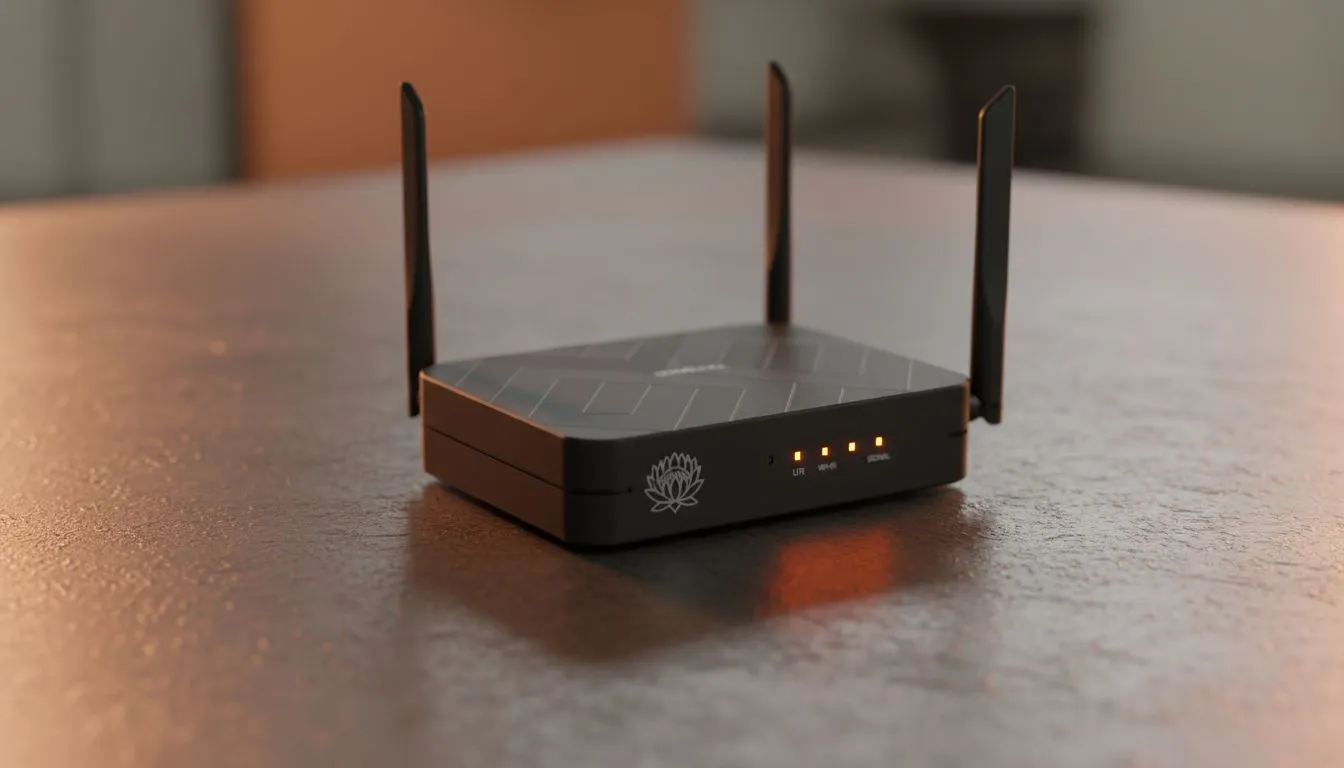
Why a backup LTE router is your best career insurance
We’ve all been there: a critical Microsoft Teams meeting is underway, and suddenly, the lights flicker or your fibre line goes dark. In South Africa, load shedding and unpredictable outages are part of the landscape. That is why a reliable backup LTE router is no longer a luxury for remote workers... it is a necessity to keep your productivity alive when the grid fails. ⚡
While many of us rely on fibre for our primary connection, the infrastructure is not invincible. Power cuts at the local exchange or accidental line damage during municipal roadworks can leave you stranded for hours... or even days. A dedicated mobile data solution acts as a safety net, ensuring that your connection to the office remains unbroken, regardless of what is happening with the physical cables outside your home.
Finding the right hardware for a stable connection
Choosing the right equipment is the first step toward a bulletproof home office. When looking for reliability, the range of TP-Link wireless routers offers some of the most user-friendly interfaces for setting up secondary connections. These devices are designed to handle multiple users without breaking a sweat, making them ideal for households where everyone is trying to stay online at once.
For those who need serious performance and high-speed data throughput, the Cudy LT700 AC1200 4G Cat6 router is a standout choice. Because it supports Category 6 LTE, it can aggregate multiple bands from your cellular provider. This results in significantly faster speeds and better stability compared to basic Cat4 devices... a vital feature when the local towers become congested during load shedding blocks.
Signal Strength Pro Tip ⚡
Place your LTE router near a window, preferably on the side of the house closest to your nearest mobile tower. Even a few centimetres can make the difference between a shaky 10Mbps and a stable 40Mbps connection during peak hours. Use an app like Network Cell Info on your phone to find the strongest signal spot in your room before permanent installation.
Seamless integration into your workspace
Setting up a backup system does not have to be a technical headache. Many modern routers allow for "Failover" mode. This means your router constantly monitors your fibre connection; the moment it detects a drop, it automatically switches to the LTE SIM card. You might only notice a slight flicker in your stream before you are back at full capacity. 🚀
Cudy has quickly become a favourite in the South African market for providing high-end features at an accessible price point. You can explore more innovative Cudy networking gear to find a solution that fits your specific home office layout. Whether you need an all-in-one unit or a secondary gateway, having a plan B is the only way to ensure your professional reputation remains intact when the grid goes offline. ✨
Ready to Secure Your Connection? Don't let the next power outage or fibre cut interrupt your workflow. For maximum reliability and the best networking value in South Africa, a dedicated backup solution is essential. Explore our massive range of router specials and find the perfect hardware to keep you connected 24/7.











