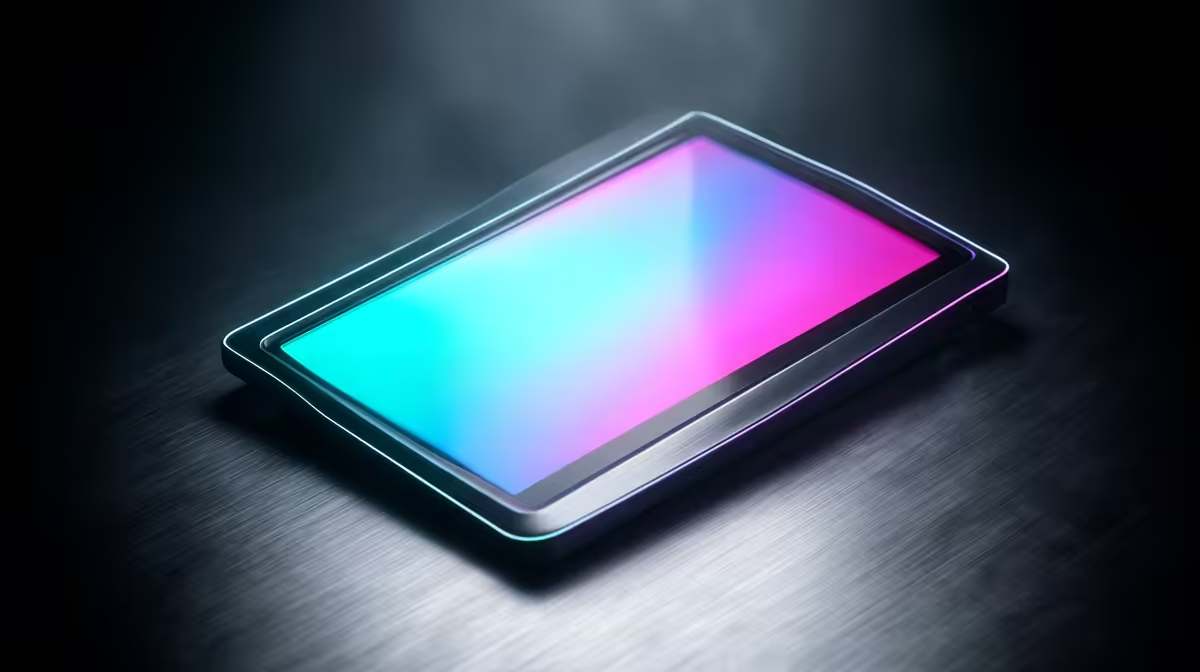
Two portable monitors can look identical on a desk and still solve completely different problems once you unplug them. A battery-equipped portable monitor carries its own power, typically a 5000mAh cell, so it runs untethered for hours. A USB-C pass-through model takes a single cable and uses it for both video and power, even feeding charge back to your laptop. One frees you from cables, the other simplifies them, and knowing which you actually need saves money and frustration.
Quick Answer
Choose a battery built-in portable monitor if you want to run cable-free for hours away from a power source. Choose a USB-C pass-through model if you want one cable carrying video and power, with the monitor able to charge your laptop too. The right pick depends on whether your priority is freedom from cables or simplicity of cables.
How Battery Built-In Monitors Work
A built-in battery, commonly around 5000mAh, stores enough charge to run the panel for a few hours with nothing plugged in. You charge the monitor separately, then carry it to wherever you need a second screen, no wall socket required.
This is the option for genuine portability. A property agent showing plans on site, a presenter in a venue with no convenient outlet, or a traveller working from a train all benefit from a screen that simply switches on. The trade-off is that the battery adds weight and bulk, and once it runs flat you are back to finding power.
How USB-C Pass-Through Works
Pass-through monitors take a different approach. A single USB-C cable from your laptop carries the video signal one way and power the other. Plug a charger into the monitor's second USB-C port and it can pass that power through to your laptop, so the screen and your laptop charge from one wall adapter.
The appeal is a clean, single-cable desk. You connect one cable, get a second display, and keep your laptop topped up at the same time. The catch is that you are tethered: pull the cable and the monitor goes dark, because it has no internal power of its own.
What pass-through power delivery actually means
USB-C power delivery negotiates how much wattage flows and in which direction. A pass-through monitor sits in the middle of that negotiation, drawing what it needs for the panel and routing the rest to your laptop. The important detail is headroom: if your laptop needs a high wattage to charge under load, check that the monitor passes enough through, or your laptop battery may slowly drain even while plugged in.
A 65W wall adapter is usually sufficient for lighter laptops, but thin-and-lights and gaming machines under heavy load often need 90W or more. Some premium pass-through monitors support 100W PD, which comfortably handles most laptops. Check the wattage spec on both the charger and the monitor before relying on one-cable charging.
Battery vs Pass-Through: Choosing for Your Setup
The decision comes down to where and how you work. If you regularly need a second screen away from any socket, the battery model is worth its extra weight, because nothing else lets you work truly cable-free. If your second screen lives at a desk, a coffee shop with plugs, or a hotel room, pass-through is lighter, simpler and keeps both devices charged.
There is a hybrid reality too: some battery monitors also accept USB-C power input, so they top up while running and behave like a pass-through-ish screen when a socket is handy, then go cordless when it is not. Those cost more but cover both scenarios. If you want to weigh weight, resolution and battery capacity against each other, the current portable monitor range at Evetech lays the specs out clearly.
Power Draw and Real-World Impact
Portable monitors typically draw between 5W and 15W depending on brightness and panel size. Running a display off your laptop's battery alone shortens usable session time meaningfully, particularly if the monitor draws toward the higher end of that range. At maximum brightness, a 15.6-inch panel can consume close to 15W, which trims two or three hours from a laptop that would otherwise last a full day.
The practical take: keep brightness lower than you might on mains power, and if you find yourself reaching for a charger more often after adding the portable screen, that is the battery draw showing up in real life. With a pass-through setup plugged into the wall, neither device's battery takes that hit.
Don't Forget the Panel Itself
Power delivery is only half the buy. Resolution, brightness and panel type still decide how usable the screen is. A bright IPS panel matters far more for outdoor or sunlit use than which power scheme it uses, and a dim screen on battery is not much use on a sunny SA balcony.
Refresh rate matters if you intend to game on it, while colour accuracy matters for creative work. Sort out the power approach to suit your mobility, then make sure the panel quality matches the job. Browsing the wider monitor best sellers is a quick way to calibrate what a given price gets you in panel quality before narrowing to a portable model.
Frequently Asked Questions
Can a pass-through monitor charge my laptop?
Yes, if you plug a charger into the monitor's power input. It draws what the panel needs and passes the remaining wattage to your laptop, so one adapter powers both. Check the wattage is high enough for your laptop under load.
How long does a built-in battery portable monitor last?
A typical 5000mAh cell runs the panel for a few hours, depending on brightness. Higher brightness and bigger panels drain it faster, so dim the screen to stretch runtime when you are away from power.
Does a battery monitor add much weight?
It adds some. The battery and its housing make a battery model heavier and thicker than a pass-through screen of the same size. If cable-free use is rare for you, that extra weight is not worth carrying daily.
Which is better for working at a desk?
A USB-C pass-through monitor, in most cases. At a desk you have power anyway, so the single-cable simplicity and the ability to keep your laptop charged make pass-through the cleaner choice.
Can one monitor do both battery and pass-through?
Some can. Certain battery models also accept USB-C power input, charging while they run and going cordless when unplugged. They cost more but cover both mobile and desk use in one device.
How many watts does a portable monitor draw from my laptop?
Most portable monitors draw between 5W and 15W. A small, lower-brightness panel sits at the lower end; a larger panel at high brightness can pull close to 15W. Running the screen at reduced brightness is the easiest way to limit the drain on your laptop battery.
Decide whether your priority is cable-free freedom or single-cable simplicity, then match the spec in the portable monitor range at Evetech (https://www.evetech.co.za/buy-portable-monitors/x/1590) and order the screen that fits how you really work.