

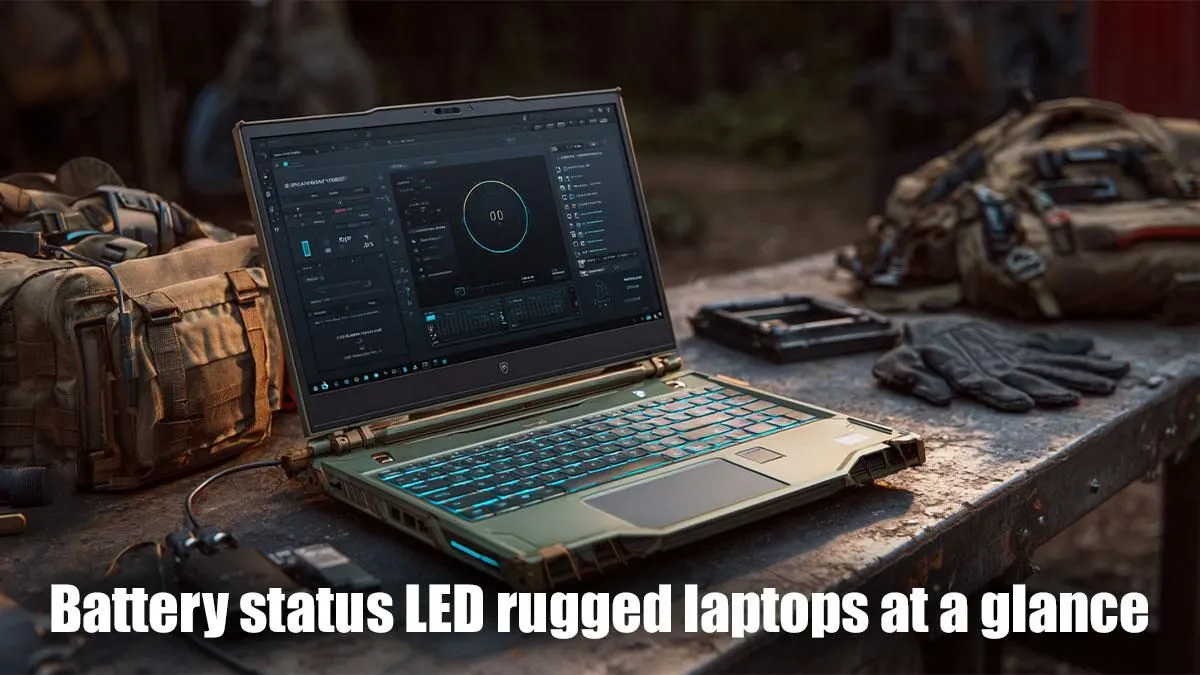
Decoding Your Rugged Laptop's Power Indicators
Ever been out in the field, battling the elements, or deep into a critical project on your rugged laptop, only to wonder what that blinking light actually means? In South Africa's diverse environments, from dusty mines to bustling construction sites, your gear needs to be reliable. Understanding the battery status LED for rugged laptops isn't just a convenience; it's crucial for maintaining uptime and making sure your device is ready for anything. Let's decode those mysterious lights and ensure your workflow never skips a beat. 🔋
Rugged laptops are built tough, designed to withstand drops, spills, and extreme temperatures that would send a standard laptop packing. But beyond the armoured casing, these machines offer subtle cues about their internal state. The small, often overlooked, LED indicator for your battery status is one of the most vital. It’s your first line of defence against unexpected power loss, silently communicating the health and charge level of your device. Ignoring these signals could mean the difference between completing a crucial task and being left in the dark.
Common Battery Status LED Meanings for Rugged Devices
While specific colours and patterns might vary slightly between manufacturers like Dell, Panasonic Toughbook, or Getac, there's a widely accepted language these LEDs speak. Here's a breakdown of the most common rugged laptop battery indicator signals you'll encounter:
- Solid Green/Blue: This is generally good news. It usually means your battery is fully charged, or it's currently charging and very close to 100%. Time to get to work!
- Solid Amber/Orange: Your laptop is plugged in and actively charging. The battery is building up its charge, but it's not yet full.
- Blinking Amber/Orange: This is a call for attention. Often, it indicates a low battery level, perhaps below 10-15%. Plug in your device immediately! In some cases, it might also signal a charging error or a battery that isn't properly seated.
- Solid Red (or Blinking Red): A red light is usually a critical warning. It could mean your battery is critically low (under 5%), or there might be a significant issue like overheating or a battery fault. If it's blinking, it often signals a severe error requiring immediate action, like disconnecting the power and letting the device cool down.
- No Light (when plugged in): If your laptop is plugged into power and switched on but there’s no LED light, it could mean the battery is completely discharged, the charger isn't working, or there's a hardware fault.
Knowing these LED battery status patterns can save you from unexpected shutdowns in the middle of a vital operation. It's like having a little co-pilot constantly updating you on your power reserves.
Optimise for Longevity
Avoid constantly fully discharging your rugged laptop battery. Keeping it between 20 % and 80 % charge can significantly extend its overall lifespan and health. Regular partial charges are better than deep cycles.
Maximising Your Rugged Laptop's Battery Life and Performance
Understanding the battery light meanings is one thing; prolonging your battery's life and getting the most out of your device is another. Here are some pro tips:
- Calibrate Regularly: Some manufacturers recommend calibrating your battery every few months. This involves fully charging, then fully discharging, and finally fully recharging. It helps the battery management system accurately report charge levels.
- Mind the Heat: Extreme temperatures are a battery's worst enemy. While rugged laptops are designed for tough conditions, prolonged exposure to excessive heat or cold can degrade battery performance. Keep your device in a shaded, well-ventilated area when possible.
- Adjust Power Settings: Optimise your operating system’s power plan for battery life. Dim the screen, reduce background app activity, and enable power-saving modes when you're off the grid. Many modern AMD-powered rugged laptops offer exceptional power efficiency, perfect for extended operations. You can explore a range of robust AMD laptops on special at Evetech that combine durability with impressive battery performance.
- Software Updates: Keep your drivers and operating system updated. Manufacturers often release updates that improve power management and battery efficiency.
When to Consider an Upgrade: Beyond the Battery Light ✨
Even with the best care, laptop batteries have a finite lifespan. If you find your power indicator rugged laptop is constantly showing low charge, or your device struggles to hold power for more than an hour or two, it might be time to consider an upgrade. Newer models, whether powered by efficient Intel processors or powerful AMD chips, often come with significant advancements in battery technology and overall performance.
Evetech offers a wide selection of devices, from everyday workhorses to high-performance machines. If you're looking for a reliable upgrade, check out our extensive range of laptop specials for sale in South Africa. For those who demand top-tier performance, even in a rugged package, you might be surprised by the power efficiency of the latest hardware. Explore our incredible Intel laptops on special or perhaps even eye some of the best gaming laptop deals if you need a machine that pulls double duty for work and play. Don't let a failing battery hold you back; invest in reliability. 🔧
Power Up Your Productivity! Ready to experience unwavering performance and reliable battery life? Upgrade your gear today and conquer any challenge with confidence. Shop now at Evetech for performance that leaves lag in the dust.










