

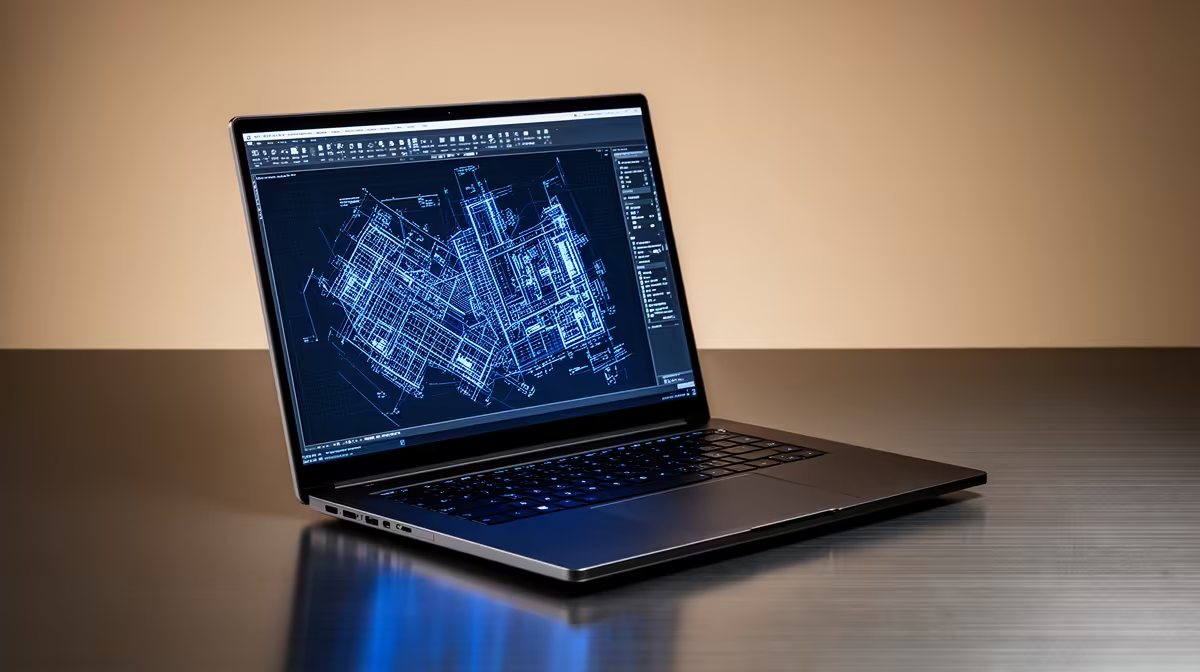
Hey, future architects and engineers! Are you wrestling with slow renders, lagging designs, or a laptop that just can't keep up with your creative vision? In South Africa's competitive academic landscape, having the right tools is non-negotiable. For students diving deep into design with AutoCAD LT, a powerful, reliable machine isn't a luxury... it's essential for success. Choosing the best AutoCAD LT laptops for students can truly transform your workflow.
Powering Your Designs: Why the Right Laptop Matters for AutoCAD LT Students
AutoCAD LT, while less resource-intensive than its full AutoCAD counterpart, still demands a capable machine to run smoothly. You’re not just typing essays; you’re crafting intricate 2D drawings, floor plans, and technical schematics. Every stutter, every delay, eats into your precious study time and can stifle your creativity. A laptop that performs optimally ensures your focus remains on your designs, not on frustrating load times.
Essential Specs for the Best AutoCAD LT Laptops for Students ✨
So, what should you look for when hunting for the ideal student laptop for AutoCAD LT? Let’s break down the core components:
CPU: The Brain of Your Design Machine
AutoCAD LT primarily benefits from strong single-core performance. This means a higher clock speed often trumps more cores for basic operations.
- Intel Core i5/i7 (11th Gen or newer): Excellent single-core boost speeds. Check out Evetech's range of Intel laptops on special for great deals.
- AMD Ryzen 5/7 (5000 series or newer): Offers fantastic multi-core performance for general multitasking, plus competitive single-core speeds. Explore powerful AMD laptops on special too.
RAM: Your Workspace for Projects
While 8GB might technically run AutoCAD LT, it quickly becomes a bottleneck when you have multiple applications open, browser tabs, or larger project files. We strongly recommend a minimum of 16GB RAM for a smooth, frustration-free experience. This allows you to jump between AutoCAD LT, research, and other productivity tools without a hitch.
Storage: Speed and Space
An NVMe SSD (Solid State Drive) is non-negotiable. The speed difference compared to traditional HDDs is monumental, drastically cutting down load times for your operating system, AutoCAD LT, and project files. Aim for at least 512GB of storage, with 1TB being ideal if your budget allows for it. More space means less worrying about project backups or external drives.
GPU: Graphics for Clarity
AutoCAD LT is primarily 2D, so it doesn't demand a high-end dedicated graphics card like full 3D CAD software. Integrated graphics like Intel Iris Xe or AMD Radeon Graphics are usually sufficient. However, if you anticipate moving to full AutoCAD, 3D modelling, or even some light gaming in your downtime, a dedicated GPU (like an NVIDIA GeForce GTX/RTX or AMD Radeon RX) will offer a significant boost. These powerful machines are often found among the best gaming laptop deals and provide excellent value for demanding student users.
Display: See Your Vision Clearly
A 15.6-inch or 17-inch Full HD (1920x1080) display is a sweet spot for productivity and portability. Look for good colour accuracy if your design work involves visual presentation. Some students might prefer a larger display for more workspace, but remember that impacts portability.
Pro-Tip for Student Budgeting
Consider a laptop with an extra M.2 slot or an easily upgradeable RAM slot. You might save money initially by getting 8GB RAM and upgrading to 16GB later, or adding a secondary SSD for more storage as your project files grow.
Finding Your Perfect Student Laptop for AutoCAD LT at Evetech 🚀
At Evetech, we understand that South African students need reliable performance without breaking the bank. We handpick laptops that offer the perfect blend of power, durability, and affordability, ensuring you get the best AutoCAD LT laptops for students that truly meet your academic and creative needs. From entry-level powerhouses to more robust machines ready for advanced design, our selection caters to every budget and requirement. Don't compromise on your education; invest in a tool that empowers your potential.
Browse our extensive range of laptop specials for sale in South Africa today. You'll find fantastic deals on machines perfectly suited for AutoCAD LT, ensuring you're ready to tackle any design challenge thrown your way.
Ready to Design Without Limits? Don't let your hardware hold back your brilliance. Explore Evetech's curated selection of high-performance student laptops and find the perfect partner for your AutoCAD LT journey. Shop now at Evetech for performance that leaves lag in the dust.











