

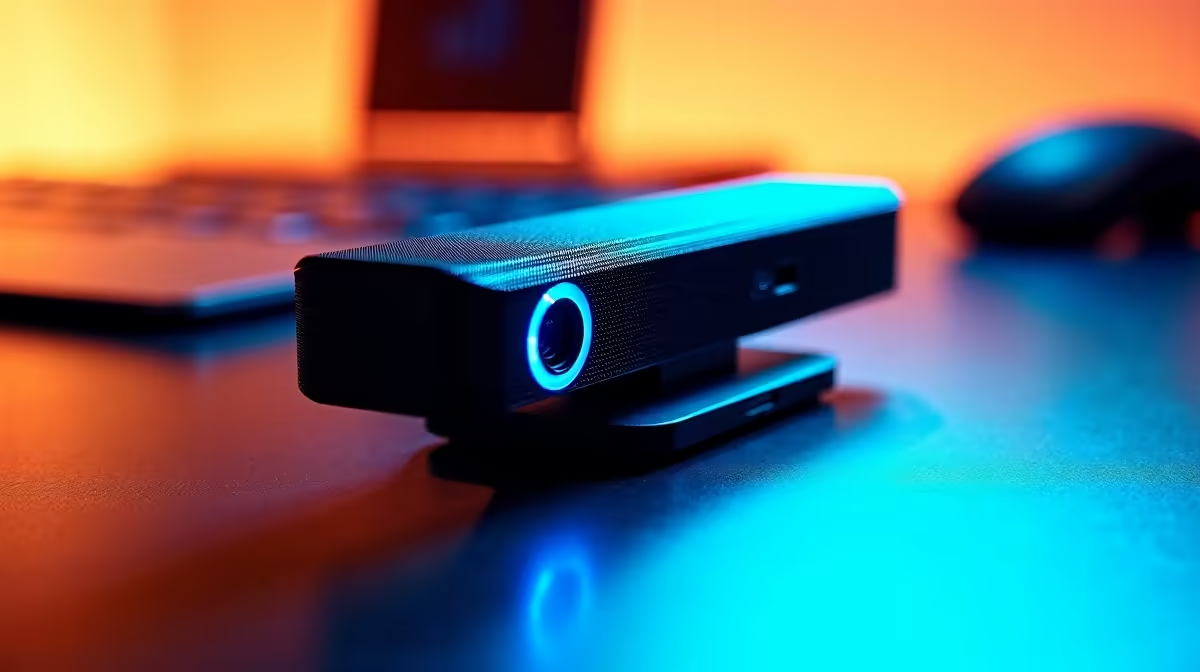
Tired of typing your password every single time you wake your PC? In the precious seconds between booting up and dropping into Verdansk, that login screen feels like a lifetime. Windows Hello offers a slick, futuristic solution: instant facial recognition login. But it only works if you have the right gear. That's why we're running the ultimate best biometric webcam test for Windows Hello, helping you find the perfect key to unlock your PC... with just a look. 🔐
Why a Biometric Webcam is Essential for Windows Hello
Let's clear something up: not all webcams are created equal. Your standard 1080p camera might be great for Zoom calls, but it lacks the special hardware needed for secure facial recognition. Windows Hello requires a webcam with an infrared (IR) sensor. This isn't just about seeing your face; it's about mapping its unique depth and structure, making it incredibly difficult to fool with a simple photograph.
A proper biometric webcam for Windows Hello offers:
- Enhanced Security: The IR sensor creates a 3D map of your face, ensuring that only you can access your machine.
- Blazing-Fast Speed: Login is practically instantaneous. By the time you've sat down, your desktop is ready to go.
- Low-Light Performance: The IR camera works flawlessly even in a dimly lit gaming den, something a regular webcam struggles with.
Finding a webcam that nails these features is the goal of our test.
Our Biometric Webcam Test Criteria
When we put these webcams through their paces, we weren't just looking for a pretty picture. Our Windows Hello webcam test focused on what matters most to South African gamers and power users. We prioritised three key areas:
- Recognition Speed & Accuracy: How quickly and reliably does it log you in from different angles and in various lighting conditions? A slight delay can be frustrating, so instant recognition is non-negotiable.
- Ease of Setup: Is it a true plug-and-play experience? We looked for cameras that integrate seamlessly with Windows, often mounting perfectly with the right monitor accessories without needing a degree in engineering.
- Overall Build & Value: A good webcam should feel sturdy and offer excellent performance for its price in ZAR.
The results consistently show that dedicated biometric webcams, like those from Logitech's Brio series or Anker, provide a far superior experience to standard models.
Pro Tip: Perfect Placement
For the best results, mount your webcam at eye level, centred on your main monitor. This ensures Windows Hello gets a clear, direct view of your face every time, preventing failed login attempts when you’re leaning back in your chair.
Optimising Your Setup for Flawless Logins
Getting the best biometric webcam is only half the battle; a little optimisation goes a long way. Once your new camera is clipped onto your screen—whether it's one of the latest 5K & 4K monitors for insane detail or one of the many versatile PC monitors available—take a moment to improve your Windows Hello setup.
Head to Settings > Accounts > Sign-in options > Facial recognition (Windows Hello) and click on "Improve recognition." This lets you re-scan your face with and without glasses, or in different lighting, making the system even more robust. This is especially handy if you use a flexible setup, like pairing your laptop with portable monitors when you're on the move. ✨
Beyond the Login Screen
A top-tier biometric webcam isn't just a one-trick pony. The same high-quality sensor and lens that make logins a breeze also elevate your streaming and video calls. Imagine your face-cam on Twitch looking crisp and professional, even when the only light is the glow from your ultra-wide curved gaming monitor.
Pairing a great webcam with one of the best gaming monitors creates a truly premium desktop experience, where every component works together to deliver speed, security, and immersion. You've invested in a powerful rig; don't let a slow login or a grainy camera hold you back. 🚀
Complete Your Ultimate PC Setup A fast, secure login is the perfect start to any session. Complement that speed with a display that brings your games to life, and check out our latest PC monitor deals. Find your perfect screen at Evetech and build the setup you deserve.











