

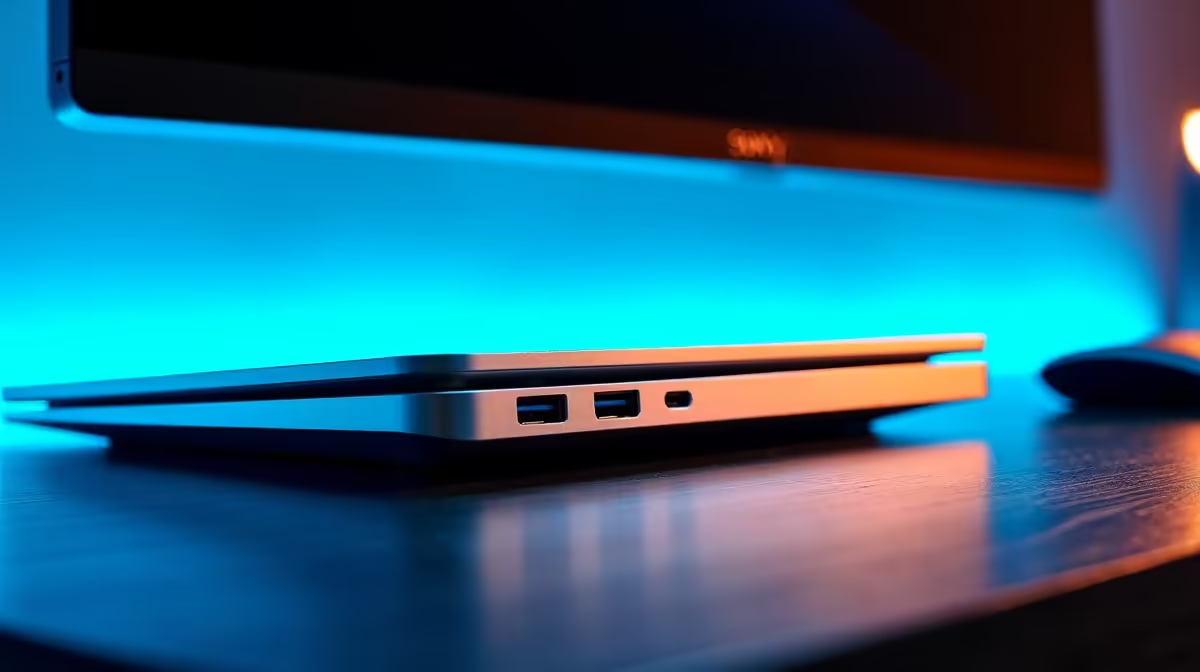
Tired of the cable spaghetti taking over your desk? For South African gamers and professionals, a clean, efficient setup isn't just nice to have… it's essential. Constantly plugging and unplugging your monitor, keyboard, mouse, and charger is a hassle, especially when load shedding hits. A quality docking station for your PC or laptop solves this instantly, turning your cluttered workspace into a streamlined command centre with just a single cable. 🚀
Why a Docking Station is Your Setup's Best Friend
The magic of a great docking station lies in its simplicity. It acts as a central hub for all your peripherals. You plug everything—your monitors, external drives, Ethernet cable, and USB devices—into the dock. Then, a single USB-C or Thunderbolt cable connects the dock to your laptop. That's it.
This is brilliant for hybrid work or for gamers who use a laptop as their main rig. Come home, plug in one cable, and your entire battlestation comes to life. No more fumbling with five different connectors. It's the ultimate convenience upgrade, giving you back time and desk space. Many modern laptops, especially ultrabooks, come with limited ports, making one of the best docking stations for PCs and laptops a necessity, not a luxury.
Check Your Port Power! ⚡
Not all USB-C ports are created equal. Before buying, check if your laptop's USB-C port supports 'DisplayPort Alternate Mode' for video output and 'Power Delivery' for charging. This info is usually in your laptop’s manual or on the manufacturer's website.
How to Choose the Right Docking Station in South Africa
Finding the perfect PC docking station comes down to your specific needs. Think about what you connect to your machine daily.
Key Features to Look For:
- Connectivity: Do you need the lightning-fast speed of Thunderbolt (up to 40Gbps), ideal for multiple 4K monitors and high-speed data transfer? Or is a standard USB-C (5-10Gbps) dock enough for your HD monitor and basic peripherals?
- Video Outputs: How many monitors do you run? Look for a dock with the right combination of HDMI and DisplayPort outputs to match your screens.
- Ports, Ports, Ports: Count up your devices. You'll want enough USB-A ports for your keyboard, mouse, and headset, plus an SD card reader if you're a content creator, and a reliable Ethernet port for lag-free gaming. Brands like Promate offer a fantastic range with various port combinations to suit any user.
- Power Delivery (PD): A dock with PD can charge your laptop through that single connection cable, meaning you can leave your laptop's bulky power brick in your bag. Check the wattage (e.g., 65W, 90W) to ensure it matches your laptop's requirements.
Finding a Dock That Fits Your Budget
You don't need to break the bank to get organised. In South Africa, the market for docking stations is diverse, with options for every price point. For a simple setup with an extra monitor and a few USB ports, you can find some incredibly effective and affordable docking stations under R1000. These are perfect for students or home offices. 🔧
If you're a power user, gamer, or creative professional needing to drive multiple high-resolution displays and connect more demanding peripherals, investing a bit more is worthwhile. You'll find that models with more ports, faster speeds, and higher power delivery are generally available in the price range up to R2000, offering a robust solution for even the most complex setups.
Ready to Tame the Cable Chaos? A tidy desk is a tidy mind. Explore our full range of the best docking stations for PCs and laptops and find the perfect hub for your setup. Shop our docking station deals now and transform your workspace today!











