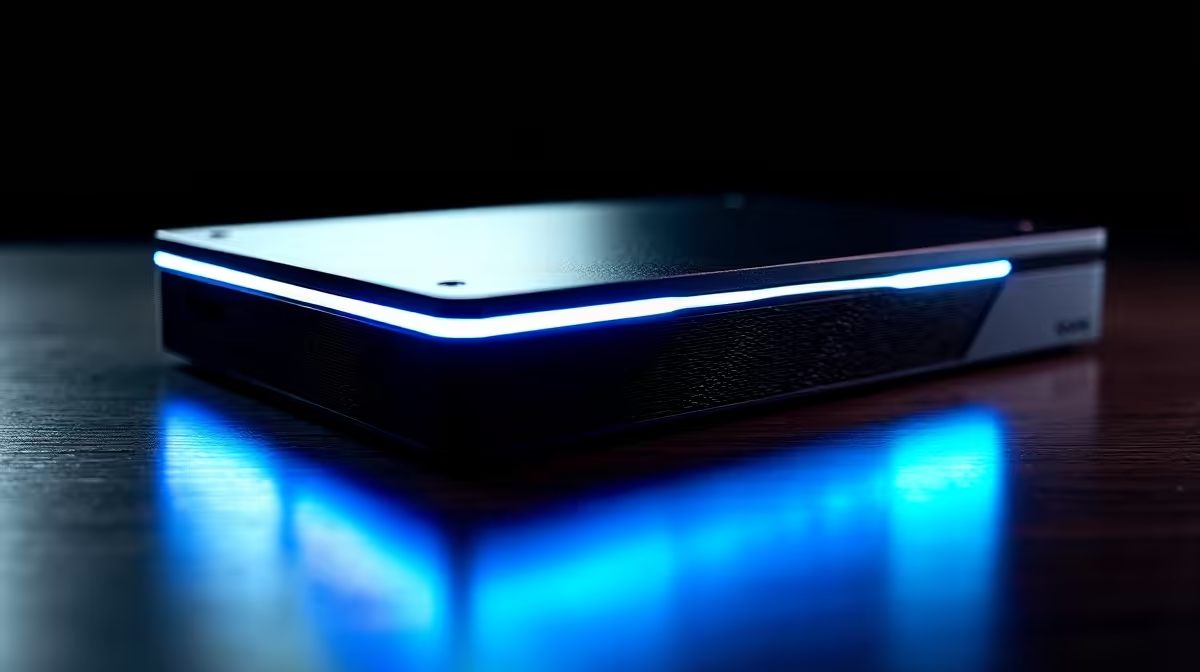
An external graphics box can turn a thin laptop into a gaming and rendering machine, but only if you start from the right place: the port. The eGPU for a laptop decision lives or dies on what is actually on the side of your machine, because Thunderbolt 5, Thunderbolt 4 and USB4 each behave differently, and matching the enclosure to that port is what separates a smooth setup from a frustrating one. Get the port wrong and even an expensive enclosure underperforms.
Quick Answer
Choose an eGPU for a laptop by your port first. A Thunderbolt 5 laptop pairs best with a Core X V2-class enclosure that can deliver up to 140W of charging over a single cable while feeding the GPU. Thunderbolt 4 and USB4 laptops work too, but you must confirm the laptop's port supports full PCIe tunnelling, not just the rated transfer speed, or the GPU will be throttled.
Why the Port Decides Everything
An eGPU sends graphics data between the laptop and an external card over a single cable. The bandwidth and capabilities of that cable, set by the port standard, cap what the whole system can do. This is why two laptops with the same enclosure and the same graphics card can perform very differently: one has a fuller, faster port than the other. So the first question is never "which enclosure", it is "what port do I have, and what can it really do".
A good enclosure is also a dock, adding charging and ports over the same cable, and Evetech's docking station range is a useful starting point to see what single-cable connectivity looks like before you commit to an eGPU setup.
Matching the Enclosure to Your Port
Each standard calls for a slightly different approach, so identify yours before buying anything.
Thunderbolt 5 Laptops
This is the best-case scenario. Thunderbolt 5 offers the highest bandwidth of the three, which means a discrete card is held back the least. Pair it with a current-generation enclosure such as the Razer Core X V2 class, which can push up to 140W of charging back to the laptop while driving the GPU, so one cable powers and feeds the machine at once. If your laptop has Thunderbolt 5, build around it and choose an enclosure that exploits the full bandwidth.
Thunderbolt 4 Laptops
Thunderbolt 4 is the dependable mainstream choice. It guarantees a known minimum of PCIe bandwidth and broad compatibility, so eGPU support is generally reliable. You will see less raw throughput than Thunderbolt 5, which can limit the very fastest cards at high resolutions, but for most laptops it delivers a large, genuine performance jump over integrated graphics.
USB4 Laptops
USB4 is where care matters most. The standard allows PCIe tunnelling, the mechanism an eGPU relies on, but it does not require it, so some USB4 ports support eGPUs fully and others barely at all. The rated speed on the box is not enough. Confirm the specific laptop's USB4 implementation supports full PCIe tunnelling before buying, because a USB4 port that lacks it will leave the enclosure crippled.
Picking the Graphics Card Inside
The enclosure is only the housing; the card inside does the work. Match the GPU to your goal, gaming, video editing or AI, and to the resolution you target. There is little point fitting a top-tier card to a port that cannot feed it, so balance the card against the bandwidth your port allows. A mid-range card on Thunderbolt 4 often makes more sense than a flagship the link cannot fully supply. Confirm the enclosure's power supply is rated for the card you want, since higher-end GPUs draw more.
What to Realistically Expect
An eGPU transforms a capable laptop, but it is not identical to a desktop with the same card installed internally. The cable link adds overhead, so performance is lower than the same card inside a tower, and external-screen use is often smoother than driving the laptop's own panel back through the cable. Real-world testing shows Thunderbolt and USB4 connections typically cost between 10 and 25 percent of a card's desktop output, with the penalty climbing at lower resolutions where the connection matters more than the GPU itself. Even so, for a person who needs one portable machine that doubles as a powerful workstation or gaming rig when docked at a desk, the compromise is well worth making. To see which cards local buyers are choosing, the best-selling GPUs list is a quick guide to popular picks.
Who Should Buy an eGPU
It suits the person who already owns a strong, thin laptop with a capable port and wants desktop-class graphics without buying a second machine. It makes less sense if your laptop has a weak port, if you would rather have one all-in-one gaming laptop, or if a desktop better fits a fixed setup. Start from the port, choose the enclosure that fits it, then pick a card the link can genuinely feed.
SA Buyers: Import Costs to Factor In
Most eGPU enclosures are imported into South Africa, and international list prices do not include import duties, shipping, or the currency conversion hit. The Razer Core X V2 retails at around USD 350 before any of those additions, so the landed cost in Rands will be noticeably higher. Budget for this honestly before comparing the total eGPU spend against a gaming laptop that bundles GPU, display, and chassis in one local price.
Frequently Asked Questions
What is the most important thing when choosing an eGPU?
The laptop's port. Thunderbolt 5, Thunderbolt 4 and USB4 differ in bandwidth and capability, and that determines how well any enclosure and card will perform, so identify your port before anything else.
Does USB4 always support an eGPU?
No. USB4 allows PCIe tunnelling but does not require it, so some USB4 ports run eGPUs well and others barely work. Check the specific laptop's USB4 specification for full PCIe tunnelling support before buying.
Will an eGPU match a desktop with the same card?
Not quite. The external cable adds overhead, so performance drops compared with the same card inside a tower. The gain over integrated laptop graphics is still large and worthwhile for most users, and attaching a monitor directly to the eGPU rather than the laptop's panel recovers much of that overhead.
Can the eGPU charge my laptop too?
A modern enclosure can. Current Thunderbolt 5 enclosures such as the Core X V2 class can deliver up to 140W of charging over the same single cable that carries the graphics data, so one connection powers and feeds the laptop.
Which graphics card should I put in it?
Match the card to your port's bandwidth and your task. A mid-range card often suits a Thunderbolt 4 link better than a flagship the connection cannot fully feed, and make sure the enclosure's power supply is rated for whatever card you choose.
Turning a thin laptop into a desktop-class machine? Browse the docking station and GPU range at Evetech to match an enclosure to your port and a graphics card the link can genuinely drive.