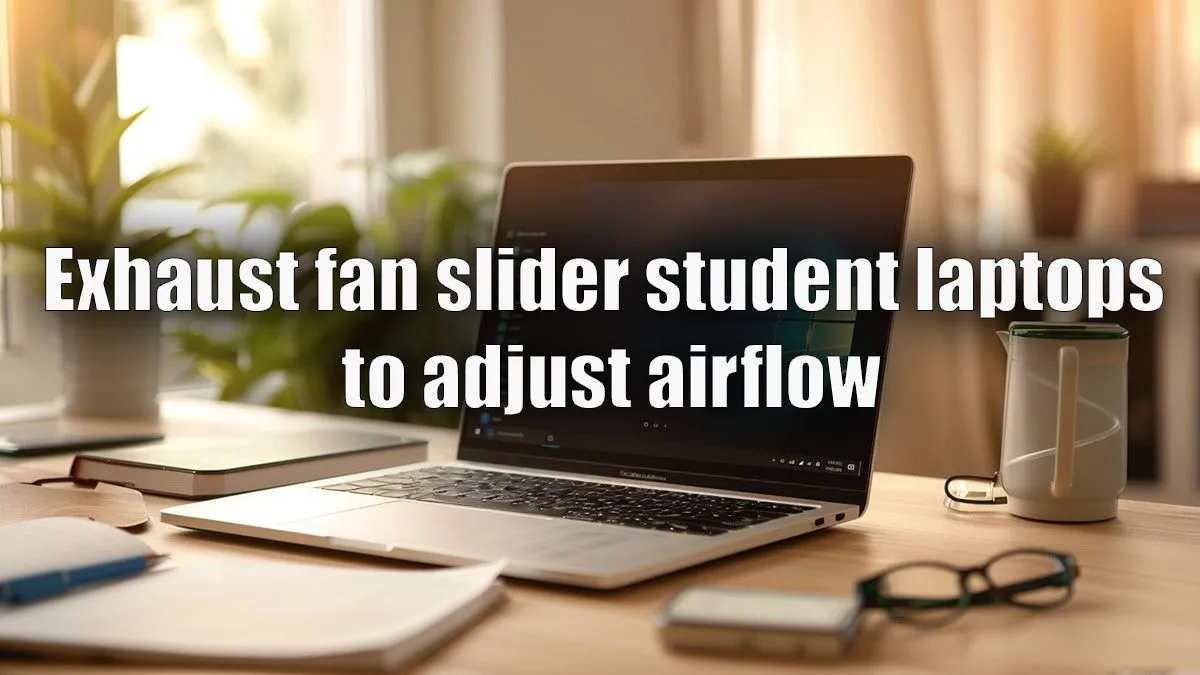
Keep Your Cool: Why Every Student Needs the Best Exhaust Fan Slider for Their Laptop
Mzansi's heat and demanding study sessions can turn your trusty student laptop into a fiery beast, slowing down your progress and even shortening its lifespan. Ever felt your keyboard get uncomfortably warm during an all-nighter, or seen your frame rates drop mid-game? You're not alone. Finding the best exhaust fan slider for student laptops isn't just about comfort; it's about preserving performance and extending your device's life. Let's dive into keeping your tech chilled, even when the pressure is on. 🇿🇦
Understanding Laptop Overheating: The Silent Performance Killer
Your laptop works hard, especially when you're juggling multiple browser tabs, streaming lectures, or diving into a late-night gaming session. All that processing power generates heat, and if it's not dissipated efficiently, your laptop's internal components will slow down to protect themselves. This "thermal throttling" means stuttering games, sluggish applications, and even unexpected crashes. Imagine losing that crucial assignment because your laptop decided to take an unscheduled nap! A consistent build-up of heat can also degrade battery life and reduce the overall lifespan of your valuable hardware.
What Exactly is an Exhaust Fan Slider for Laptops?
Forget bulky cooling pads that just blow air under your laptop. An exhaust fan slider, sometimes called a laptop vacuum cooler, is a clever device designed to actively pull hot air out of your laptop's internal exhaust vents. It creates a powerful negative pressure, forcing superheated air away from critical components like your CPU and GPU. This direct extraction is often far more effective than simply pushing air towards the base, resulting in significantly lower operating temperatures and, crucially, consistent performance. It's a targeted attack on heat, ensuring your laptop performs optimally whether you're compiling code or conquering virtual worlds.
Key Features for the Best Exhaust Fan Slider for Student Laptops
Choosing the right cooling solution means looking beyond just "a fan." For students, specific features are paramount:
Portability & Design
You're always on the move, from lectures to the library to a friend's place. The ideal exhaust fan slider needs to be compact, lightweight, and easy to attach and detach. Look for models with a sleek profile that won't add unnecessary bulk to your backpack.
Noise Levels
Silence is golden, especially in a quiet study environment. A loud fan can be incredibly distracting. Prioritise models that boast low decibel ratings, ensuring your focus remains on your work, not on a whirring gadget.
Power Source & Compatibility
Most exhaust fan sliders are USB-powered, making them convenient to use anywhere. Ensure the model you choose offers universal compatibility with various laptop vent designs. Whether you're rocking one of the powerful AMD laptops on special or a high-performance machine from our range of Intel laptops on special, it should fit snugly and securely.
Adjustable Speed & Temperature Monitoring
The best exhaust fan slider for student laptops often includes adjustable fan speeds, letting you dial up the cooling when gaming or crunching data, and dial it down for quieter, less intensive tasks. Some advanced models even feature LED displays showing your laptop's current temperature, giving you real-time feedback on its thermal health.
Beyond the Slider: Comprehensive Cooling Tips for Your Laptop
While an exhaust fan slider is an excellent tool, it's part of a broader cooling strategy. Here are a few extra tips to keep your laptop running smoothly:
Pro Cooling Hack
Elevate your laptop! Even a slight tilt can dramatically improve airflow underneath, helping your internal fans work more efficiently. Use a book or a dedicated stand.
- Clean Your Vents Regularly: Dust is the enemy of cool. Use compressed air to clear out dust build-up from your laptop's intake and exhaust vents every few months.
- Work on Hard, Flat Surfaces: Avoid using your laptop on beds, carpets, or your lap. These surfaces block the intake vents, trapping heat.
- Optimise Power Settings: In your operating system's power settings, you can often choose a "balanced" or "power saver" mode which can reduce CPU usage and, consequently, heat generation during less demanding tasks.
- Consider a Hardware Upgrade: Sometimes, no amount of external cooling can compensate for an older, struggling laptop. If your current device is constantly overheating despite your best efforts, it might be time to explore some fantastic laptop specials for sale South Africa at Evetech. For hardcore gamers, checking out our best gaming laptop deals could be the ultimate upgrade to a cooler, faster experience.
Investing in the best exhaust fan slider for student laptops is a smart move for any South African student or tech enthusiast looking to protect their investment and maintain peak performance. It's a small accessory that makes a big difference to your laptop's health and your overall productivity. ✨
Find Your Perfect Cooling Solution at Evetech
Don't let overheating slow you down. Explore Evetech's range of cooling accessories and powerful laptops designed to handle anything you throw at them. Shop now at Evetech for performance that leaves lag in the dust.