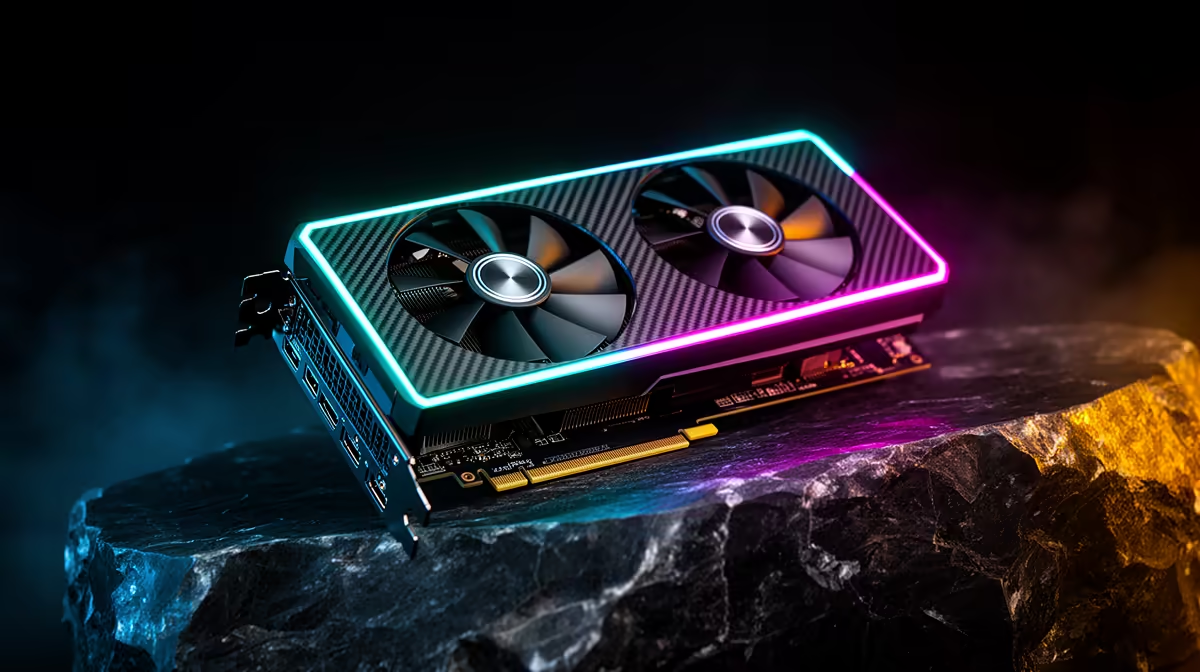
If your workflow involves AI upscaling photos or denoising rendered scenes, the graphics card you choose is not a minor detail, it is the whole game. The fastest hardware-accelerated path for both jobs is NVIDIA's OptiX, and OptiX runs only on RTX cards with dedicated Tensor cores. For South African creators chasing the best GPU for AI upscaling and denoise, that narrows the field cleanly: any RTX card from the RTX 4060 upward, sourced locally, gets you into the OptiX pipeline.
Quick Answer
The best GPU for AI upscaling and denoise is any NVIDIA RTX card, because OptiX-accelerated denoising and Tensor core upscaling are exclusive to RTX hardware. South African buyers can start at the RTX 4060 and scale up by VRAM and Tensor core count. OptiX can cut render denoise time from minutes to seconds and reduce overall render time by 50 to 70 percent.
Why OptiX needs RTX Tensor cores
OptiX is NVIDIA's AI denoiser, and it does its work on the Tensor cores built into every RTX GPU. Those cores are purpose-built matrix-maths units that run the trained denoising and upscaling models far faster than general shader cores ever could. Without them, the OptiX path simply is not available, which is why a non-RTX card, however capable in raster gaming, cannot accelerate this work.
The payoff in a rendering workflow is large. Because the denoiser reconstructs a clean image from a noisy, low-sample render, you can stop a render far earlier and let OptiX finish the job, cutting render time by 50 to 70 percent. The same Tensor cores power NVIDIA's video super-resolution, which upscales lower-resolution footage toward 4K in seconds rather than minutes.
Matching the card to the work
Entry tier: RTX 4060 and similar
The RTX 4060 is the sensible floor for AI upscaling and denoise. It carries current-generation Tensor cores that are faster than the previous generation's, and it brings AI denoise processing down from minutes to seconds on typical scenes. For photographers running batch AI noise reduction or hobbyist 3D artists, it is enough to transform a slow workflow into an interactive one.
Mid tier: more VRAM, more Tensor throughput
Step up and the gains come from two places: more Tensor cores to run the AI models faster, and more VRAM to hold larger scenes, higher-resolution textures and bigger upscaling jobs without spilling to system memory. This is the tier most serious freelancers and content creators settle into, because it comfortably handles 4K upscaling and complex render denoising.
High tier: heavy rendering and large models
At the top, the extra VRAM and compute matter most for professional rendering, large AI upscaling batches and anyone combining denoise with other GPU-accelerated AI tools. If your scenes are large or your output resolution is high, the headroom here is what keeps the workflow smooth.
VRAM is the quiet decider
For AI upscaling specifically, video memory often matters more than raw core count, because upscaling a large image or a long clip needs somewhere to hold all that data. If you regularly work at 4K or batch-process many files, prioritise a card with more VRAM even within the same tier. You can compare memory and Tensor configurations across the AI PC range at Evetech, which groups the machines built for exactly this kind of work.
Software That Puts the Tensor Cores to Work
The hardware is only useful with software that actually calls the OptiX and Tensor core pipeline. For SA creators, the most common tools are Blender, Topaz AI Suite, and DaVinci Resolve.
Blender's OptiX backend is the most widely used RTX-accelerated denoiser in 3D work. Switch the denoiser in Render Properties to OptiX and every frame passes through the Tensor core pipeline, cutting the sample count you need for a clean render by 50 percent or more. The speed gain depends on scene complexity, but on an RTX 4060 a denoise-heavy sequence that previously took minutes per frame can drop to seconds.
Topaz Photo AI and Topaz Video AI are the go-to for photographers and video editors who want AI-powered noise reduction and upscaling without 3D rendering knowledge. Both tools use the GPU's Tensor cores for their upscaling models. On an RTX 4060 the Topaz Video AI benchmark shows roughly a 4x speed improvement over a CPU-only baseline for 1080p upscaling, and higher VRAM cards handle 4K batch processing without the stalling that plagues 8GB cards on larger files.
DaVinci Resolve uses its Magic Mask and Super Scale tools on the GPU, and while it does not expose OptiX directly, its GPU-accelerated AI tools benefit from the same Tensor core throughput. If Resolve is central to your workflow, prioritising Tensor core count alongside VRAM is the right call.
Sourcing RTX in South Africa
The good news for local creators is that the full RTX line is available domestically, so there is no need to weigh imports or grey-market risk. To get a feel for which cards are in demand and stocked right now, the GPU best sellers at Evetech are the fastest read on what other South African buyers are putting in their machines.
Frequently Asked Questions
Do I need an RTX card for OptiX denoising?
Yes. OptiX denoising runs on Tensor cores, and Tensor cores are exclusive to NVIDIA RTX GPUs. A non-RTX card, even a strong one, cannot use the OptiX pipeline, so RTX is a hard requirement for this specific acceleration.
Is the RTX 4060 enough for AI upscaling and denoise?
For most photographers and hobbyist 3D artists, yes. The RTX 4060 has current-generation Tensor cores and brings denoise times down from minutes to seconds. Heavier 4K work and large render scenes benefit from a card with more VRAM and Tensor throughput.
Does more VRAM help with AI upscaling?
It does, often more than extra cores at the same tier. Upscaling large images or video clips needs memory to hold the data, so if you work at 4K or batch many files, a card with more VRAM keeps the job in fast memory instead of spilling and slowing down.
How much faster is OptiX than rendering without it?
In rendering workflows, OptiX can reduce overall render time by roughly 50 to 70 percent, because it lets you render at lower sample counts and reconstructs a clean image. On individual denoise passes that can mean dropping from minutes to seconds.
Can these GPUs upscale video as well as images?
Yes. The same Tensor cores that power image denoise also drive NVIDIA's RTX video super-resolution, which upscales lower-resolution video toward 4K. So a single RTX card covers both still-image and video upscaling work.
AI upscaling and denoise live or die on Tensor cores, and that means RTX. Browse the AI PC range at Evetech to find an RTX system sized to your scenes, your resolution and your budget.