Quick Answer
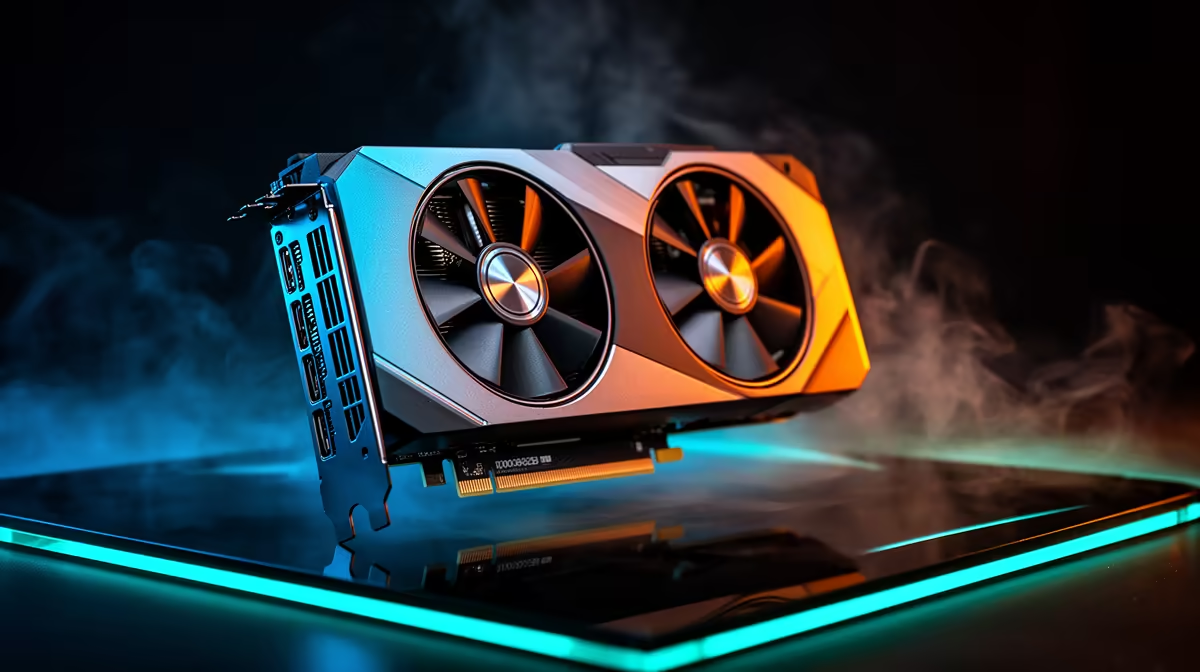
For Dragon Age: The Veilguard at 1440p, the best SA value target is RX 7800 XT 16GB or RTX 4070 Super 12GB. That class usually lands in a cautious R12,000-R18,000 GPU band and should aim for 80-105 fps at 1440p High, making it stronger than buying the cheapest 8GB card and lowering textures immediately.
GPU Tier To Start With
Use the monitor as the filter. For 1080p, RTX 4060 or RX 7600 can make sense; for 1440p, move toward RTX 4070 Super, RX 7800 XT, RX 7900 GRE, or a 16GB card when the price gap is fair. At 1440p, VRAM matters because high textures and large scenes can push past 8GB, so 12GB is workable and 16GB is the comfort target.
What The Budget Question Really Means
A R20,000 budget should not all go into the graphics card unless the rest of the PC is already strong. Keep room for a Ryzen 5 7600 or Core i5-class CPU, 32GB RAM, a 1TB NVMe SSD, and a quality 650W-750W PSU. For South African buyers using a 144Hz or 165Hz monitor, steady 1% lows matter more than one peak fps number.
Settings And Performance Targets
Start with High textures, medium-to-high shadows, and upscaling only where the game is heavy. Dragon Age: The Veilguard should feel good when the GPU holds the chosen refresh target without fans running flat out. If the PC is in a warm Gauteng or Durban room, case airflow and a clean fan curve can protect boost clocks during long sessions.
FAQ
Is 8GB VRAM enough for Dragon Age: The Veilguard at 1440p?
8GB can work at 1080p and lighter settings, but 12GB or 16GB is the safer buy for 1440p textures and newer patches. Choose more VRAM when the price gap is modest.
Should I buy a faster CPU before the GPU for Dragon Age: The Veilguard?
For this type of gaming upgrade, the GPU normally drives the biggest fps gain at 1440p and 4K. A Ryzen 5 7600, Core i5, or better CPU is enough for a balanced build unless you also stream or play CPU-heavy sims.
What should I check before ordering in South Africa?
Check GPU length, PSU wattage, PCIe power cables, monitor refresh rate, and local warranty support. Also confirm the case has enough airflow for summer room temperatures.
Pro Tip
Dragon Age: The Veilguard, shortlist one 12GB option and one 16GB option, then compare the price gap against your actual 1440p monitor before ordering.