

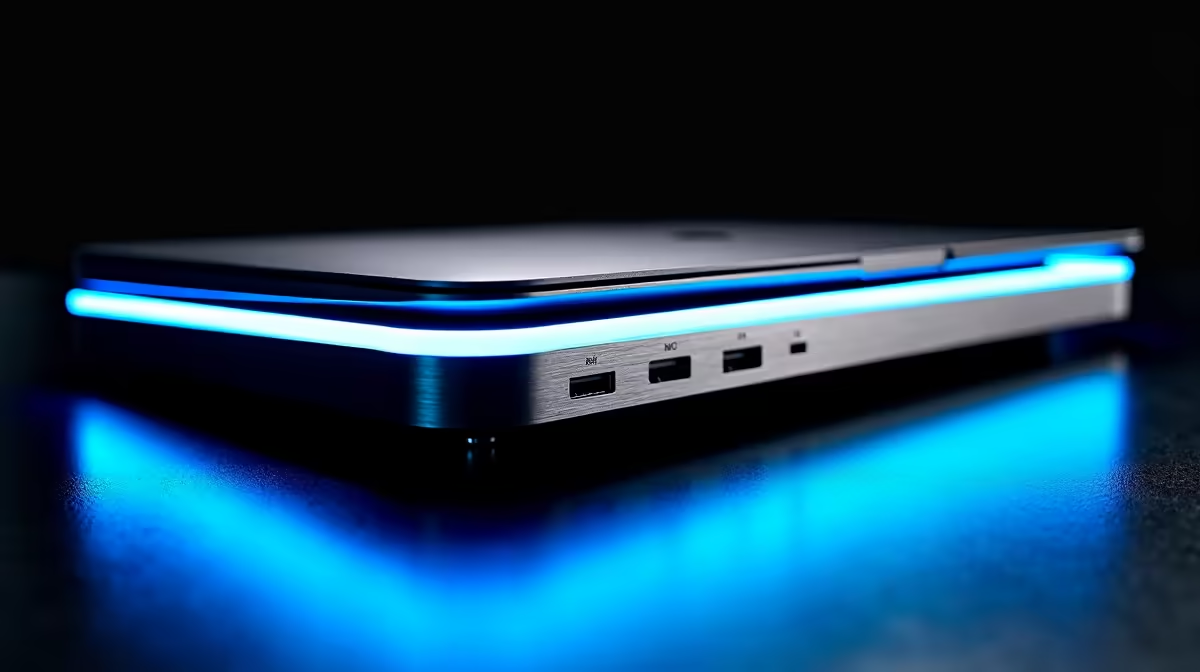
Tired of that tangled mess of cables every time you move your laptop? From your home office to your gaming battlestation, the constant plug-and-play shuffle is a real productivity killer. What if one single cable could connect you to multiple monitors, your keyboard, mouse, and even charge your device? ⚡ That's the power of the best laptop docking stations, designed to turn your portable rig into a full-blown desktop command centre instantly.
Why a Laptop Docking Station is Your Setup's Unsung Hero
Let's be honest, modern laptops are sleek but often skimp on ports. A good laptop docking station solves this elegantly. It's a central hub that bridges the gap between portability and performance, decluttering your desk and streamlining your workflow.
Imagine coming home, dropping your laptop onto your desk, and connecting just one USB-C or Thunderbolt cable. Instantly, your dual monitors, mechanical keyboard, gaming mouse, and headset spring to life. Your laptop starts charging, and you're connected to a stable, wired internet connection. That’s not a futuristic dream; it’s what a quality dock delivers. It makes switching between a mobile setup and a full-featured desk experience completely seamless.
Choosing the Best Laptop Docking Station for You
Finding the right dock isn't just about adding more ports; it's about getting the right ports for your specific needs. Before you browse Evetech's wide range of docking stations, let's break down the key features to look for.
Key Features to Check
- Connectivity (Ports): How many monitors do you run? Do they use HDMI or DisplayPort? Make a list of your essential peripherals: USB-A for your mouse and keyboard, an SD card reader for your camera, and an Ethernet port for lag-free gaming. The best laptop docking stations offer a versatile mix.
- Power Delivery (PD): A dock with Power Delivery can charge your laptop through the same USB-C cable that transmits data and video. Check the wattage (e.g., 65W, 90W) to ensure it's enough to power your specific laptop model while under load.
- Compatibility (Thunderbolt vs. USB-C): While they use the same connector, Thunderbolt offers significantly more bandwidth (up to 40Gbps) than standard USB-C. This is crucial for driving multiple 4K monitors or connecting high-speed external SSDs. Always check what your laptop supports.
Pro Tip: Check Your Port! 🔧
Not all USB-C ports are created equal. Look for a lightning bolt symbol (⚡) next to your laptop's port for Thunderbolt compatibility, or a DisplayPort symbol (D) for video output. If it's just a standard USB symbol, it might only support data transfer and charging, which limits your docking station options.
Finding Your Perfect Match in South Africa
Now for the fun part: picking your gear. Your budget plays a big role, but you don't have to break the bank to get a fantastic setup.
For everyday productivity and single-monitor gaming setups, you can find excellent and affordable docking stations under R1000 that will handle all your essentials. These are perfect for creating a clean and efficient workspace.
If you're a power user, content creator, or a gamer running a multi-monitor beast of a setup, investing a bit more is worthwhile. You'll find powerful options under R2000 with higher power delivery and more video outputs. Brands like Promate offer trusted solutions that balance features and reliability. Ultimately, the best laptop docking station is the one that fits your workflow perfectly. ✨
Unlock Your Laptop's True Potential Ready to declutter your desk and create the ultimate one-cable setup? Explore our curated selection of the best laptop docking stations in South Africa and find the perfect hub for your needs.











